
Search and Sections
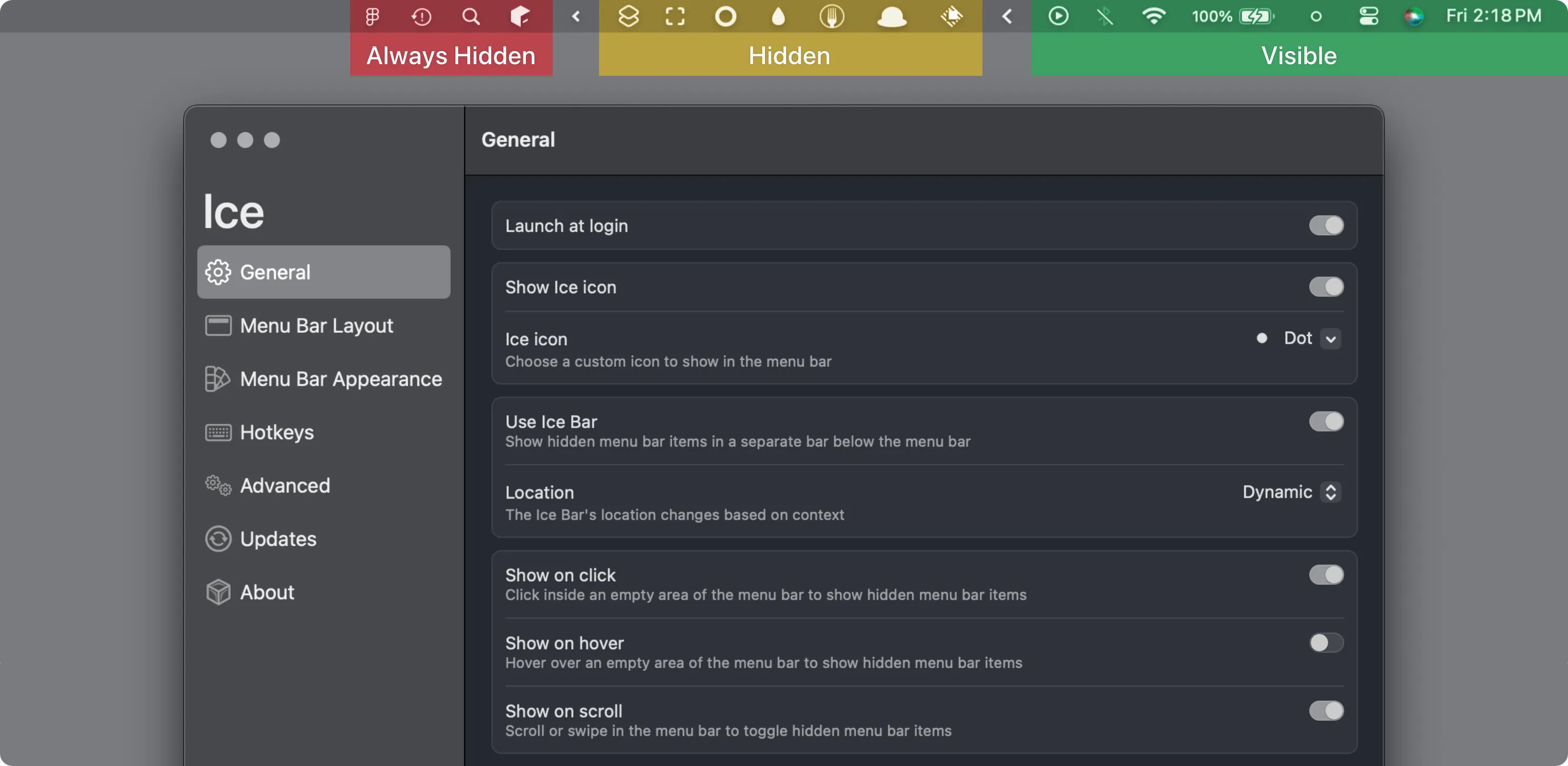
Ice
Hiding items in visible, hidden and always-hidden sections, with keyboard search.
The Catch The latest stable release is from October 2024, and it requires macOS 14 or later.
Hidden Bar alternatives for Mac add what it lacks: Ice and SaneBar search menu bar items, Thaw adds triggers, Vanilla keeps one toggle, and Bartender automates.
Hidden Bar hides less-used menu bar icons behind a divider and reveals them with one click. It is free and open source, supports keyboard shortcuts and auto-hide, and requires macOS 13 or later.
Hidden Bar has no item search, always-hidden section, appearance customization or advanced automation. Look elsewhere when one divider is not enough for the number of items, or when the layout should change with context.
Search and Sections
Hiding items in visible, hidden and always-hidden sections, with keyboard search.
The Catch The latest stable release is from October 2024, and it requires macOS 14 or later.
Profiles and Triggers
Organizing items with profiles, groups and automatic triggers on macOS 26.
The Catch Stable Thaw 2 requires macOS 26; macOS 14 and 15 need an older Thaw 1 release.
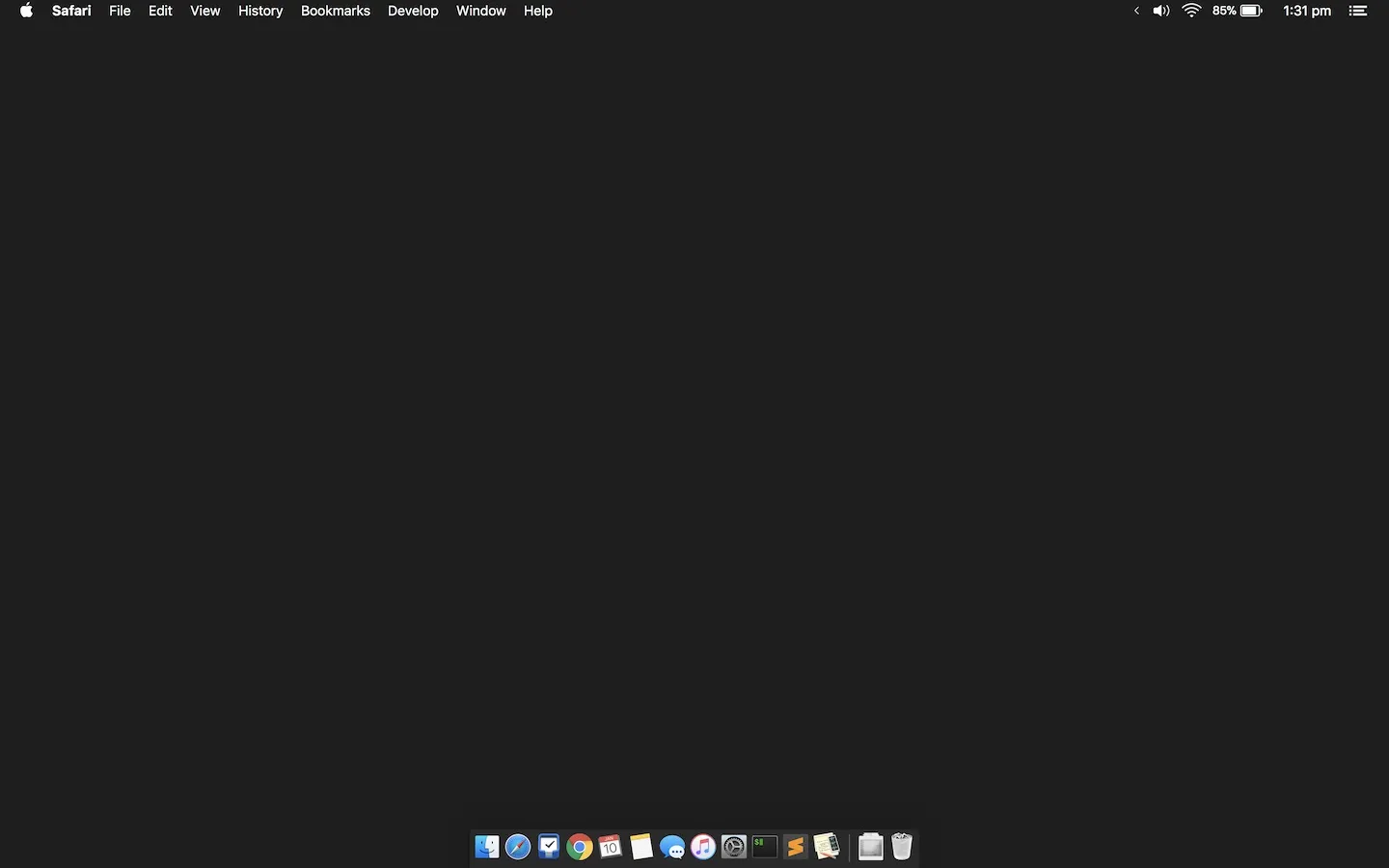
Another Simple Toggle
Straightforward hiding and revealing of menu bar icons.
The Catch Keyboard shortcuts and auto-hide require the $10 Pro upgrade, and it needs Screen Recording permission.

Privacy Controls
Searching menu bar items and locking sensitive icons behind Touch ID.
The Catch It runs only on Apple Silicon and does not hide icons on macOS 27.
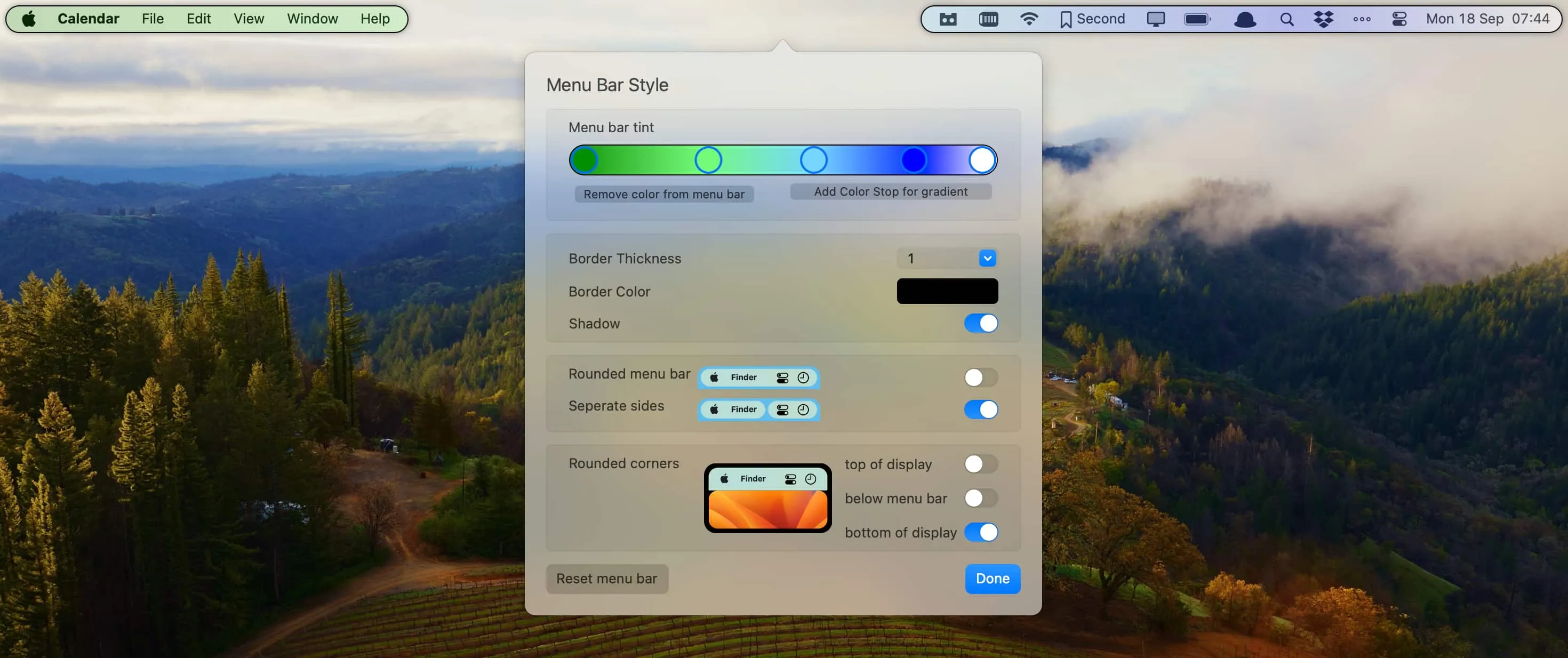
Paid Automation
Context-aware layouts with presets, triggers and AppleScript automation.
The Catch It is paid, and its configuration is more complex than basic show/hide tools.
| App | Best For | Price | The Catch |
|---|---|---|---|
| Ice | Hiding items in visible, hidden and always-hidden sections, with keyboard search. | Free | The latest stable release is from October 2024, and it requires macOS 14 or later. |
| Thaw | Organizing items with profiles, groups and automatic triggers on macOS 26. | Free | Stable Thaw 2 requires macOS 26; macOS 14 and 15 need an older Thaw 1 release. |
| Vanilla | Straightforward hiding and revealing of menu bar icons. | Free · Pro $10 | Keyboard shortcuts and auto-hide require the $10 Pro upgrade, and it needs Screen Recording permission. |
| SaneBar | Searching menu bar items and locking sensitive icons behind Touch ID. | Free | It runs only on Apple Silicon and does not hide icons on macOS 27. |
| Bartender | Context-aware layouts with presets, triggers and AppleScript automation. | Paid | It is paid, and its configuration is more complex than basic show/hide tools. |
These comparisons use the linked directory entries, not a new hands-on test. Confirm current pricing, requirements and release status with each developer. Missing facts are marked “Not Listed.”
Ice has a keyboard search for menu bar items. SaneBar opens Power Search with an Option-click, including items hidden behind the notch.
The free version shows and hides icons. Keyboard shortcuts and auto-hide require Vanilla Pro, a $10 one-time purchase.
Ice, Thaw and SaneBar are free and open source. Vanilla and Bartender are closed source.
Hidden Bar 1.10 is the last release for macOS 10.13 to 12. Vanilla requires macOS 12.4 or later, and Ice requires macOS 14 or later.