
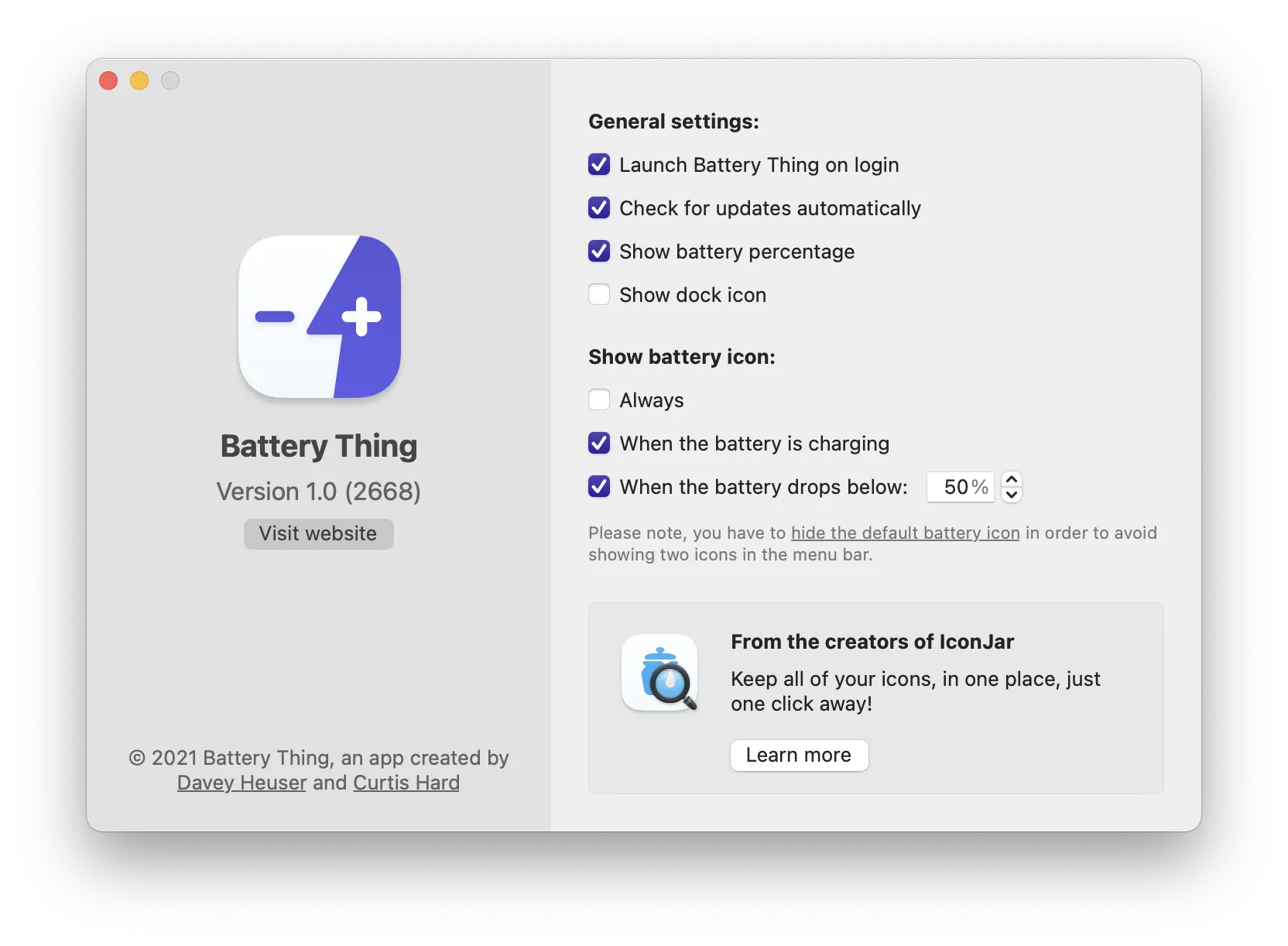
Battery Thing provides control over the Mac’s battery icon visibility while consolidating battery status information for the Mac and connected Bluetooth devices into a single menu bar interface. The app allows users to show or hide the system battery icon with a single click from the dropdown menu.
The primary feature enables toggling the Mac’s built-in battery icon visibility on demand, addressing the common desire to reduce menu bar clutter while maintaining access to battery information when needed. Beyond icon control, the app displays charge levels for all connected Bluetooth Apple devices—AirPods, Magic Trackpad, Magic Keyboard, iPhone, and Apple Watch—in a unified list with percentage indicators.
Battery health monitoring tracks the Mac’s battery condition, cycle count, and charging status. The information appears in a clean interface that adapts to dark mode and uses native macOS styling. Responses are instant with no lag or loading delays.
The app comes from Guilherme Rambo and Curtis Hard, developers known for IconJar, demonstrating expertise in Mac software design principles.
System requirements: macOS 11 (Big Sur) or later. Uses minimal system resources while idling in the menu bar.
Pricing: €2.49 (approximately $2.50) for a lifetime license. A free 30-minute trial is available. Also accessible through Setapp subscription.
Limitations: The app does not support custom notification thresholds for low battery alerts on Bluetooth devices. It displays current status only—users who need alerts when connected devices reach specific charge levels will need a different solution.
Alternatives: coconutBattery provides more detailed battery analytics and health history. AirBuddy offers advanced Bluetooth device management with notification features. The built-in macOS Battery menu provides basic status without the icon visibility toggle.
Suitable for users managing multiple Apple accessories who want consolidated battery status information and the ability to toggle the Mac’s battery icon visibility without navigating System Settings.


