
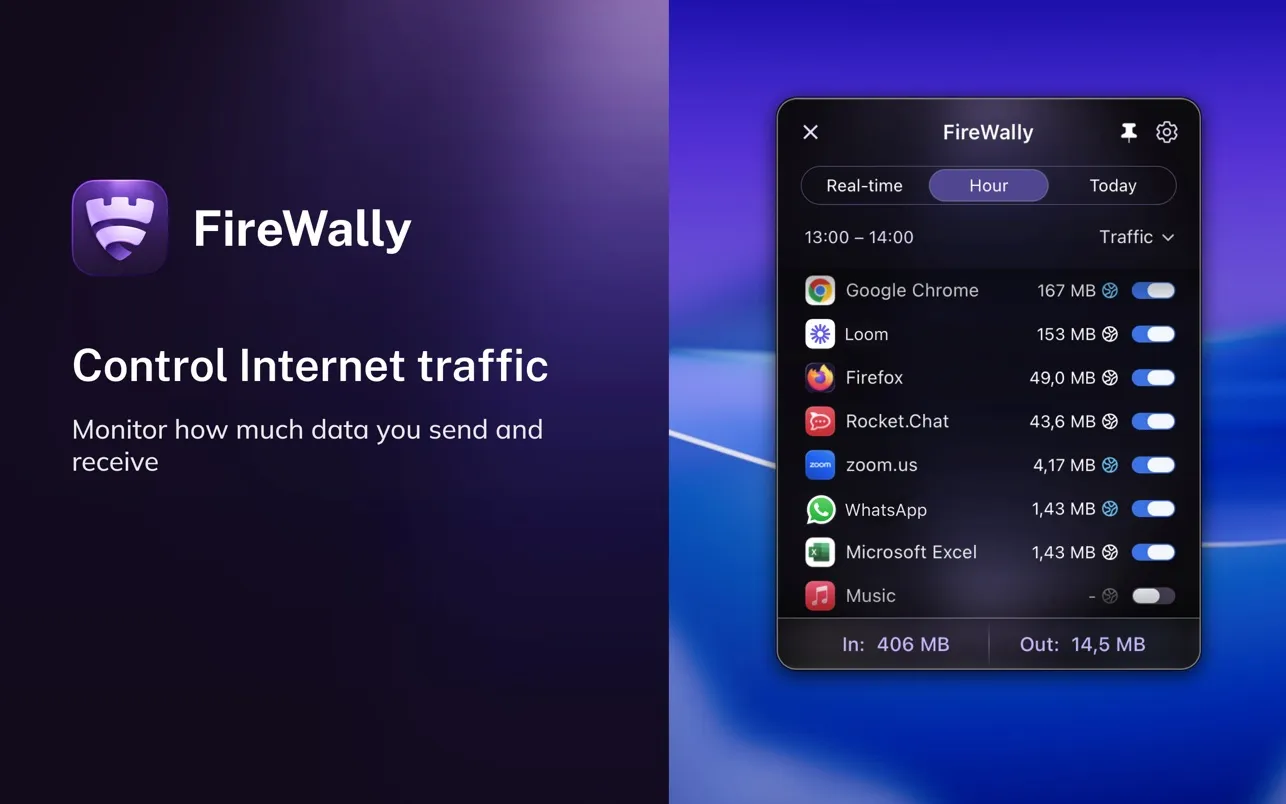
FireWally provides real-time network monitoring from the macOS menu bar with AI-powered explanations of network activity. Developed by Nektony LLC, the app shows which applications are connecting to the internet, what domains they contact, and how much data they transfer.
The standout feature is Apple Intelligence integration, which translates cryptic domain names and IP addresses into plain-language descriptions. When an app connects to a particular domain, FireWally explains what that service is and why the app might be using it, bridging the gap between technical network data and accessibility for non-technical users.
The menu bar interface displays a list of apps currently accessing the network with separate counters for inbound and outbound traffic. Users can drill down into any app to view connection history, traffic statistics for the past hour or current day, and specific servers contacted. Blocking unwanted connections requires a single click.
The app follows macOS design patterns with light and dark mode support. It supports ten languages beyond English, including French, German, Spanish, Russian, and Simplified Chinese.
FireWally states it only counts traffic volume and never reads actual data content, addressing privacy concerns inherent to network monitoring tools.
System requirements: macOS 13.0 or newer. App size is 17 MB.
Pricing: Free with no ads or in-app purchases.
Limitations: Provides application-level blocking rather than fine-grained per-domain control. Users accustomed to advanced firewall tools will find the rule configuration more basic. Network monitoring requires system permissions that some users may find extensive. Limited to monitoring and simple blocking rather than complex firewall policies.
Alternatives: Little Snitch (comprehensive firewall with granular control, paid), LuLu (free, open-source firewall), Radio Silence (simple app blocking, paid), Vallum (application firewall, paid).
Suitable for users who want visibility into application network activity without requiring networking expertise, or those seeking a free, accessible alternative to complex firewall tools.



