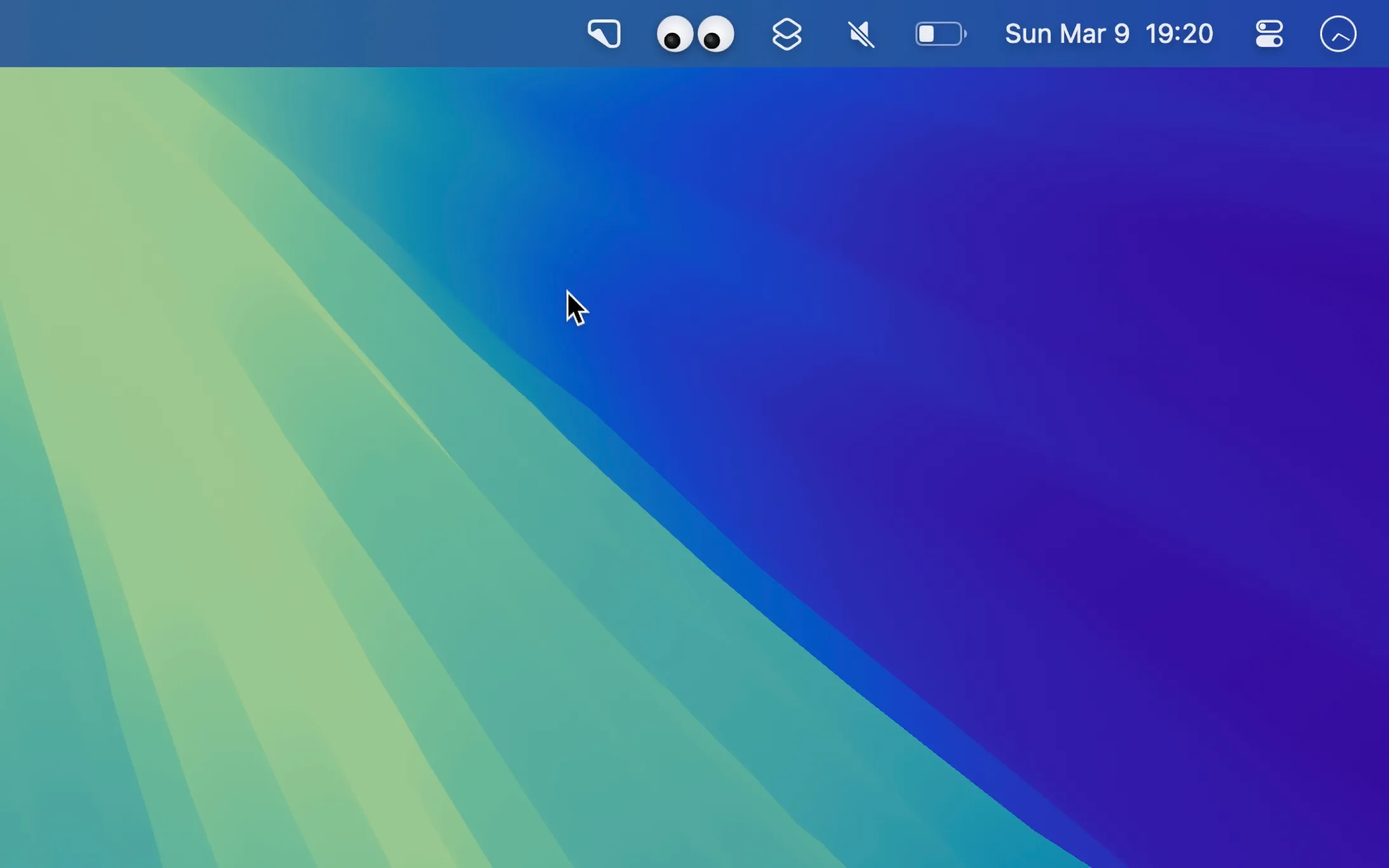
Googly Eyes by Sindre Sorhus places animated cartoon eyes in the Mac menu bar that track cursor movement and blink on clicks. The app serves purely as a whimsical desktop companion with no productivity features or configurable settings.
The animation quality demonstrates careful attention to detail. Eye movements track the cursor smoothly with natural blink timing, and pupils dilate slightly during fast cursor movements. Despite the constant animation updates, the app maintains minimal resource usage with negligible CPU and memory impact.
Installation is available through two channels: the Mac App Store or direct download from the developer’s website. The direct download version typically receives updates faster than the App Store version due to bypassing the review process. Both versions are free with no in-app purchases.
System requirements
- macOS 15 (Sequoia) or later
- Compatible with Apple Silicon and Intel Macs
Limitations
- On MacBooks with notches, the eyes may hide behind the notch area when other apps expand their menu bar items
- No customization options for eye appearance, size, or behavior
- Constant menu bar redraws may affect battery life on older machines, though impact is typically undetectable on Apple Silicon
- Provides no functional utility beyond visual entertainment
Alternatives
- Runcat - Animated menu bar pet that displays CPU usage through running speed
- Custom menu bar widgets through BetterTouchTool for animated indicators with functional data
Suitable for users who want to add personality to their Mac desktop and appreciate subtle whimsy during work sessions without any productivity expectations.


