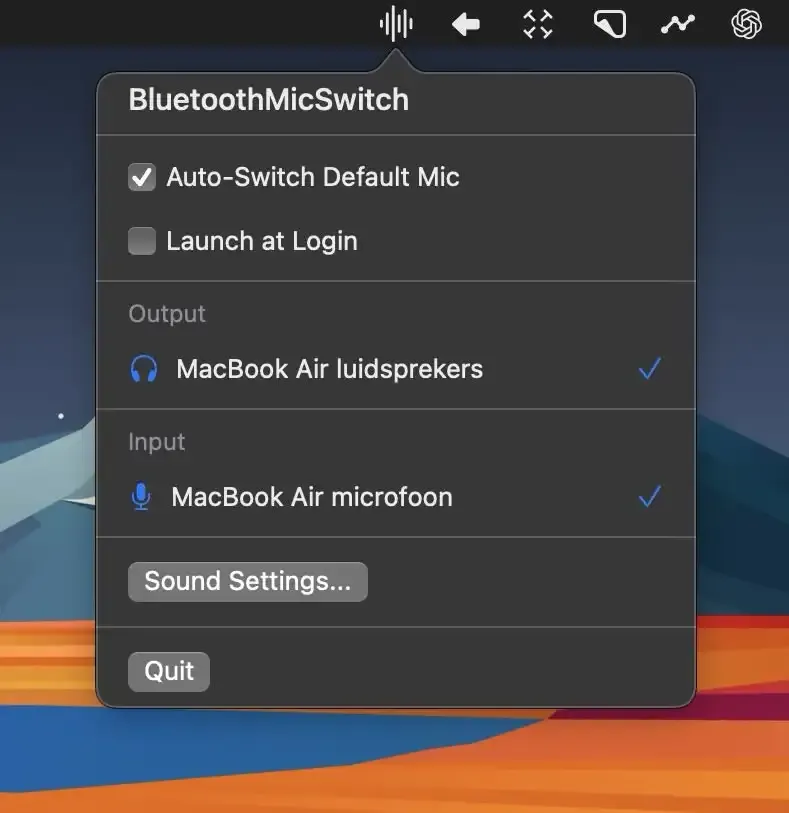
Call Audio
Bluetooth Mic Switch
Switching to the built-in microphone when Bluetooth headphones connect.
The Catch The built-in microphone can pick up room noise.
macOS drops Bluetooth to a bad codec when the mic is in use. AirBuddy, Sharptooth, Bluesnooze, and Bluetooth Mic Switch each fix a different failure.
Call Audio
Switching to the built-in microphone when Bluetooth headphones connect.
The Catch The built-in microphone can pick up room noise.
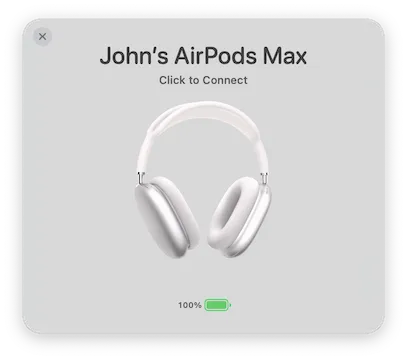
Apple Devices
Connecting and monitoring nearby AirPods and Apple accessories.
The Catch Its value is concentrated on Apple’s accessory ecosystem.
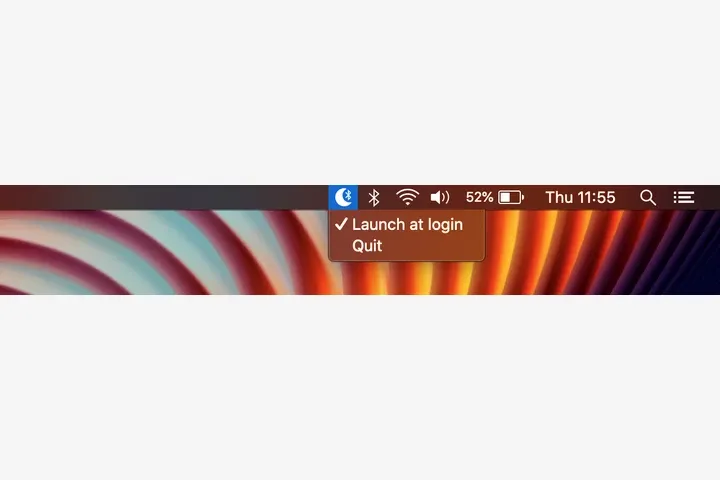
Sleep Behavior
Stopping a sleeping Mac from holding a Bluetooth connection.
The Catch It conflicts with Apple Watch unlock.
| App | Best For | Price | The Catch |
|---|---|---|---|
| Bluetooth Mic Switch | Switching to the built-in microphone when Bluetooth headphones connect. | Free | The built-in microphone can pick up room noise. |
| AirBuddy | Connecting and monitoring nearby AirPods and Apple accessories. | $20 | Its value is concentrated on Apple’s accessory ecosystem. |
| Bluesnooze | Stopping a sleeping Mac from holding a Bluetooth connection. | Free | It conflicts with Apple Watch unlock. |
I joined a call and sounded like a tin can. Someone muted me. I stabbed at Sound settings while the meeting went on. The cause is a known Bluetooth limit: when macOS uses the same link for headphones and microphone, it drops both to a low-quality codec. I did not know that until it happened in front of eight people.
These four apps do not “improve Bluetooth.” Each one owns a different failure.
Bluetooth Mic Switch (Free, open-source) moves input to the Mac’s built-in mic when Bluetooth headphones connect. Headphones stay on the high-quality codec for playback. The trade-off is room noise on the internal mic — fine for standups, worse for a voice recording.
After installing it I have not been asked “can you hear us” for audio quality. It uses almost no CPU and has nothing to configure. This is the one I would install after a single bad call.
AirBuddy ($9.99, or Setapp) is the iOS-style popup on macOS: open the case near the Mac, see battery, connect. Magic Handoff moves the headphones between Macs on the same network without the disconnect-reconnect dance. Battery readouts for AirPods, iPhone, Watch.
If you are not in AirPods-and-two-Macs land, skip it.
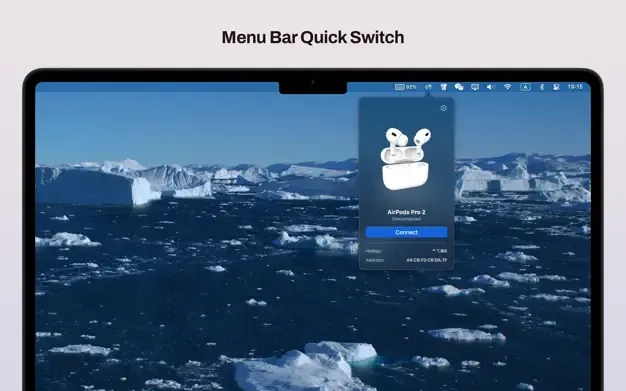
Sharptooth ($4.99) assigns a hotkey to a specific device — Sony headphones, a controller, a third-party keyboard. The popover shows battery and signal. I caught a keyboard at 8% before it died mid-sentence. Past six or eight hotkeys the combinations get silly.

A closed laptop on the desk still woke up onto a speaker and interrupted whatever was playing. Bluesnooze (Free, open-source) turns Bluetooth off on sleep and back on at wake. Launch at login, then ignore it. It uses private APIs, so it conflicts with Unlock with Apple Watch. Pick one. Homebrew: brew install bluesnooze.
Bad call audio: Bluetooth Mic Switch. AirPods hopping machines: AirBuddy. Mixed hardware: Sharptooth. Sleeping Mac vs speaker: Bluesnooze. Combined paid cost is under $15. macOS Bluetooth “mostly works.” These four cover the parts that do not.
Selection notes summarize the linked app entries. Prices, compatibility and release status can change. Open the full review and confirm requirements with the developer before installing.