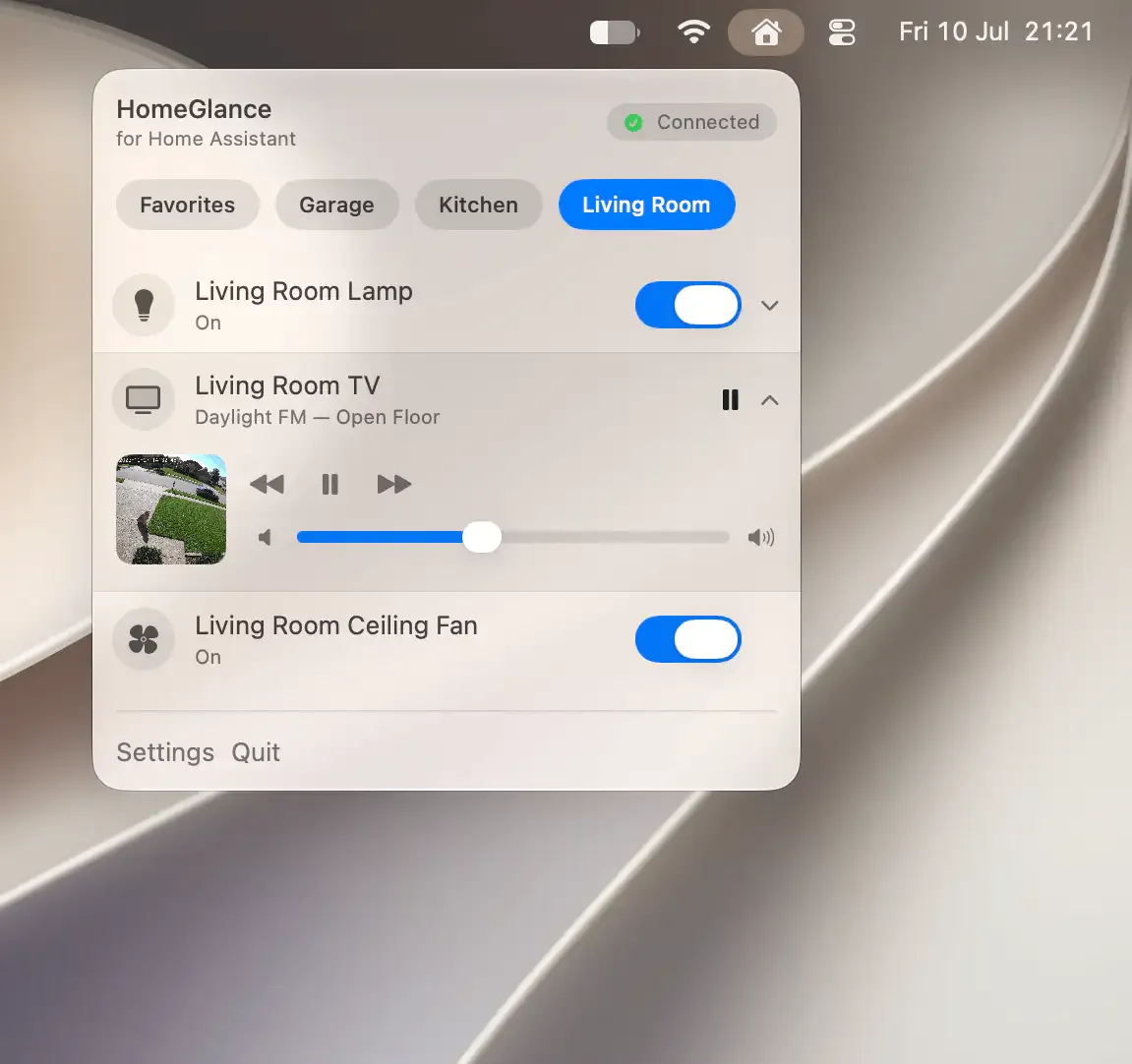
HomeGlance provides menu bar access to Home Assistant smart home devices, enabling control of lights, climate systems, media players, locks, and cameras directly from macOS without opening a browser. (Paid, one-time purchase)
The app surfaces device states in real time, allowing users to see whether lights are on or off, what temperature climate zones are set to, or whether doors are locked. A favorites list can be customized and reordered so the most-used devices appear at the top of the menu. The icon picker includes 90+ SF Symbols for labeling devices clearly.
Device control covers the full range of common Home Assistant entities: toggling lights, adjusting media playback, setting thermostat targets, locking or unlocking doors, and checking camera status. A demo mode allows exploring sample devices without a live Home Assistant server, which is useful for evaluation before purchase.
The app includes an optional login-at-launch feature to ensure the Home Assistant connection is established automatically when the Mac starts, reducing manual reconnection steps.
System requirements: macOS 14.0 (Sonoma) or later. App size is 3.5 MB. An active Home Assistant server is required.
Pricing: Paid, one-time purchase (regional pricing; approximately 29.99 PLN in the Polish App Store).
Limitations: Requires a configured Home Assistant instance — the app does not function standalone. Limited to devices and automations already set up in Home Assistant. Does not support creating or editing automations from the app.
Alternatives: Home Assistant’s official web interface and companion iOS/macOS app provide more complete access. macOS Shortcuts with native HomeKit supports HomeKit-compatible devices without requiring Home Assistant.
Suitable for users running Home Assistant who want quick, lightweight access to frequently used devices without switching to a full browser tab or opening a separate app.


