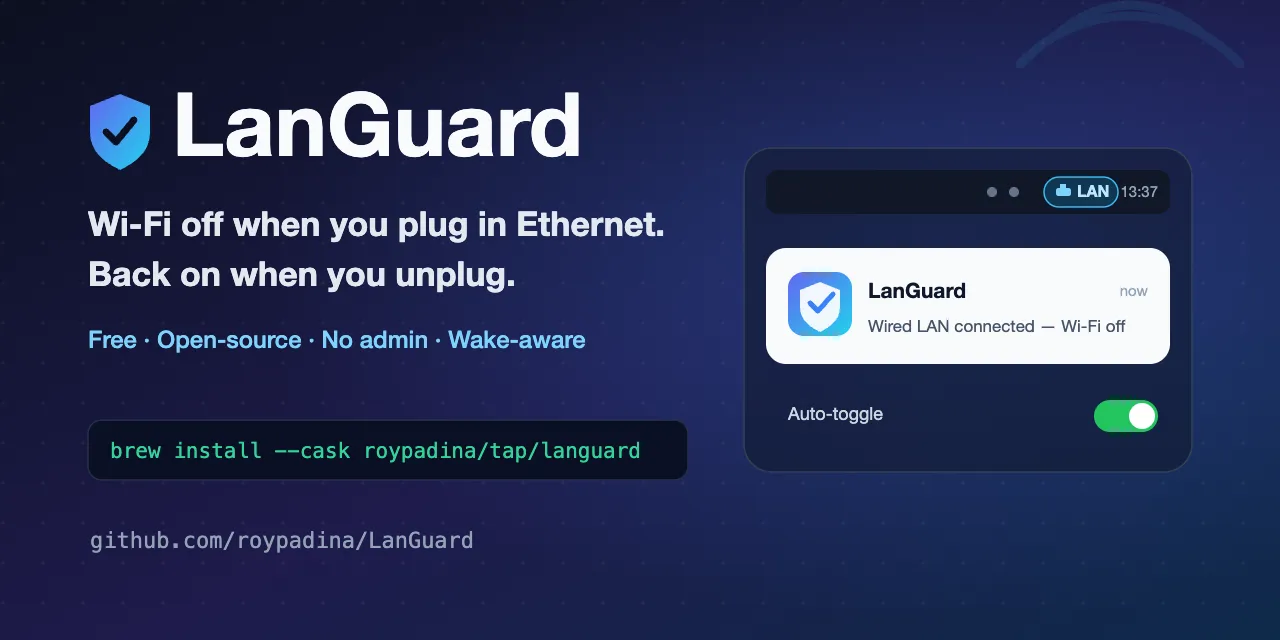
LanGuard is a lightweight macOS menu bar utility that manages Wi-Fi connectivity based on Ethernet adapter status. When a wired connection becomes active, LanGuard disables Wi-Fi; when the cable is removed, Wi-Fi turns back on automatically. (Free, open-source)
The toggling logic operates on edge transitions—plug and unplug events—rather than polling continuously. This means manual Wi-Fi adjustments made between events are respected and not overridden. Users can select which physical network adapters trigger the behavior, and virtual adapters such as VPN tunnels, VM bridges, and Tailscale interfaces are excluded by default.
Wake-aware handling corrects network state after the Mac resumes from sleep. If an Ethernet cable was connected while the Mac was sleeping, LanGuard detects and applies the appropriate Wi-Fi state on wake. Optional banner notifications appear when Wi-Fi toggles, and the menu bar display can be set to icon-only, icon with label, or label-only modes. A master pause control temporarily suspends automatic toggling without uninstalling the app.
The app uses the CoreWLAN and SystemConfiguration frameworks and does not require administrator privileges or elevated permissions. A login item enables automatic startup with self-healing registration to handle macOS approval flows.
System requirements: macOS 14.0 Sonoma or later. Installation via Homebrew or direct download from GitHub Releases. MIT licensed.
Pricing: (Free, open-source)
Limitations: macOS 14 minimum excludes users on Monterey or Ventura. The app is ad-hoc signed rather than notarized, requiring manual Gatekeeper override on first launch. No GUI configuration panel beyond the menu bar settings.
Alternatives: Wireless Diagnostics (built-in macOS tool) provides network diagnostics but no automatic toggling. ControlRoom lacks this specific function. Airport utility addresses different Wi-Fi management tasks. No direct functional equivalent exists in the Mac App Store.
Suitable for users who regularly switch between wired and wireless connections on the same Mac and want automatic management without manual toggling through System Settings.


