
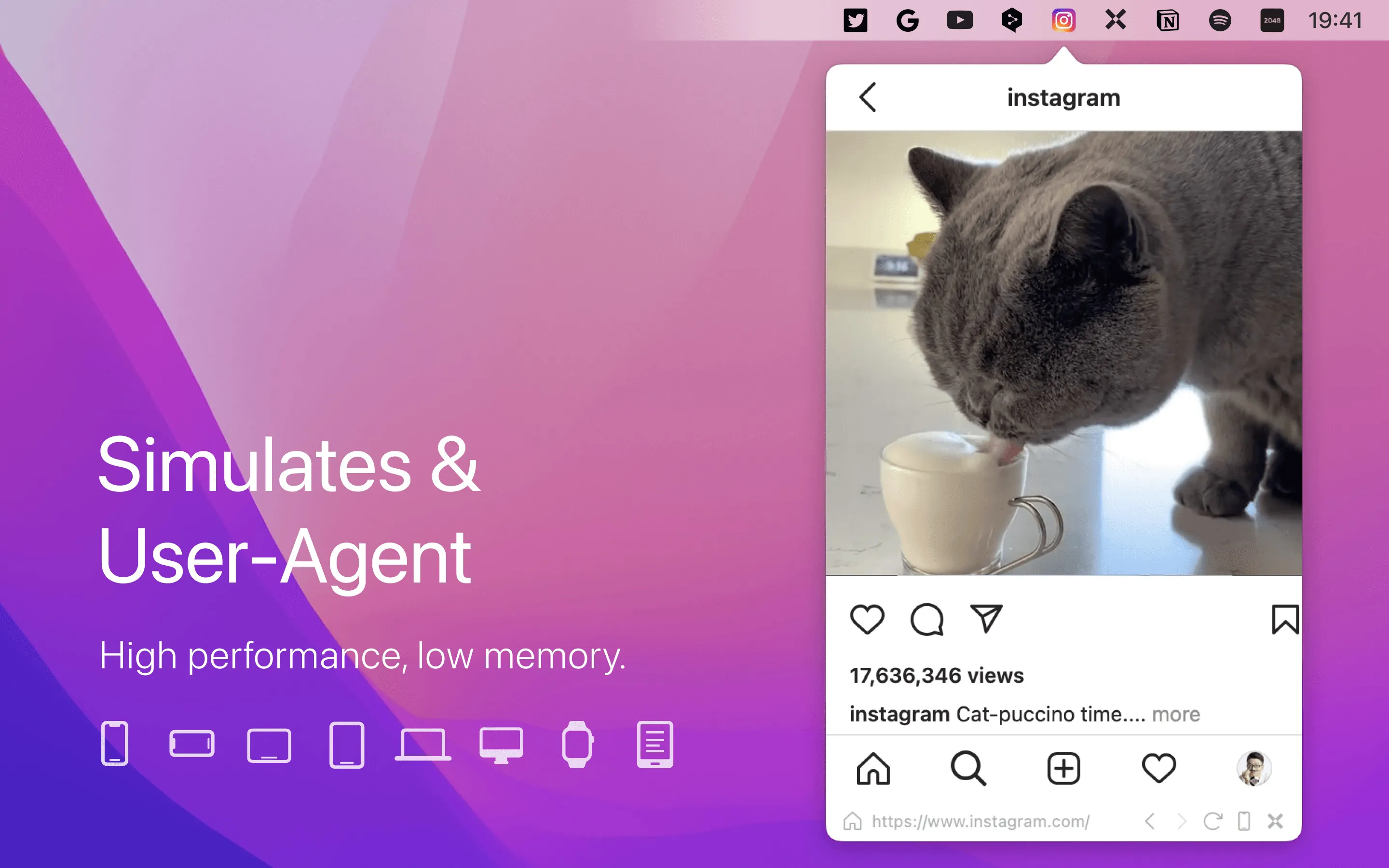
MenubarX transforms the macOS menu bar into a web browsing environment, enabling users to pin websites, run Progressive Web Apps (PWAs), and access bookmarks without opening a full browser or consuming dock space. The app provides a dedicated space for frequently accessed web applications that function like native apps.
Key features include built-in AdBlock for distraction-free browsing, iCloud integration for bookmark and settings synchronization across devices, detachable and resizable windows for expanded viewing, and device simulation for testing responsive designs on iPhone, iPad, and other form factors. User-agent spoofing enables access to sites that might otherwise restrict menu bar browsers.
The app handles Progressive Web Apps effectively. Modern web services offering PWA versions run in MenubarX with near-native application feel, making it suitable for communication tools, monitoring dashboards, and frequently accessed web services without full browser overhead.
MenubarX maintains performance close to a full browser despite the constrained menu bar environment. Multilingual support demonstrates attention to international users. The app has earned a 4.9-star rating with over 15,000 reviews.
Developer 6X Studio offers both free and Pro versions. Pro is available through direct purchase, the Mac App Store, or Setapp subscription. The Pro version unlocks additional features and removes limitations present in the free tier.
The menu bar constraint means MenubarX works best for focused, single-purpose web tools rather than general browsing. Users should evaluate their workflow to determine which web applications benefit most from persistent menu bar access versus traditional browser tabs.
Alternatives include Unite (for creating site-specific browsers as standalone apps), Coherence X (similar site-specific browser functionality), and Fluid (long-standing site-specific browser tool). MenubarX differentiates through its menu bar integration approach rather than dock-based application creation.
Suitable for users who regularly access specific web applications and want them persistently available without browser tab management, particularly developers, digital marketers, and remote workers relying on web-based monitoring and communication tools.


