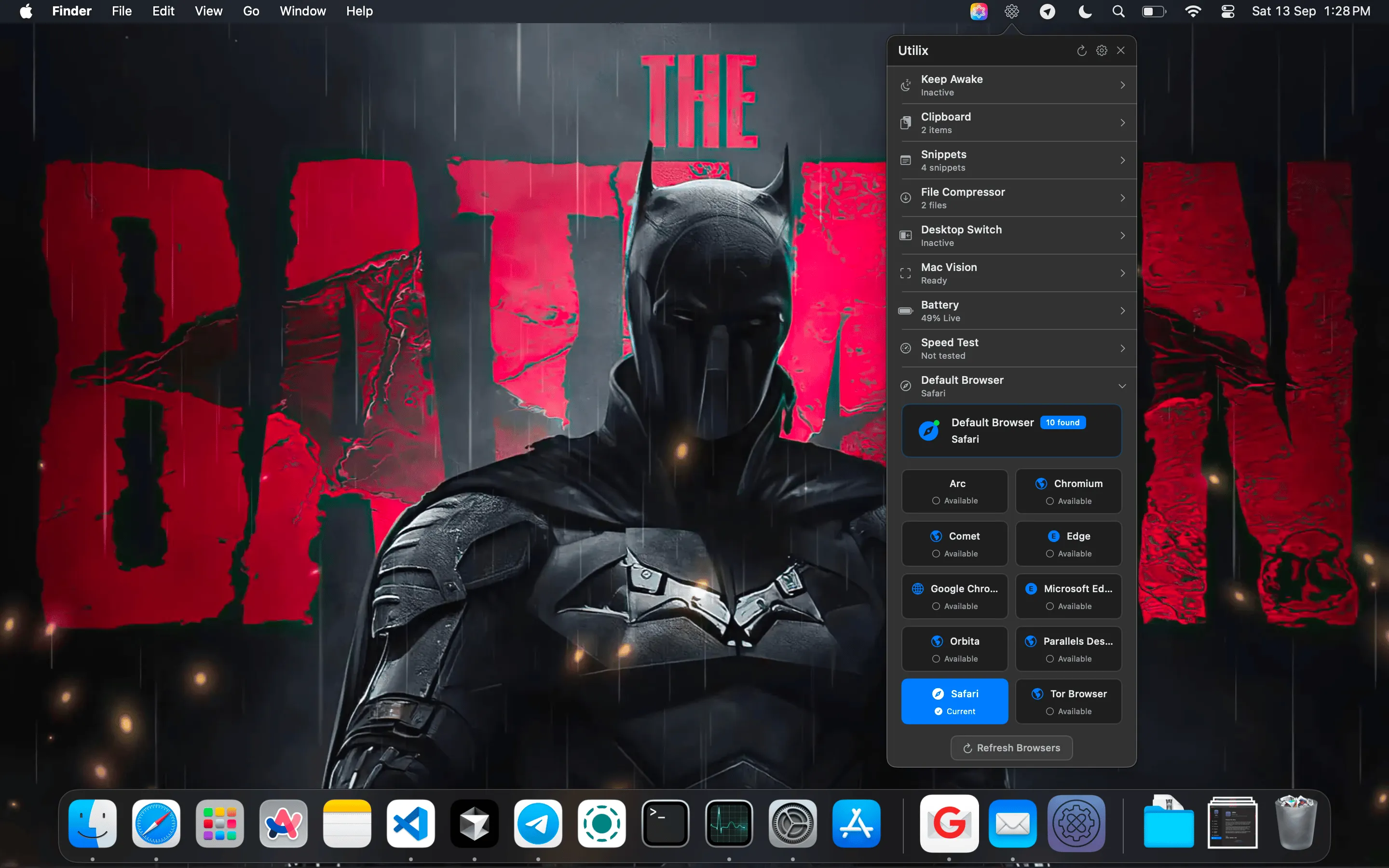
Utilix bundles 15 different utilities into a single menu bar application, offering a consolidated alternative to running multiple single-purpose tools. The interface uses a dual-click expandable design to keep the menu bar organized while providing quick access to all features.
The screen text capture tool uses Apple Vision technology to extract text from anywhere on screen, including locked PDFs, images, and dialog boxes. Clipboard management provides 20-item history with search functionality plus a snippet library for frequently used text. Desktop edge switching allows mouse movement to screen edges to trigger desktop transitions with adjustable visual feedback.
Additional features include Keep Awake functionality (preventing Mac sleep), auto-typing with countdown timer, battery health tracking, network status monitoring, IP detection, speed testing, trash size monitoring, and QR code generation. System monitoring data is accessible from one menu rather than through System Settings.
Performance impact is minimal with approximately 100MB memory usage and 1-2% CPU during normal operation. The app is built natively with Swift and SwiftUI for macOS. All data stays local with no tracking or telemetry, and clipboard data is encrypted locally.
Utilix requires macOS 13 Ventura or later and runs as a Universal Binary on Intel and Apple Silicon Macs. Pricing is $10 (reduced from $20) with a free trial available via DMG download or itch.io.
Limitations include the trade-off inherent to multi-tool apps: none of the 15 features match dedicated alternatives in depth. Maccy or Paste offer more sophisticated clipboard management; CleanShot X provides more annotation options. The dual-click interface requires adjustment, and the additional menu bar icon may not simplify setups already using Bartender or Ice.
Alternatives include individual specialized tools: Maccy (clipboard), CleanShot X (screenshots), Amphetamine (keep awake).
Suitable for users setting up a new Mac who want a solid utility foundation without installing multiple separate apps, or users who prefer consolidation over best-in-class tools for each function.


