
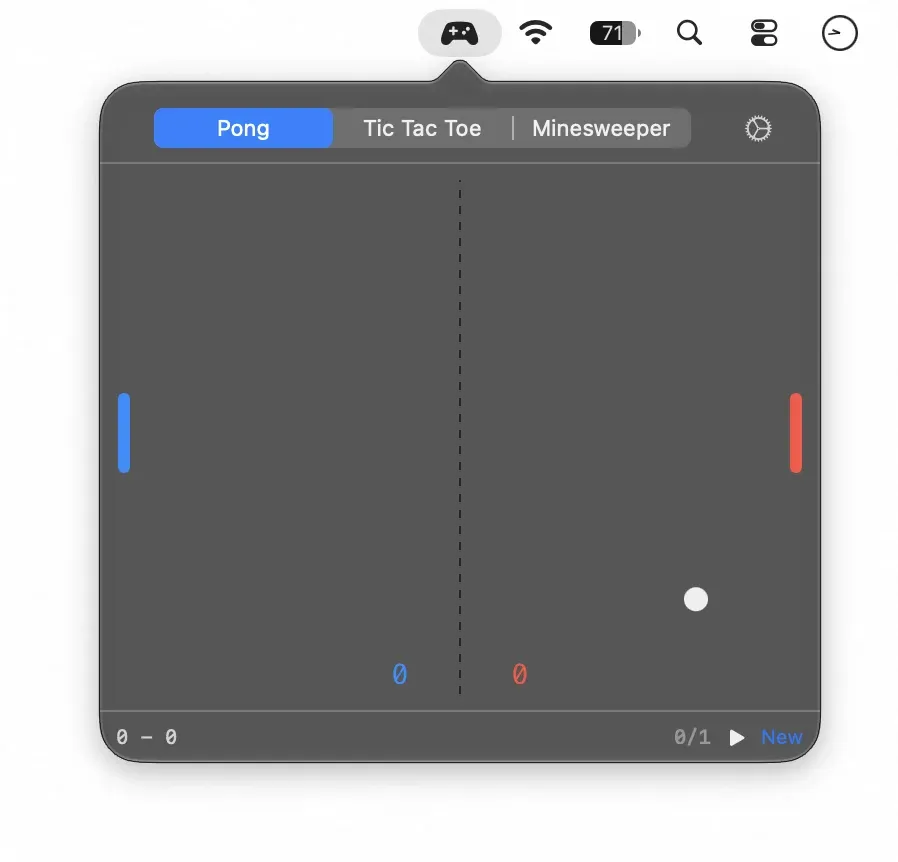
Waiting for AI is a menu bar app that provides three classic mini-games in a compact popover while macOS handles background processes. ($2.99, one-time) Clicking the controller menu bar icon opens Pong, Tic Tac Toe, or Minesweeper; clicking away closes the popover without interrupting the game state.
The app includes three fully playable games. Pong runs against an AI paddle opponent. Tic Tac Toe uses a minimax algorithm for its AI player. Minesweeper generates procedural boards on each new game. All three games run entirely offline with no network calls during gameplay. Space starts a new round in the active game, and each game tab retains its own progress when switching between them mid-match.
The app requires no macOS privacy permissions — no Accessibility, Screen Recording, microphone, or location access. It runs without a Dock icon, has a low memory footprint, and sends no analytics or usage data. Network use is limited to licence activation and update checks at launch.
System requirements: macOS 13 or later. Apple Silicon (M1 or later) only — Intel Macs are not supported. Internet access required on first launch for licence activation.
Pricing: ($2.99, one-time) with a 3-day free trial. Licence key delivered by email after purchase. No subscription.
Limitations: Apple Silicon only, which excludes Intel Mac users. Games do not persist state across app relaunches. The selection of three games covers classic genres but lacks any modern or customizable titles. The app addresses a single niche use case and provides no productivity functionality.
Alternatives: Notchmeister (free) and Notchbar add interactive content to the notch area. PopClip and similar utilities can surface quick-access tools without adding games. For users wanting entertainment rather than productivity, macOS arcade games via Apple Arcade cover a broader range.
Suitable for users on Apple Silicon Macs who experience frequent short waits during development workflows and prefer a focused, offline distraction over switching to a browser or another app.


