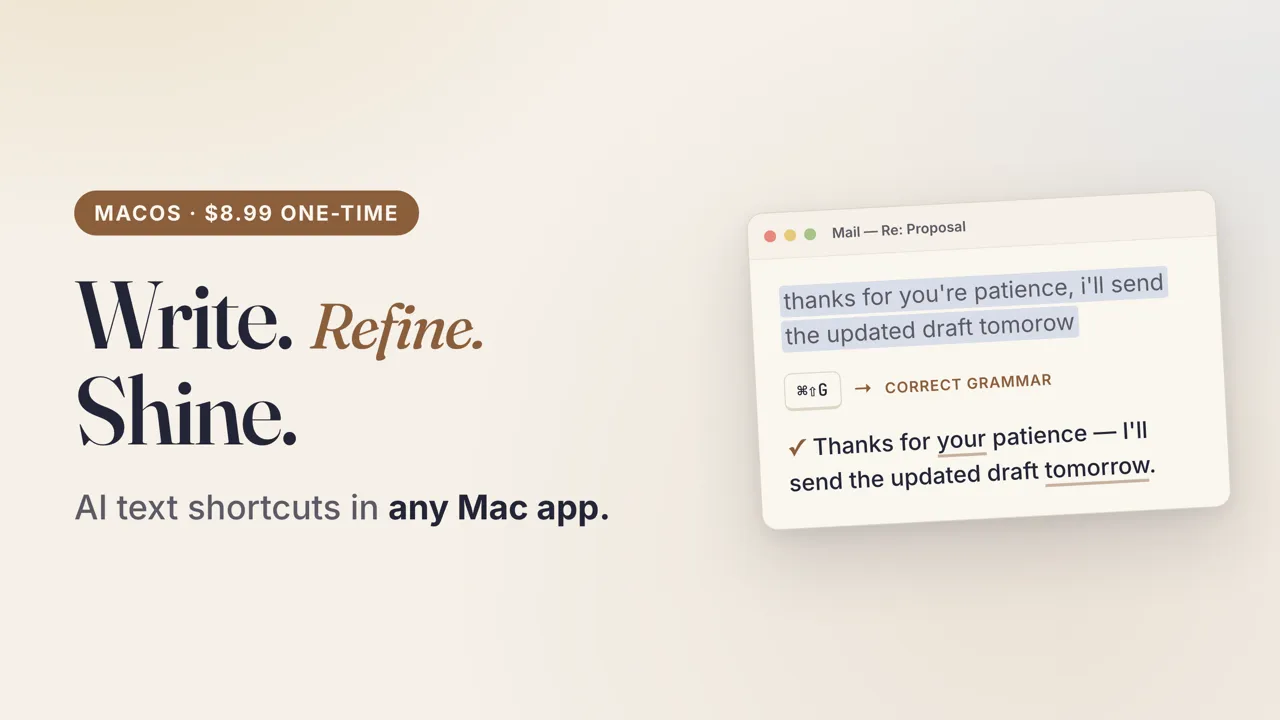
WunderType is a menu bar app for macOS that uses AI to correct and rewrite selected text in any application, activated via a system-wide keyboard shortcut. ($8.99, one-time)
The app works across all text-capable macOS applications including Mail, Slack, Pages, VS Code, Notes, Chrome, and Terminal. Users select text and trigger the shortcut; the selected content is replaced with the AI-processed result in place, without opening a separate window or interrupting clipboard state. Cursor position and app focus are preserved throughout the operation.
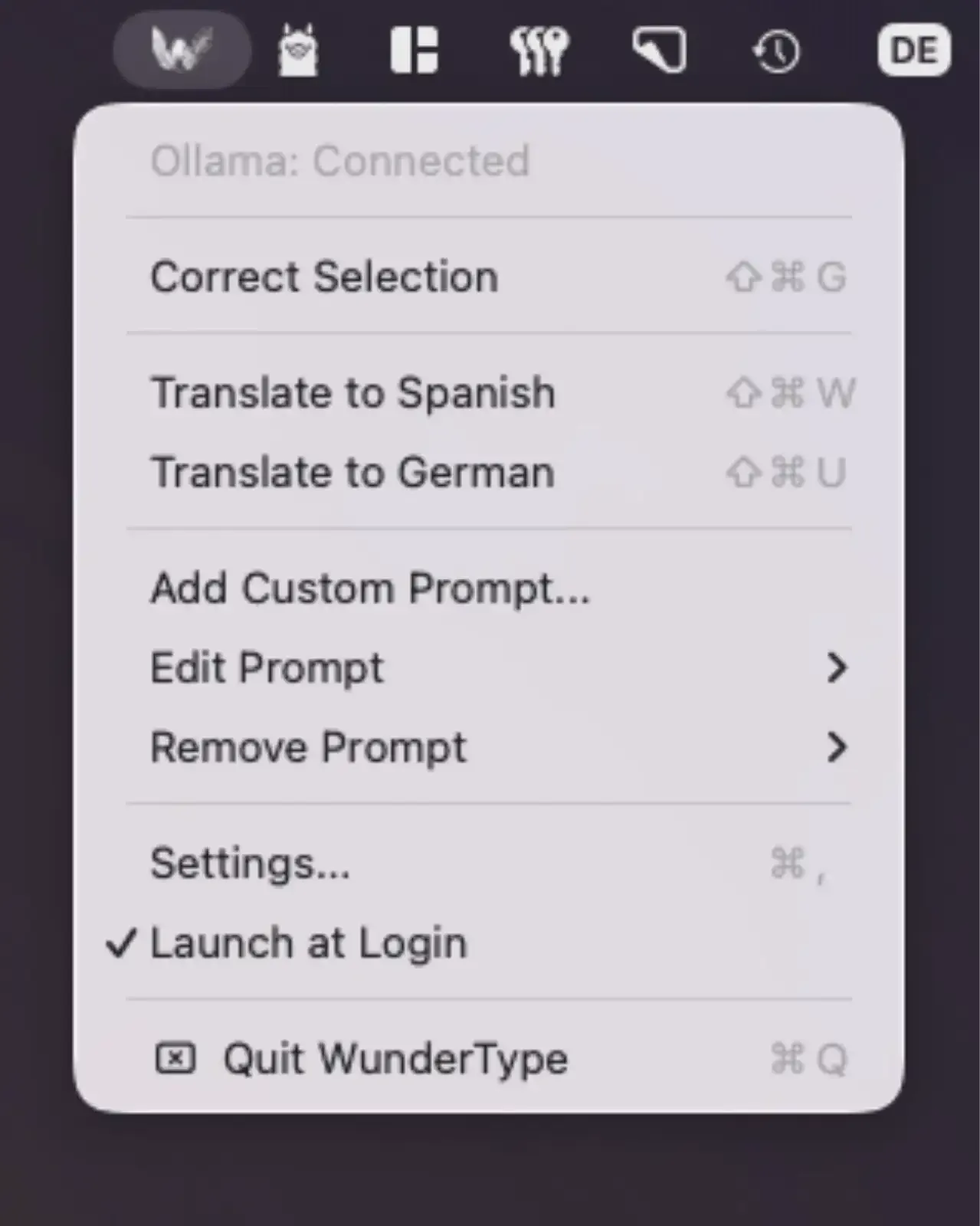
Five built-in transformation modes cover the most common editing tasks: grammar correction, writing improvement, conciseness, formal tone, and casual tone. Custom prompts allow users to define their own instructions — translating text, reformatting content, or adjusting for a specific audience — with individual keyboard shortcuts assigned to each custom action. The shortcut system enables fast access to frequently used transformations without navigating a settings interface.
WunderType supports four AI backends configurable in settings: On-Device AI running locally on Apple Silicon GPUs without internet access, Ollama for self-hosted model servers, OpenAI, and OpenRouter for additional providers. The app operates without a backend server, meaning no telemetry, no account, and no login requirement. The sandboxed app weighs approximately 20 MB.
System requirements: macOS 15 Sequoia or later. Accessibility permissions required. On-Device AI mode requires Apple Silicon. Approximately 20 MB.
Pricing: ($8.99, one-time — no subscription, no in-app purchases)
Limitations: macOS 15 Sequoia minimum requirement excludes users on older systems. On-Device AI is restricted to Apple Silicon; Intel users must configure a cloud or local model provider. The app handles text transformation only — it does not offer chat, document analysis, or multi-turn conversation capabilities.
Alternatives: Grammarly provides real-time grammar and style checking across browsers and desktop apps with a freemium model. PopClip with AI extensions offers in-place text transformations from a popup toolbar. LanguageTool delivers grammar and style checking across multiple languages with a self-hosted option.
Suitable for users who frequently edit written content across multiple apps and want AI-assisted rewriting without switching to a dedicated writing environment or browser extension.


