
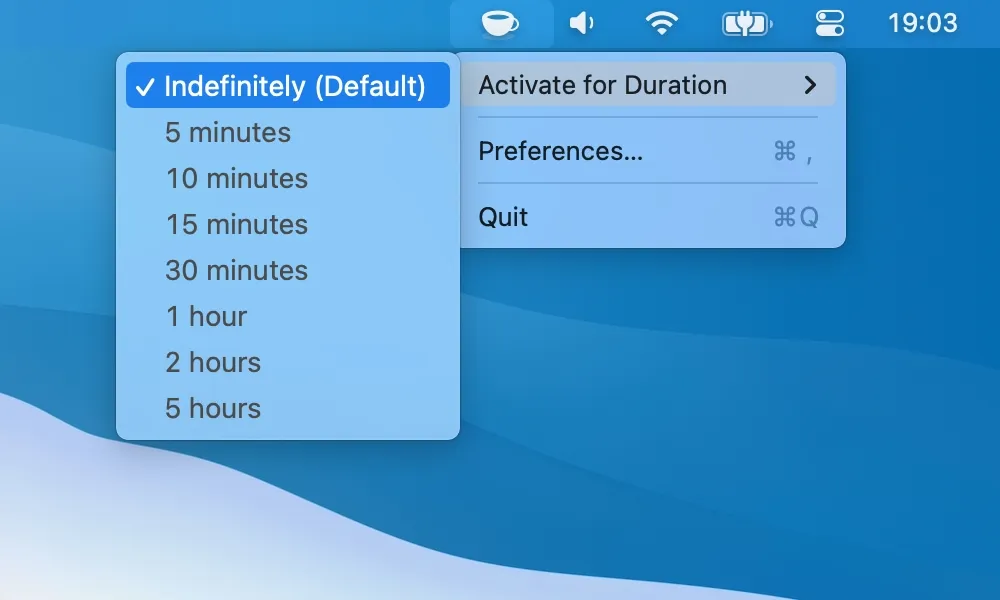
Simple and Open Source
KeepingYouAwake
Starting a keep-awake session with preset durations.
The Catch It cannot prevent a MacBook from sleeping with its lid closed.
Amphetamine alternatives for Mac: KeepingYouAwake is free and open source, Lungo adds Shortcuts control, and Caffeinate & Disablesleep handles closed-lid use.
Amphetamine supports timed sessions and conditional triggers. A smaller app may be enough for a presentation, download or one-off task.
Amphetamine is free but not open source. Choose a simpler timer if its triggers are more than you need, or a tool with closed-lid modes if the Mac runs shut. Choose simulated input only when the task requires input activity rather than a system sleep assertion.
Simple and Open Source
Starting a keep-awake session with preset durations.
The Catch It cannot prevent a MacBook from sleeping with its lid closed.
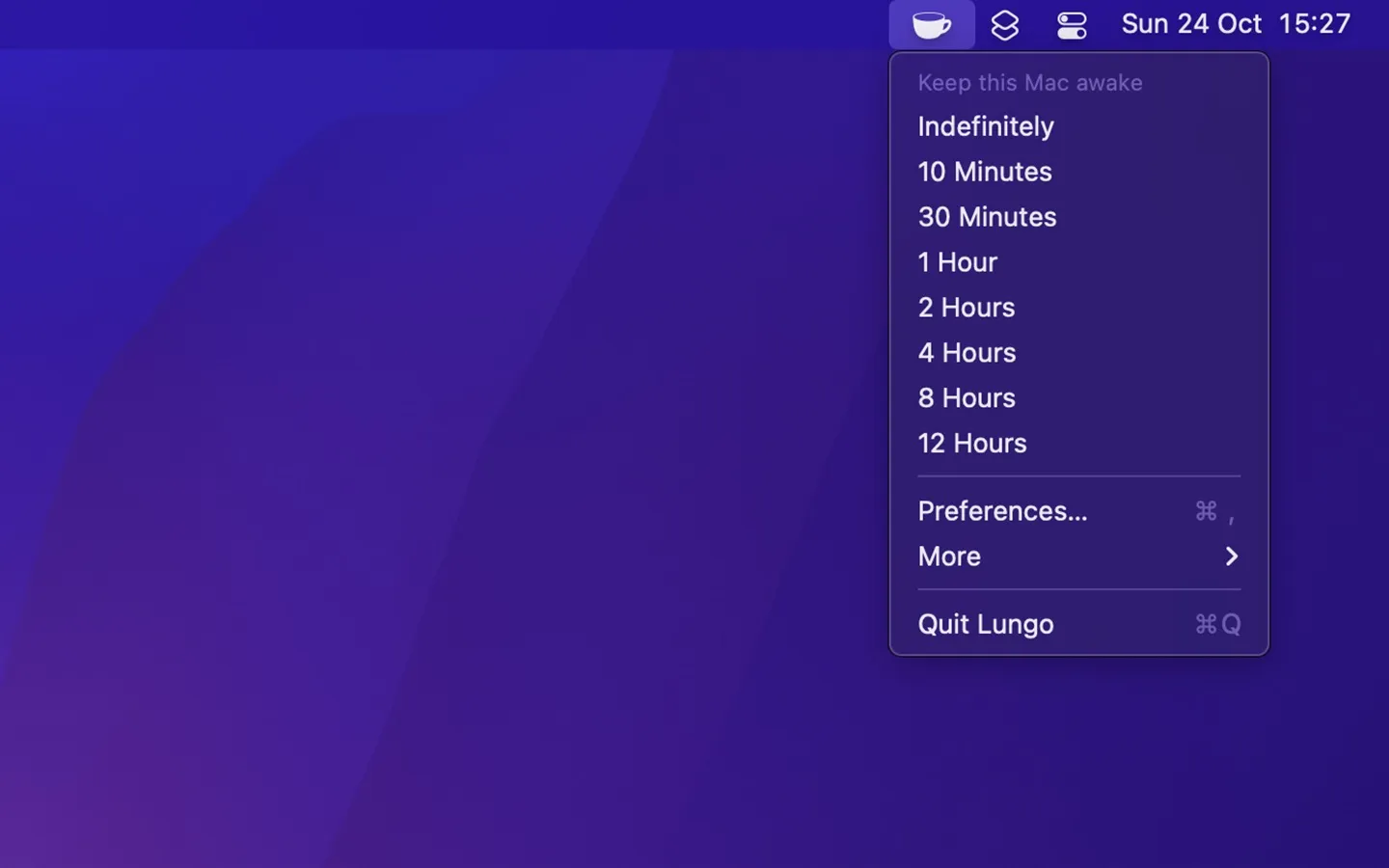
Automation-Friendly Timer
Keeping a Mac and its display awake for a set time, with Shortcuts and URL scheme control.
The Catch The current version needs macOS 26 and costs $4, and system sleep schedules can override it.
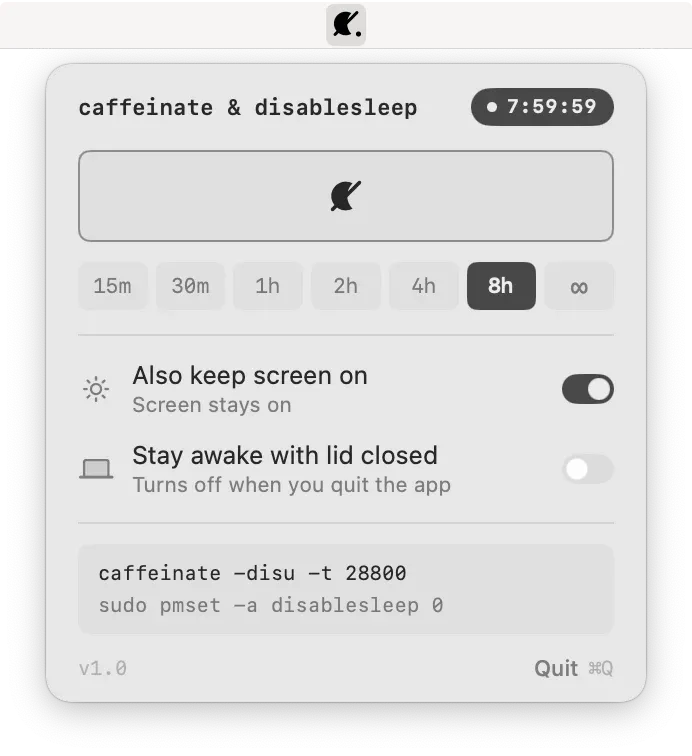
Closed-Lid Control
Keeping a Mac awake with the lid closed during long tasks and scripts.
The Catch Some modes need a one-time sudoers rule, and Awake Session does not work with the lid closed.
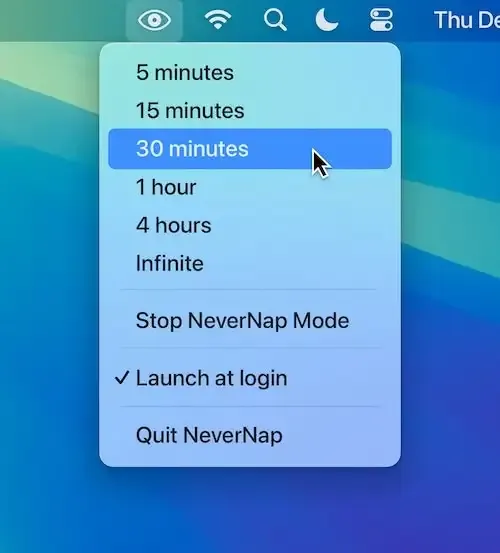
Calendar and App Triggers
Keeping a Mac awake by schedule, app or calendar event.
The Catch It needs macOS 26 or later and costs $2.99.
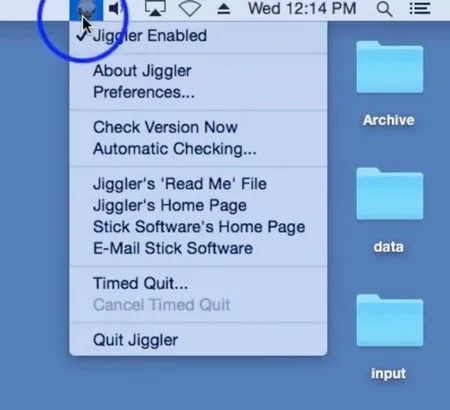
Simulated Activity
Generating mouse movement for workflows that react to input rather than sleep settings.
The Catch It moves the real cursor and needs Accessibility permission.
| App | Best For | Price | The Catch |
|---|---|---|---|
| KeepingYouAwake | Starting a keep-awake session with preset durations. | Free | It cannot prevent a MacBook from sleeping with its lid closed. |
| Lungo | Keeping a Mac and its display awake for a set time, with Shortcuts and URL scheme control. | $4.00 | The current version needs macOS 26 and costs $4, and system sleep schedules can override it. |
| Caffeinate & Disablesleep | Keeping a Mac awake with the lid closed during long tasks and scripts. | Free | Some modes need a one-time sudoers rule, and Awake Session does not work with the lid closed. |
| NeverNap | Keeping a Mac awake by schedule, app or calendar event. | $2.99 | It needs macOS 26 or later and costs $2.99. |
| Jiggler | Generating mouse movement for workflows that react to input rather than sleep settings. | Free | It moves the real cursor and needs Accessibility permission. |
These comparisons use the linked directory entries, not a new hands-on test. Confirm current pricing, requirements and release status with each developer. Missing facts are marked “Not Listed.”
Caffeinate & Disablesleep has modes that prevent sleep with the lid closed, after a one-time sudoers rule. KeepingYouAwake does not, and Lungo’s closed-lid use depends on an external display and power.
No. Jiggler simulates input. KeepingYouAwake and Amphetamine use macOS sleep controls without moving the pointer.
KeepingYouAwake (MIT), Caffeinate & Disablesleep (MIT) and Jiggler (GPL-3.0) publish their source code. Lungo and NeverNap are closed source.
KeepingYouAwake 1.6.8 supports macOS 10.13 or later, and Jiggler supports macOS 10.15 or later. Lungo and NeverNap need macOS 26.