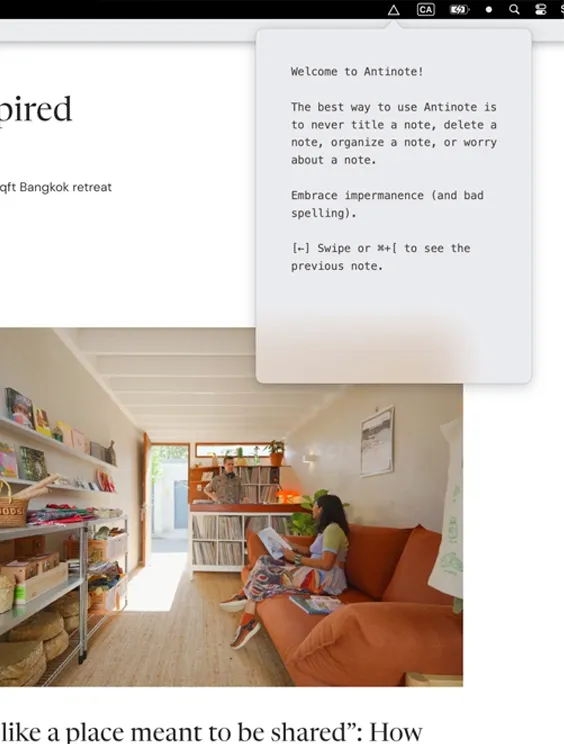
Antinote is a scratchpad designed for temporary notes, calculations, and quick thoughts. Unlike traditional note-taking apps focused on permanent storage and organization, Antinote emphasizes ephemeral content that users can easily clear once it serves its purpose.
The app launches via a customizable global hotkey (default Option+A) and appears as an overlay, including over fullscreen applications. Navigation relies on swipe gestures: swipe left to clear, right to access history, and up/down to navigate between notes. This gesture-based interface enables rapid capture without mouse interaction.
Key features include built-in calculation capabilities that handle arithmetic, currency conversions, and unit conversions using natural language input (e.g., “100 USD to EUR” or “5 miles in km”). When notes need to persist beyond the scratchpad, one-click export sends content to Apple Notes, Obsidian, or Bear.
The app includes 14 built-in themes and a Theme Maker for custom color schemes. All data remains local with no cloud sync, accounts, or data collection. Screenshot-to-text OCR processing occurs entirely on-device.
System requirements: macOS 14 Sonoma or later. Runs natively on Apple Silicon and Intel Macs.
Pricing: $5, one-time purchase with lifetime updates. Available via direct download from the developer website.
Limitations: Mac-only with no iOS companion app or cross-device sync. The app deliberately lacks organizational features like folders, tags, or search across historical notes. Users requiring persistent note management should consider dedicated note-taking applications.
Alternatives: Apple Notes provides built-in temporary note functionality with iCloud sync. Tot offers a similar scratchpad concept with seven color-coded notes. Drafts provides more powerful text capture with extensive automation options.
Suitable for users who need rapid text capture for fleeting thoughts, quick calculations, or temporary reminders without the overhead of managing a permanent note library.


