
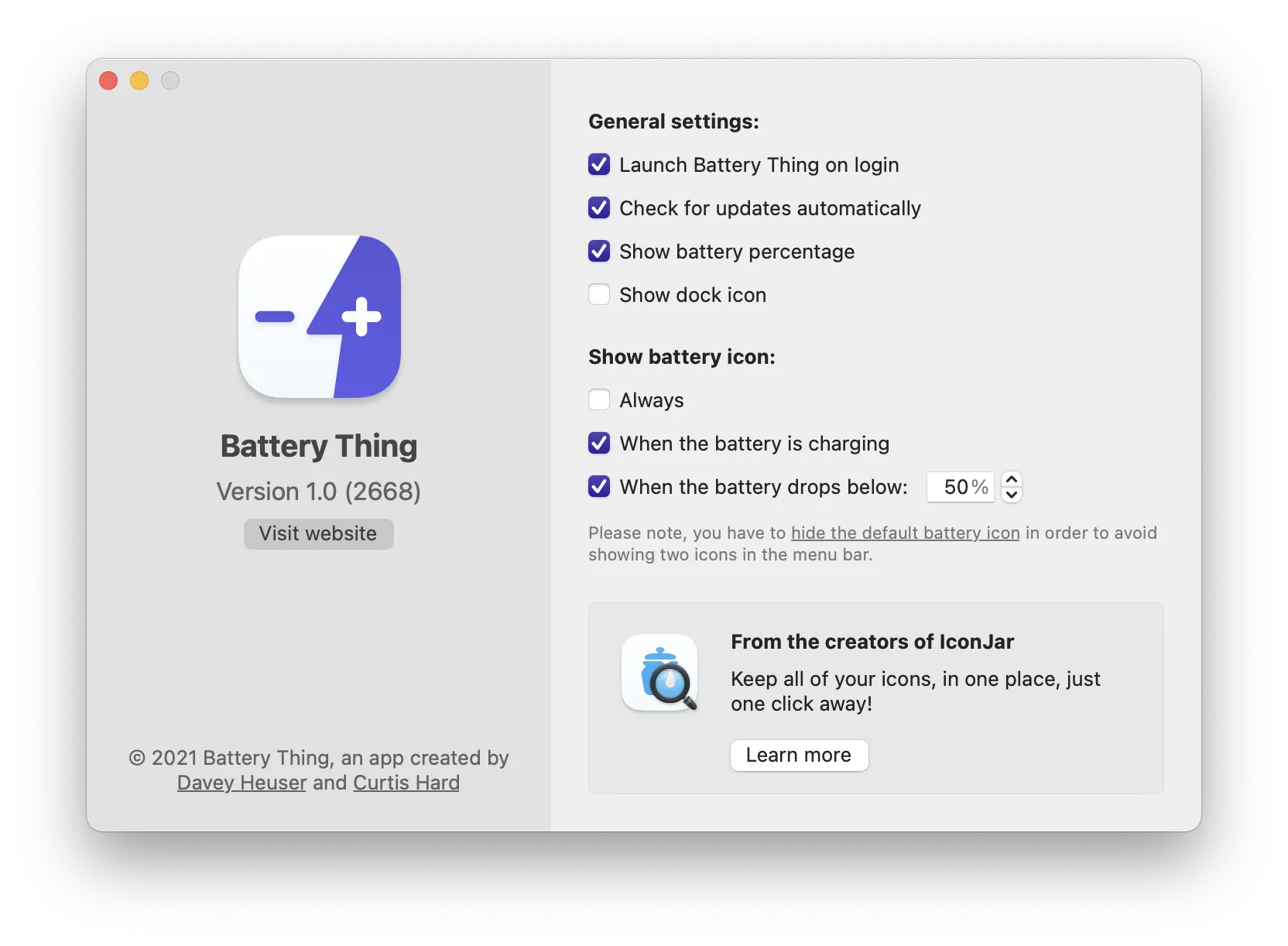
Like many Mac users, I have a complicated relationship with the battery icon in my menu bar. Sometimes I want to see it for quick status checks, other times it just clutters up precious menu bar space. I recently noticed Battery Thing on Setapp, an app that finally gives me control over this situation.
The main feature is simple but brilliant: you can show or hide your Mac’s battery icon whenever you want, right from Battery Thing’s menu bar dropdown. Click once to toggle visibility. But what makes this app worth keeping around is everything else it shows you - battery health information and the status of all your Bluetooth Apple products in one unified view.
I work across multiple Apple devices throughout my day - AirPods Pro, Magic Trackpad, iPhone, and occasionally an Apple Watch. Battery Thing displays the charge level for every connected Bluetooth device. Open the menu and there’s a clean list showing percentages for each item. No more guessing whether my AirPods will last through the next meeting.
During my testing on my M2 MacBook Air, the app sits quietly in the menu bar using minimal resources. The battery health monitoring has been particularly useful - it tracks your Mac’s battery condition, cycle count, and charging status. I discovered my battery was at 87% health after two years of heavy use, which prompted me to adjust my charging habits.
The app comes from Guilherme Rambo and Curtis Hard, the same developers behind IconJar. They clearly understand Mac software design principles. The interface adapts to dark mode, uses native macOS styling, and never feels out of place. Everything responds instantly with no lag or spinning wheels.
Battery Thing costs €2.49 (roughly $2.50) for a lifetime license, and there’s a free 30-minute trial so you can test it out. The app requires macOS 11 or newer to run. You can also access it through a Setapp subscription if you’re already using that service.
One limitation worth mentioning: the app doesn’t let you customize notification thresholds for low battery alerts on your Bluetooth devices. It simply displays the current status. If you need alerts when your AirPods hit 20%, you’ll need to check manually or use a different solution.
After several weeks of use, I’ve kept the Mac battery icon hidden and rely entirely on Battery Thing for monitoring. The consolidated view of all my Apple device batteries has become indispensable, especially during travel when I need to know which devices need charging before heading out. For anyone managing multiple Apple accessories, this small utility solves a real organizational problem.