
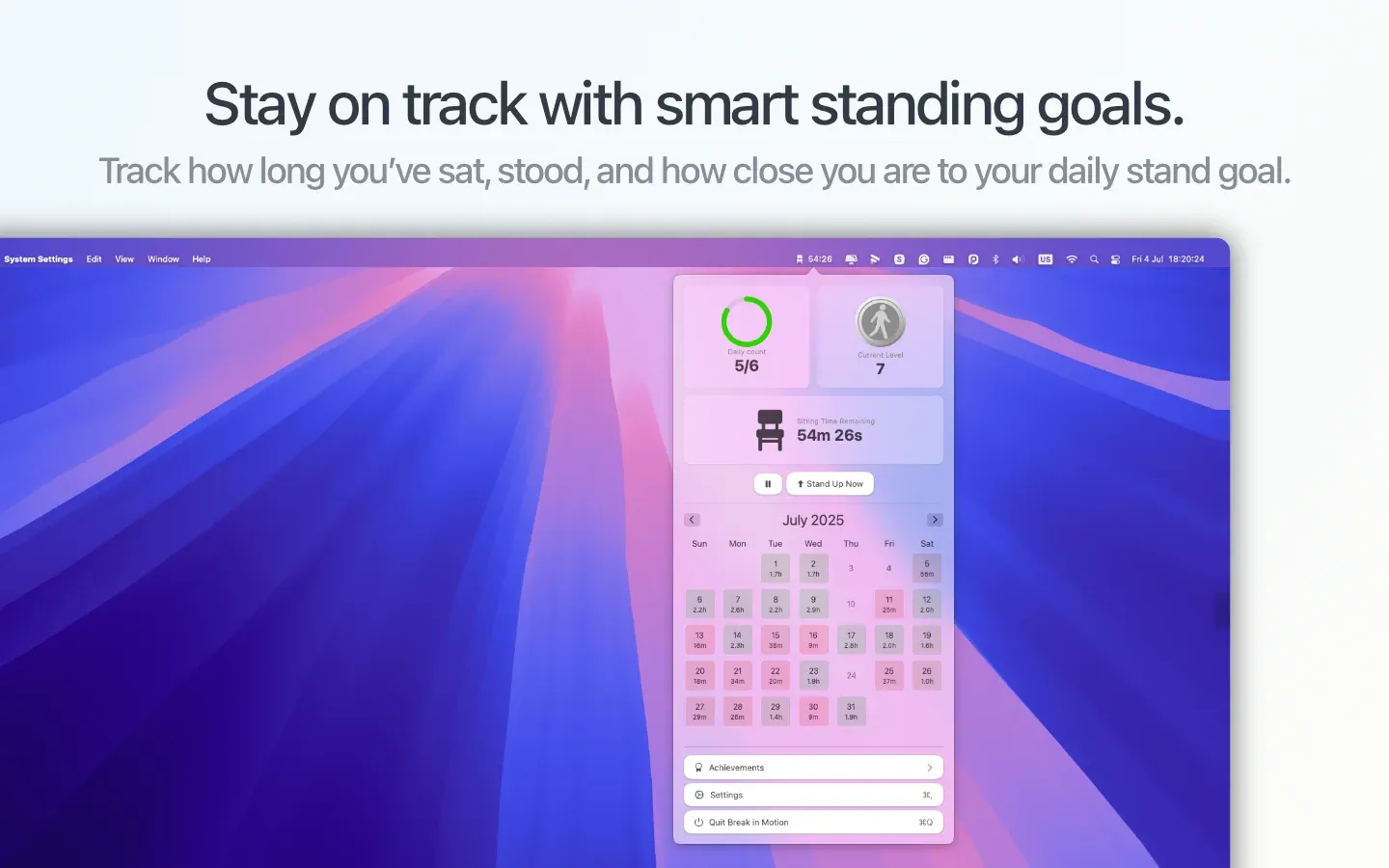
Break in Motion delivers customizable break reminders through the macOS menu bar, designed to encourage movement and reduce prolonged sitting during work sessions. The app sends notifications at configurable intervals between 5-55 minutes to prompt users to take breaks.
The notification system prioritizes workflow integration over aggressive interruption. Break reminders appear through standard macOS notifications, allowing users to acknowledge or dismiss them based on current task demands. A progressive difficulty system gradually encourages longer, more active breaks as users build consistent habits.
Gamification elements include achievement badges and visual progress tracking. Users earn recognition for maintaining break habits over time, providing motivation beyond simple reminder functionality. iCloud sync maintains progress across multiple Mac devices, ensuring continuity for users who work on different machines.
The app provides native macOS design with automatic light and dark mode support. Resource usage remains minimal at approximately 1% CPU and 50MB memory during operation, making it suitable for background use without performance impact.
The core functionality is free with optional in-app purchases for additional features. This pricing model avoids subscription commitments common in wellness app categories.
System requirements: macOS 15.0 or newer, 50MB storage
Limitations: Requires macOS 15.0 (Sequoia), excluding users on older system versions. The reminder system depends on user compliance; the app cannot enforce breaks or pause work applications. No integration with calendar apps to automatically adjust reminder timing during meetings.
Alternatives: Stretchly (free, open-source), Time Out (Mac App Store), Pandan (free, minimalist approach)
Suitable for users who spend extended periods at their Mac and want gentle, non-intrusive reminders to incorporate movement breaks into their workday.


