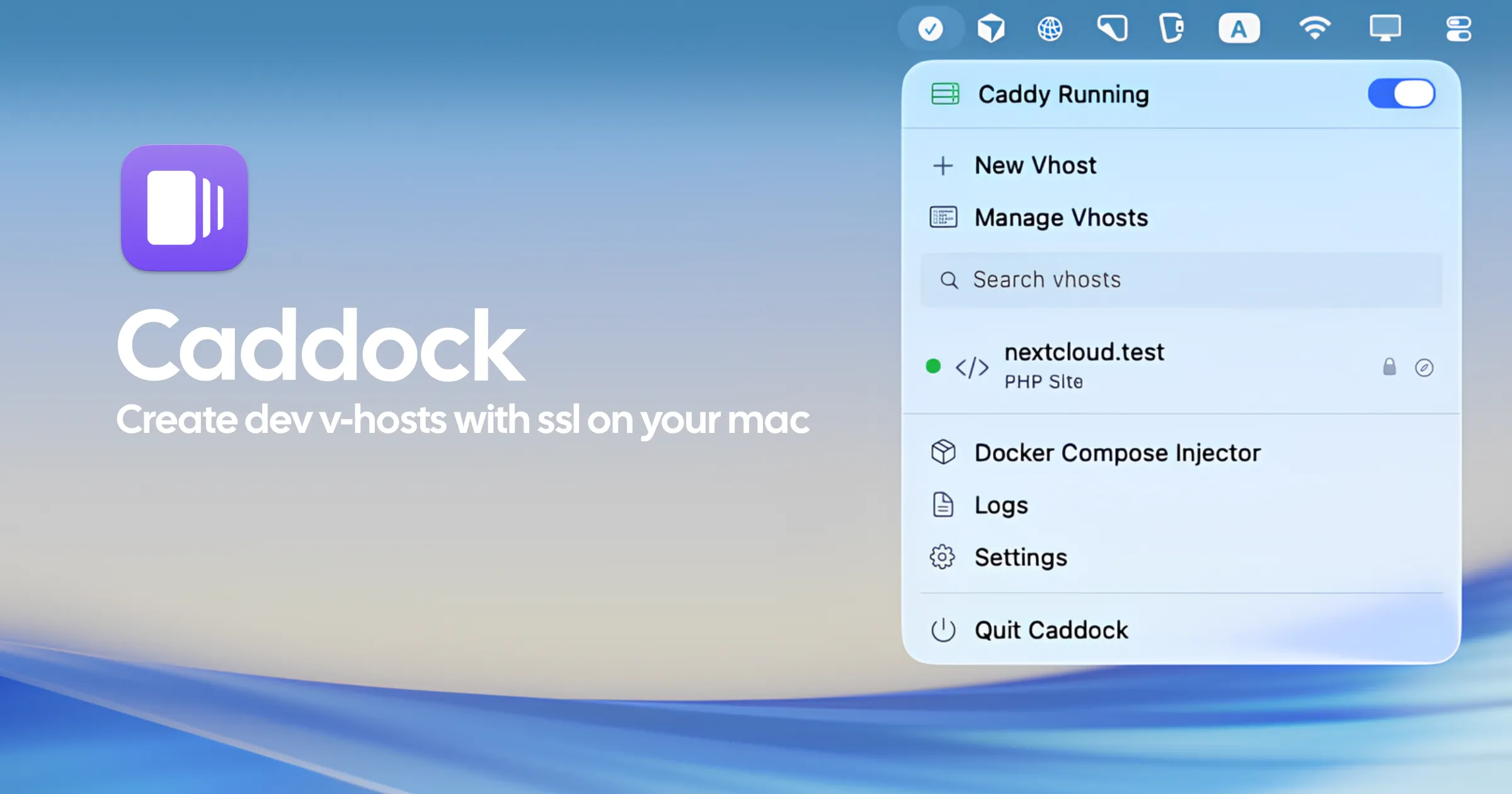
Caddock is a menu bar application for macOS that manages a local Caddy web server, making it straightforward to spin up and tear down virtual hosts for web development without editing configuration files manually. (Free)
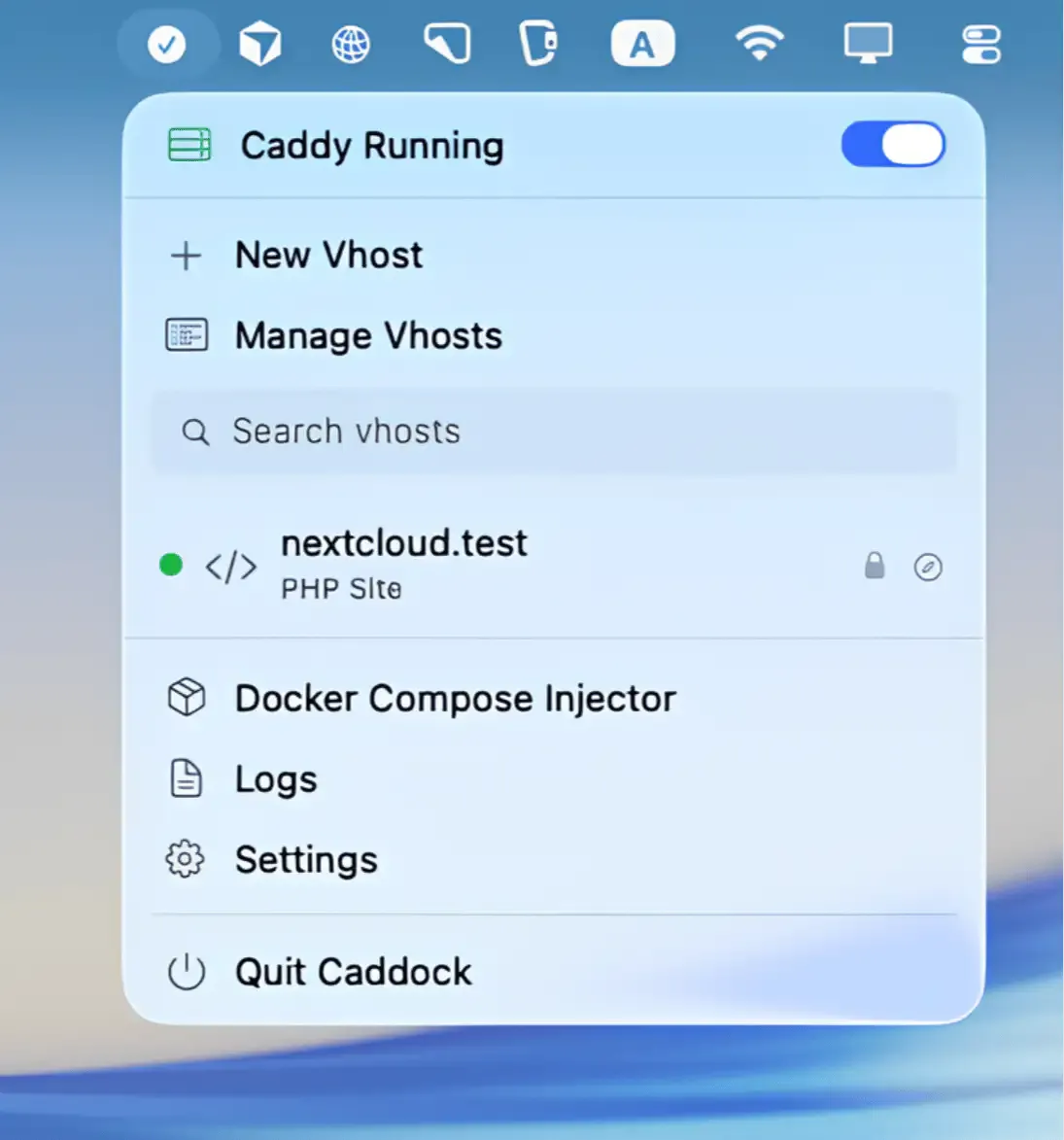
From the menu bar, users can start and stop the Caddy process, create new virtual hosts of three types, and check their status. Static hosts serve files from a local directory. PHP hosts use Caddy’s php_fastcgi directive to run PHP applications, suitable for WordPress or Laravel development. Reverse proxy hosts forward traffic to another local port, which is useful when running a Node.js or Rust backend on a specific port while accessing it through a clean domain name.
Caddock handles HTTPS automatically through Caddy’s internal TLS. The app installs a local Root CA that macOS trusts, giving every development host a valid certificate without self-signed warnings. Wildcard DNS support uses a local resolver on port 53535, enabling patterns like *.app.test so all subdomains resolve without individual /etc/hosts entries. A privileged helper manages /etc/hosts, pf redirects, and resolver configuration that require elevated permissions.
Health checks verify that active hosts are reachable, surfacing connectivity issues in the menu bar. The Docker Compose injector extends this to containerized environments by injecting extra_hosts and distributing the local CA into compose services.
System requirements: macOS 15 Sequoia or later. Caddy 2.x must be installed separately. A privileged helper is required for port 80/443 functionality.
Pricing: Free (available on GitHub).
Limitations: Requires macOS 15, excluding users on Ventura or Sonoma. Caddy 2.x is a prerequisite that adds setup steps. No PHP version manager is bundled; PHP must be installed separately.
Alternatives: MAMP (free/Pro, bundles Apache, PHP, and MySQL with a GUI), Herd (Laravel-focused, PHP-native local environment), Laravel Valet (command-line, Homebrew-based, no menu bar GUI).
Suitable for developers who prefer Caddy over Apache or Nginx for local development and want a GUI to manage virtual hosts without editing Caddyfile syntax directly.


