
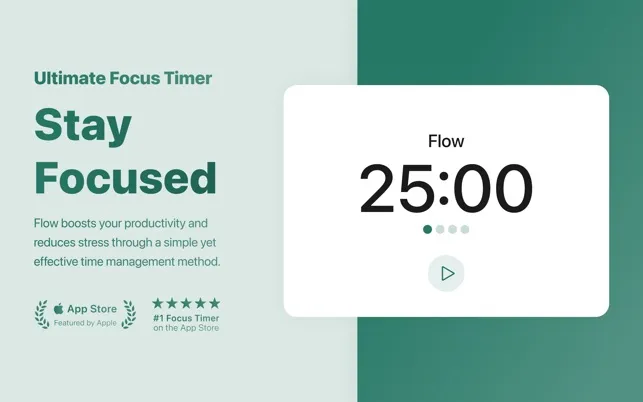
Flow is a minimalist Pomodoro timer that operates from the menu bar with website blocking, session tracking, and Apple Calendar integration. The app provides a clean 25-minute timer interface without dock presence or visual clutter.
The website blocking feature supports Safari, Chrome, Edge, Opera, Brave, and Vivaldi browsers, allowing users to block up to 25 distracting websites during focus sessions. Blocking automatically pauses during breaks and when the timer is manually stopped. Users can add sites like social media platforms and video streaming services to the block list.
Statistics tracking displays completed sessions, daily streaks, and total focus time. Apple Calendar sync creates entries for each completed session, enabling time tracking and documentation of productive hours. The free version includes core timer functionality, website blocking, and basic statistics with no ads or signup requirements.
The Pro version ($2.99/month or $17.99/year) adds Commitment Mode (prevents timer pausing), customizable session lengths, session titles for categorizing work types, and ambient ticking sounds for concentration. The app is developed by Yugen GmbH and maintains a 4.9-star rating from over 3,400 users on the App Store.
System Requirements
- macOS 15.0 or later
- Available via Mac App Store
- Minimal resource usage in background operation
Limitations
- Timer display may be pushed to menu bar overflow on crowded menu bars or smaller screens
- macOS 15.0 requirement excludes users on older systems
- Commitment Mode and custom session lengths require Pro subscription
- Website blocking limited to 25 sites
Alternatives
- Toggl Track for time tracking with more detailed reporting
- Focus (by Meaningful Things) for similar website blocking with different pricing
- Session for Pomodoro timing with task management features
- Pomofocus.io for free web-based Pomodoro timer (no installation required)
(Freemium, Pro $2.99/month or $17.99/year)
Suitable for users who want a straightforward Pomodoro implementation with website blocking and prefer lightweight tools that minimize interface complexity.


