
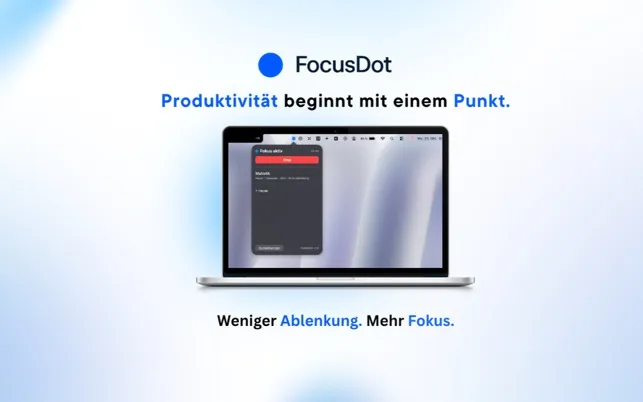
FocusDot is a menu bar utility that automatically detects engagement with distracting websites and applications, sending gentle notifications to refocus on productive work. The app takes an awareness-based approach rather than blocking access, allowing users to make conscious decisions about their attention.
The detection system recognizes common distraction patterns including YouTube, social media platforms, and similar time-consuming sites. No manual configuration or blocking rules are required; the app begins monitoring immediately after installation. When distraction is detected, users receive non-intrusive reminders rather than hard blocks or punitive measures.
All processing occurs locally on the Mac with no data sharing or cloud synchronization. Browsing activity and app usage remain on the device, addressing privacy concerns inherent to productivity monitoring tools. The app operates entirely offline with no external server communication.
FocusDot maintains minimal system footprint at 1.1 MB with negligible CPU and memory usage during background operation. The menu bar indicator provides quick access to simple controls without requiring dock presence or visible windows.
The one-time purchase ($1.99) includes all features with no subscriptions or in-app purchases. Family Sharing support allows up to six family members to use the app from a single purchase. Developer Can Hasan Kircali maintains the app through the Mac App Store.
System Requirements
- macOS 14.0 or later
- Available via Mac App Store
- 1.1 MB disk space
- No internet connection required for operation
Limitations
- Awareness-only approach may not be effective for users who need strict blocking
- Limited customization of which activities trigger reminders
- No detailed statistics or productivity tracking features
- Detection patterns are predetermined rather than user-configurable
Alternatives
- Cold Turkey Blocker for strict website blocking
- SelfControl for scheduled blocking sessions
- Focus (by Meaningful Things) for combined blocking and Pomodoro features
- One Sec for friction-based social media intervention
($1.99, one-time)
Suitable for users who prefer gentle awareness-building over strict blocking, value privacy-first local processing, and want a minimalist focus tool without complex configuration or subscription commitments.


