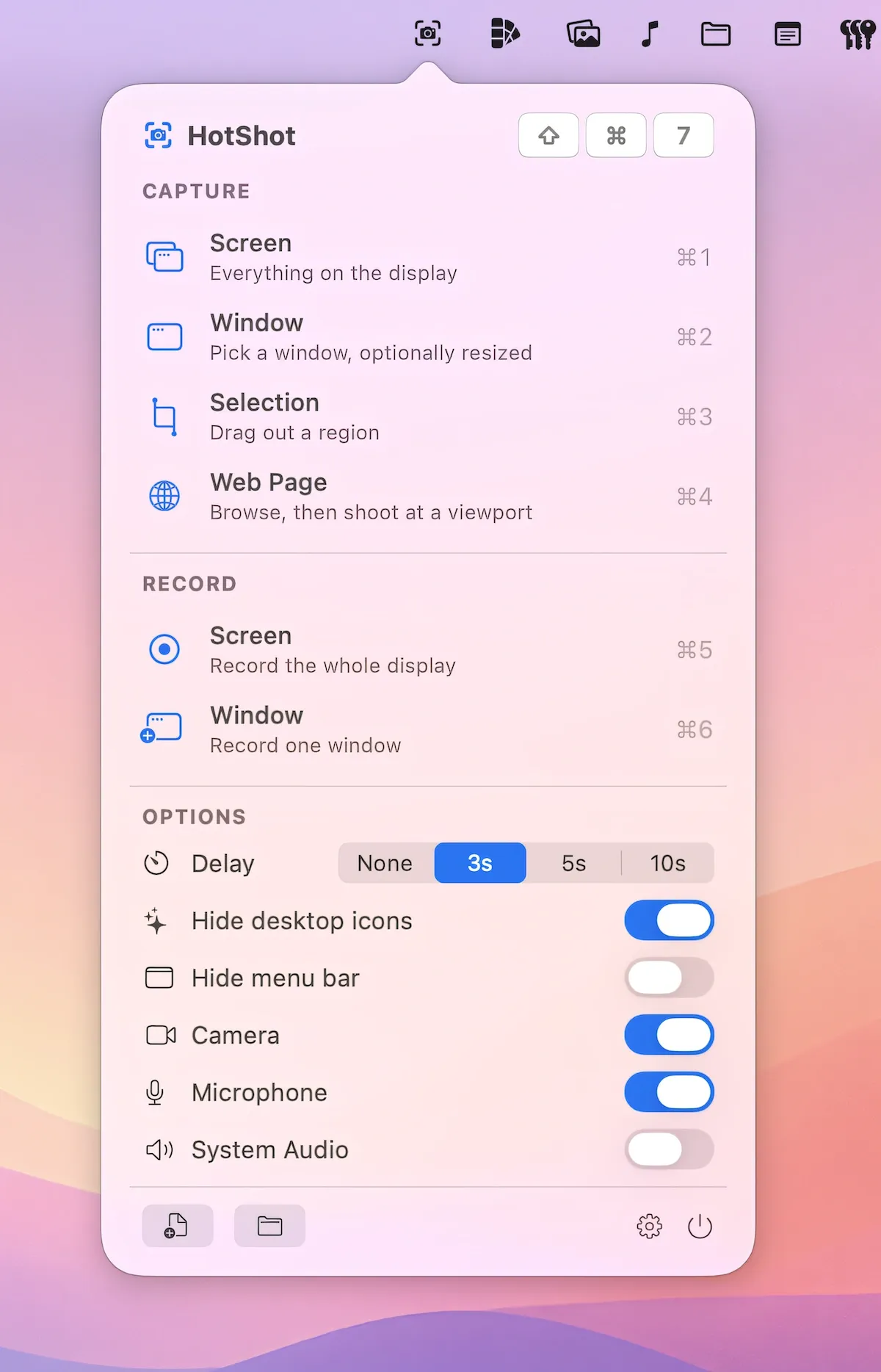
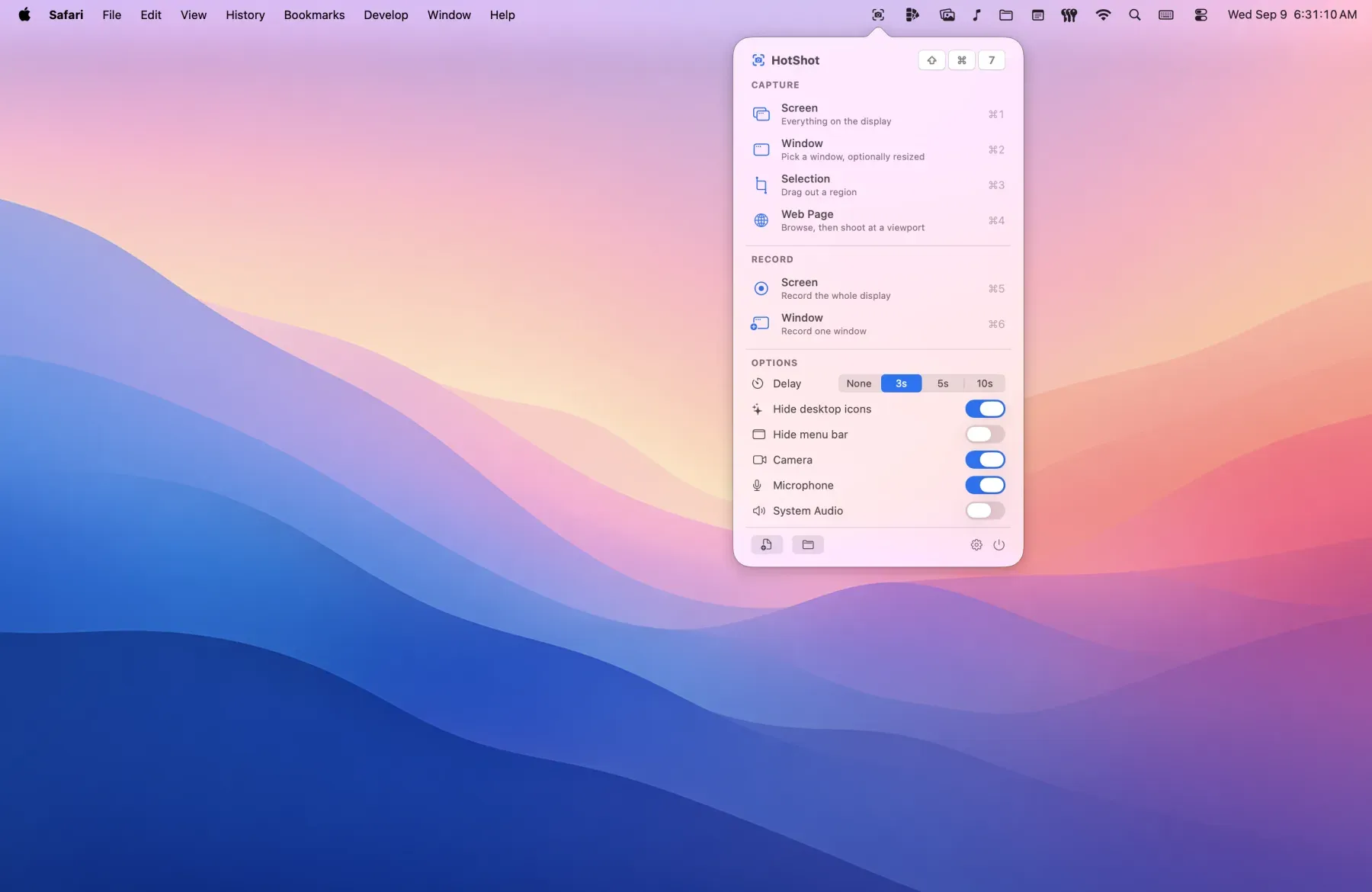
HotShot is a paid Mac menu bar app combining screenshot capture, screen recording, and annotation with compositing and export tools. It is available on the Mac App Store for $9.99 with a free trial available through the developer’s website. ($9.99, one-time)
Capture modes include full screen, individual windows, area selection, and full-length live web page snapshots at multiple widths. The markup toolset covers shapes, arrows, numbered callouts, text labels, sticky notes, snapping guides, pixel loupe, and undo. Screenshots can be placed on color, gradient, or custom backdrops with configurable title, padding, rounded corners, and shadow — matching the style used in App Store marketing screenshots.
Screen recordings include trim and cut tools, cursor-following zoom, custom cursor styling, a camera bubble overlay, and microphone plus system audio capture. Browser capture extensions for Safari and Chrome allow full-page web capture beyond what the standard screenshot tools provide; the Chrome extension is only available in the direct download build, not the App Store version.
Export options include PNG, clipboard copy, and cloud sharing to iCloud Drive, Dropbox, Google Drive, or OneDrive with an automatic link copy.
System requirements: macOS 15 Sequoia or later. Screen Recording permission required. Safari extension included in App Store build; Chrome extension available in direct download only.
Pricing: ($9.99, one-time)
Limitations: macOS 15 minimum excludes older systems. App Store build cannot resize windows before capture, hide the menu bar or Dock, or use the Chrome extension.
Alternatives: CleanShot X ($29, one-time or Setapp), Skitch (free, Evernote-owned), Shottr (free with paid upgrade, annotation-focused).
Suitable for users who produce app screenshots, web captures, or annotated screen recordings and want a single tool for capture, markup, and compositing.


