
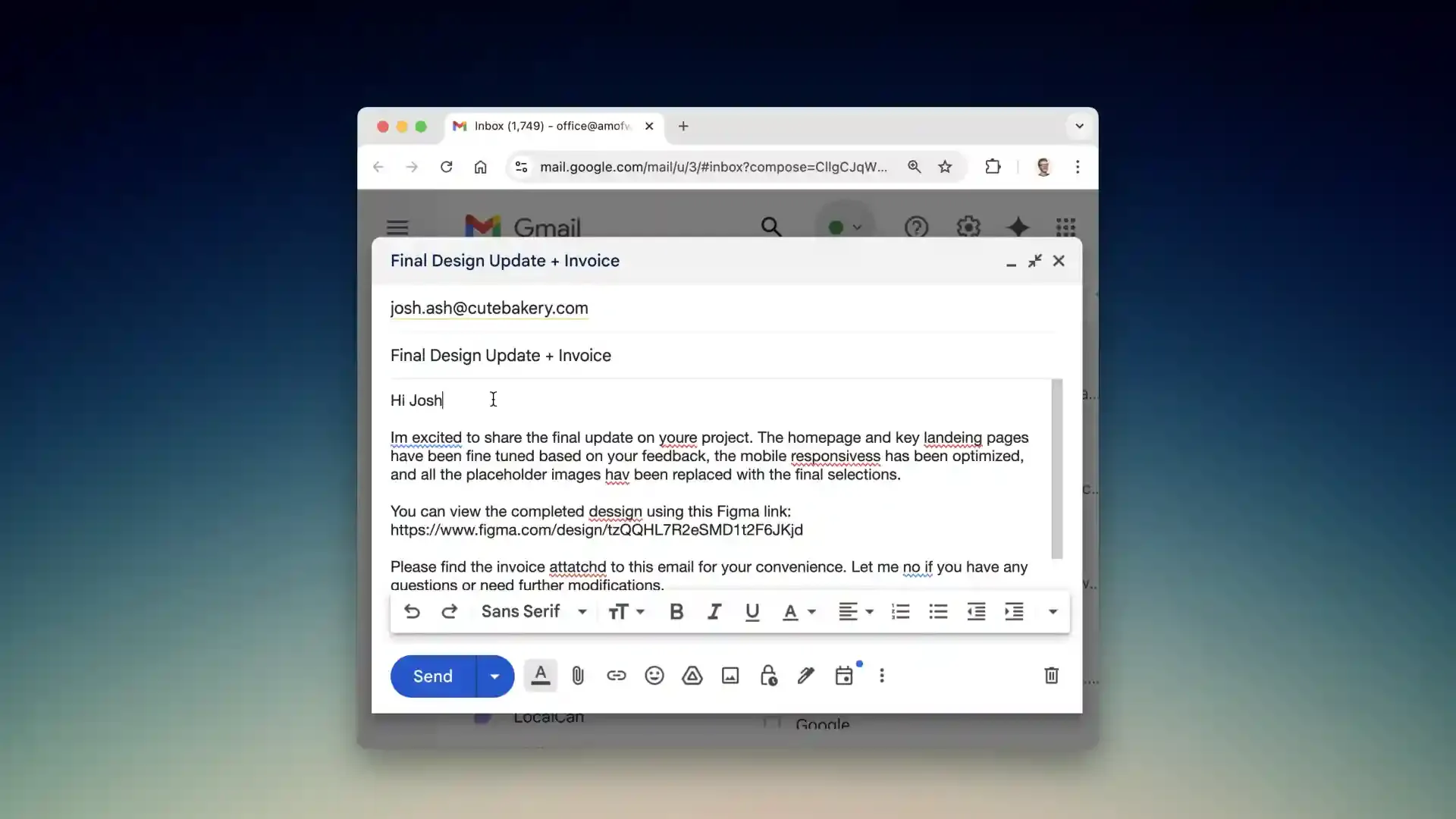
I write hundreds of emails and Slack messages every week coordinating across distributed teams. My biggest challenge has always been switching between apps - drafting in Gmail, checking grammar in Grammarly, translating messages for international colleagues. Last month I discovered Kerlig, an AI writing assistant that lives entirely in my Mac’s menu bar.
The app works through keyboard shortcuts, no browser tabs required. I can be anywhere on my Mac - composing an email, writing a Slack reply, editing a document - and instantly access AI writing tools. Highlight text and hit Command+Shift+K to fix grammar, rephrase for tone, or summarize long threads. The AI processes my request and replaces the selected text inline.
What sets Kerlig apart is the customization. The app lets you create custom actions tailored to your specific workflows. I built one that converts bullet points into polished paragraphs for reports, another that adapts my casual writing style into formal business language. The tone presets are particularly useful - I switch between “direct” for internal team communication and “diplomatic” for client emails.
Kerlig supports over 350 AI models including OpenAI, Anthropic Claude, Google Gemini, and local models through Ollama. I run it connected to my existing Claude API subscription, and it handles the token usage efficiently. The app also works with Apple’s on-device models for privacy-sensitive content, though I found the cloud models more capable for complex tasks.
In my experience on a Mac Mini M4, the app runs efficiently with minimal system impact. Response times average 2-3 seconds for grammar fixes, longer for document summarization depending on length. The interface stays out of your way until needed - just a small menu bar icon that opens a focused command palette.
The app requires macOS 12 or later and works on both Apple Silicon and Intel Macs. Setup took about 10 minutes to configure my AI provider credentials and create my first custom actions. The learning curve is gentle - basic features work immediately, advanced customization available for power users.
One limitation worth noting: the app relies entirely on external AI services, so you’ll need an active API subscription with providers like OpenAI or Anthropic. This adds ongoing costs beyond the app purchase, though I was already paying for Claude anyway. The app doesn’t include built-in tokens or subscriptions.
Kerlig is currently available at a promotional price of $49 for a single Mac license with lifetime updates, down from the regular $247. A Pro license for two Macs costs $79. I purchased the Basic tier and found it well worth the investment given how much time it saves me daily. The developer has been actively updating the app with new features based on user feedback.
After three weeks of daily use, Kerlig has become essential to my workflow. The ability to access AI writing assistance without leaving my current context has eliminated countless tab switches and copy-paste cycles. Anyone who writes extensively on their Mac and already uses AI tools will appreciate having this integrated into their system.