
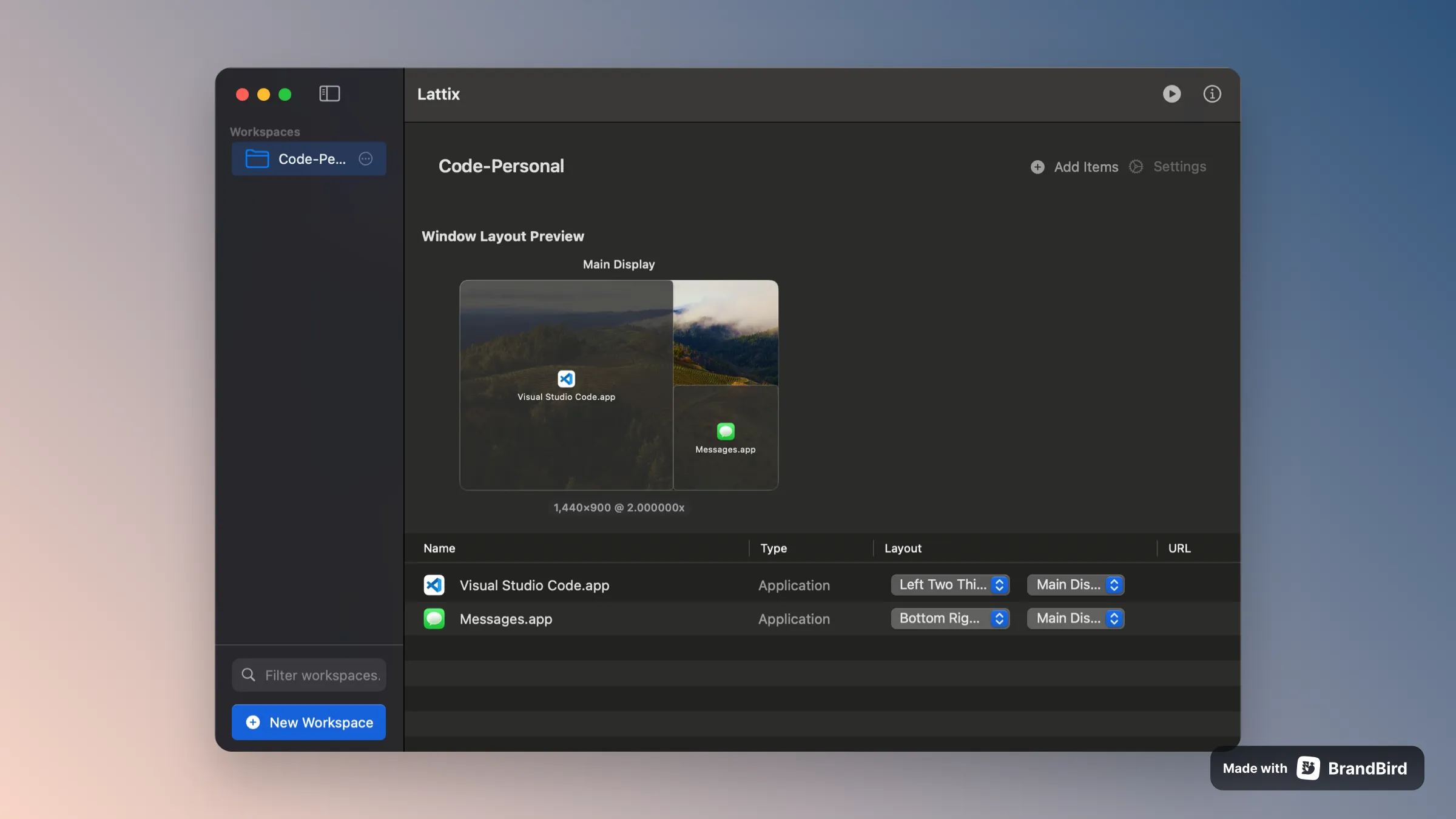
Lattix is a workspace management utility that saves and restores complete window layouts across multiple monitors with single-click preset activation.
The app addresses the daily workflow of opening applications and positioning windows across displays. Users create presets by arranging windows as desired, then saving that configuration. Lattix remembers window positions, sizes, and monitor assignments. When activating a preset, the app launches any closed applications and positions all windows to their saved locations.
Unlike window managers focused on snapping individual windows (such as Rectangle), Lattix operates at the workspace level. Users can create context-specific presets—for example, a “Deep Work” configuration with a maximized code editor and tucked terminal, or a “Meeting” layout with video conferencing prominent and notes accessible. Each preset supports keyboard shortcuts for rapid switching between workflow contexts.
The setup process involves opening desired applications, arranging windows across monitors, and saving the layout. Lattix captures the complete state including which specific monitor each window occupies in multi-display configurations.
Technical specifications include full local operation with no data collection. Version 1.0.0 requires macOS 13 Ventura or newer. The app runs efficiently in the background with minimal resource usage during idle periods.
Pricing offers a lifetime license at $13.99 for single device use (regular price $19.99), with multi-device plans available. The one-time purchase includes future updates.
Limitations include dependency on consistent hardware configurations. Users who frequently change monitor setups need separate presets for each arrangement. The app also cannot launch applications not installed on the system.
Suitable for users managing complex multi-monitor workflows who want instant workspace switching rather than manual window arrangement each session.


