Window layout and workspace organization tools.
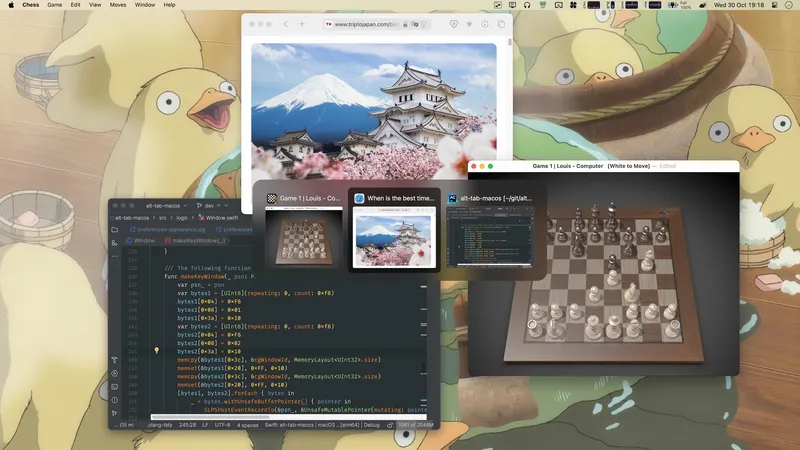
Windows-style window switcher for macOS showing open windows as live thumbnails across all Spaces. Free and open-source; icon and title-list styles are Pro.
Pin any window to stay on top of all others with floating browser windows, videos, PDFs, and notes.
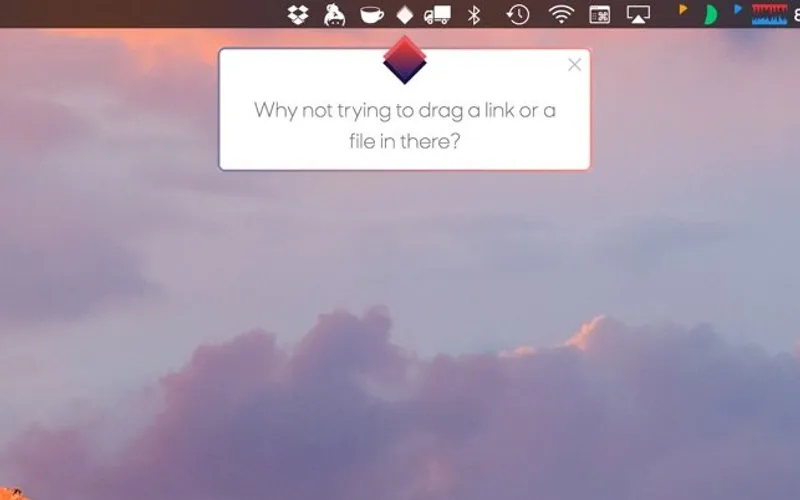
Picture-in-picture for macOS. Drag videos, images, or websites to your menu bar for persistent floating windows. Perfect for following tutorials while working.
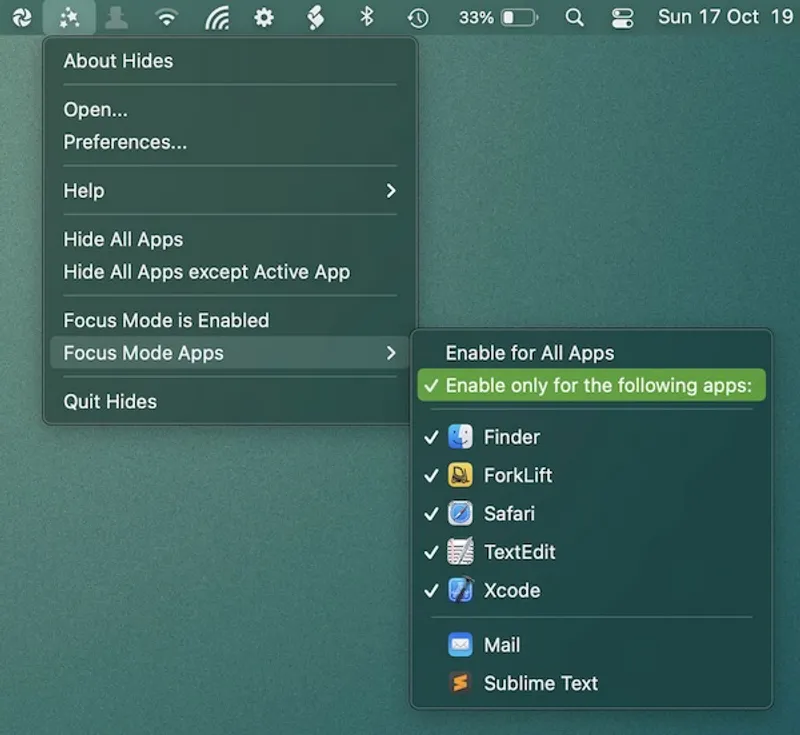
Enable focus mode to quickly hide all apps except the app you are currently working in. Configure globally or for specific apps.
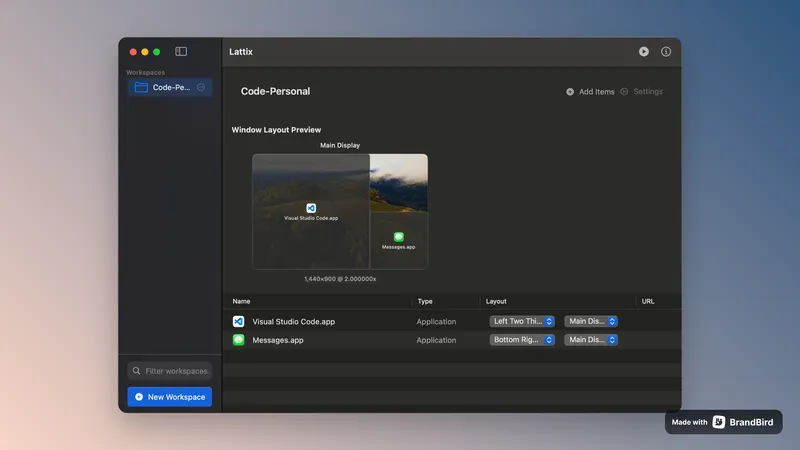

Advanced window management with custom layouts and instant workspace organization. Finally tame your chaotic multi-monitor setup with one-click workspace presets.
Free, open-source macOS window manager using a radial menu triggered by a key press to resize and reposition windows with an optional preview overlay.
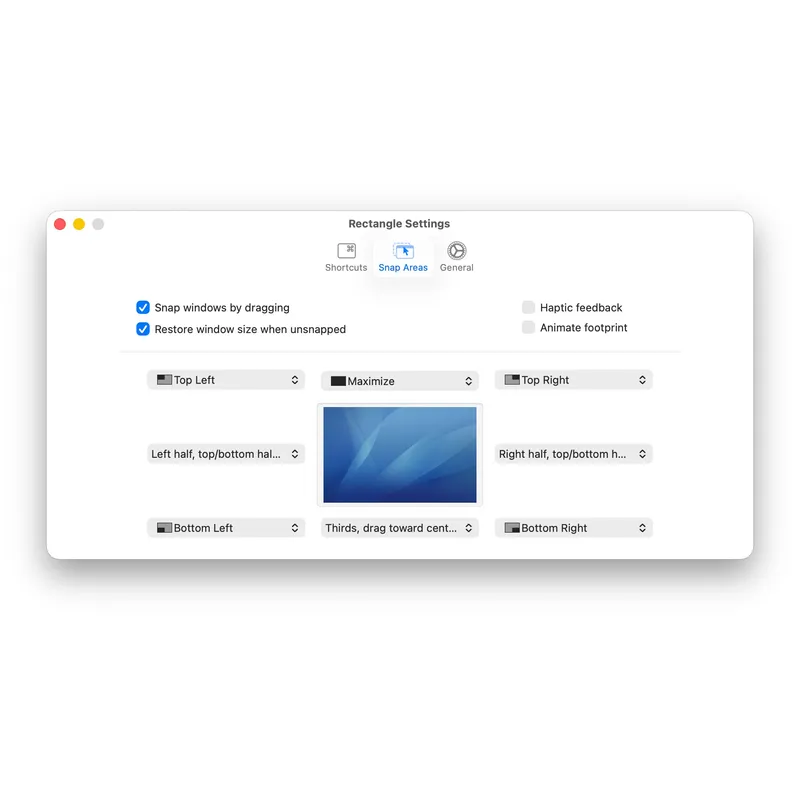
Keyboard shortcut and drag-based window manager for macOS with layouts for halves, thirds, quarters, fullscreen, and multi-monitor setups
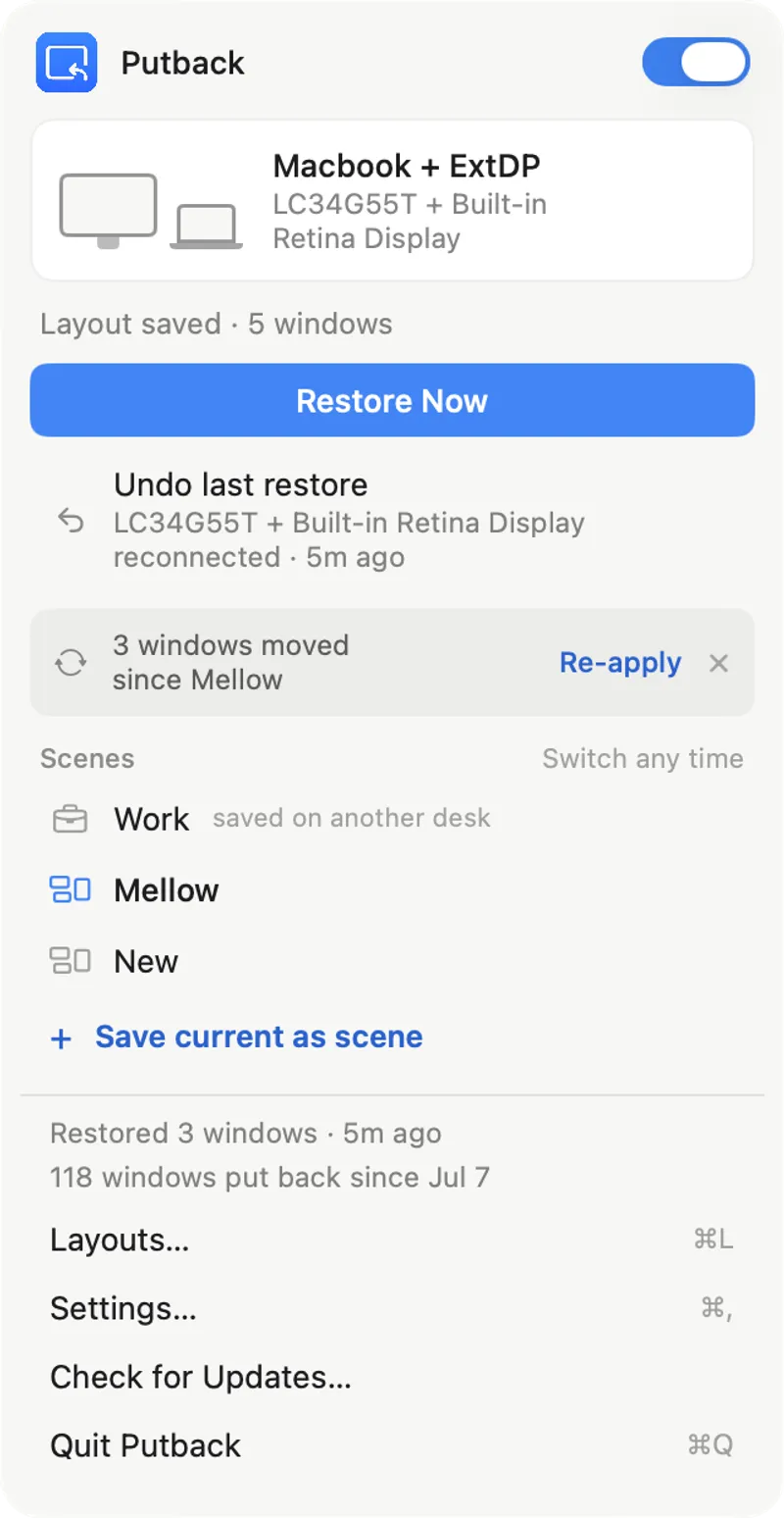
Automatically restores window layouts when external displays reconnect, with one-second restoration and customizable scene presets for multi-monitor setups.
Move and resize windows in macOS using keyboard shortcuts or snap areas
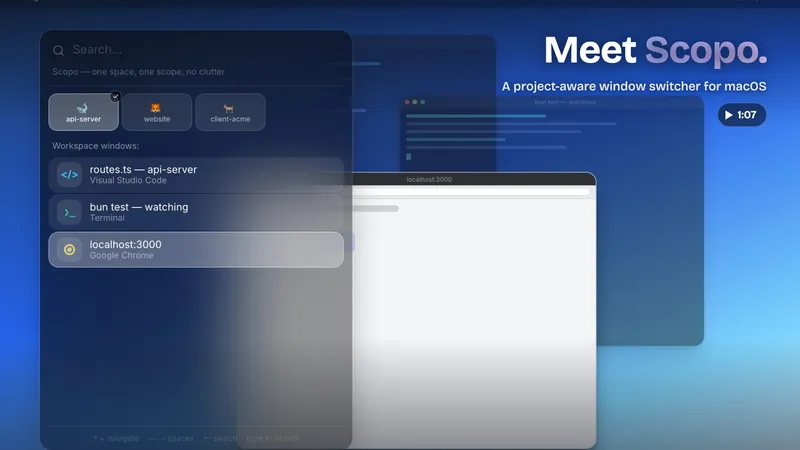
Project-aware window switcher for macOS that filters Cmd+Tab to show only windows from your current Space, with tiling and profile support.
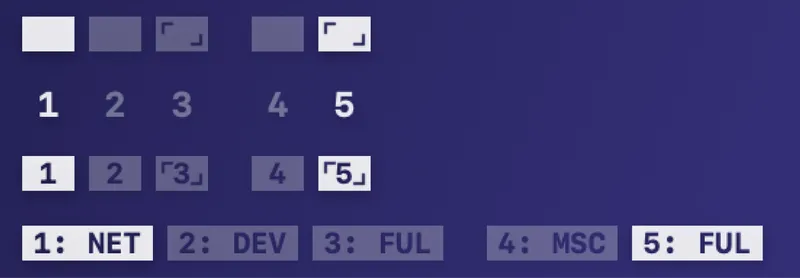
Displays macOS Spaces as compact visual indicators in the menu bar with four styles including named spaces, active/inactive states, and multi-display support.
Save and restore your perfect window layouts across multiple spaces and displays with one click
Maintains window positions across display connections and disconnections with automatic restoration
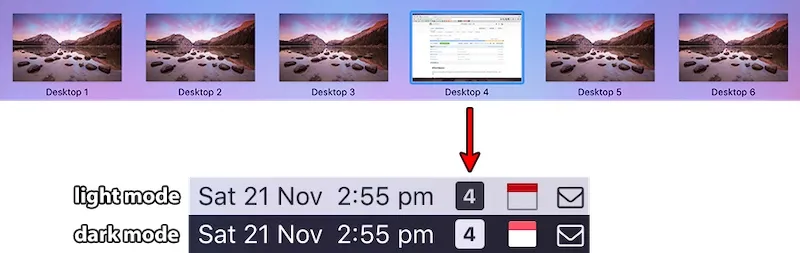
Menu bar Spaces manager that shows the active macOS Space, switches desktops on click or scroll, and customizes icons, colors, and labels.
Save and restore complete macOS workspaces โ apps, files, window positions, and browser tabs โ with one click across every display