Monitor and display management applications.
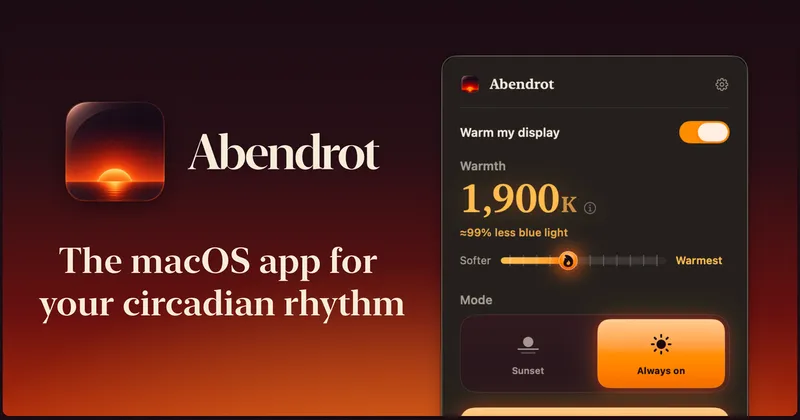
Free, open-source macOS screen warmer that reduces blue light at sunset based on your location, with per-display control and a CLI for scripting.
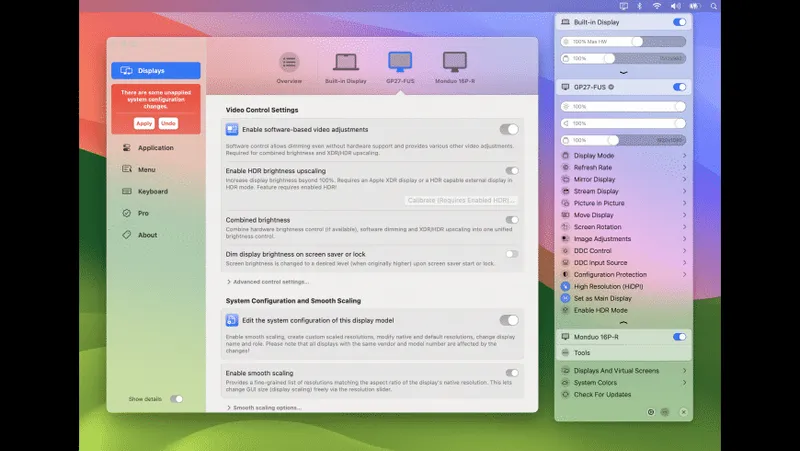
Unlock your displays on Mac with flexible HiDPI scaling, XDR/HDR brightness control, virtual screens, and advanced display management from the menu bar.
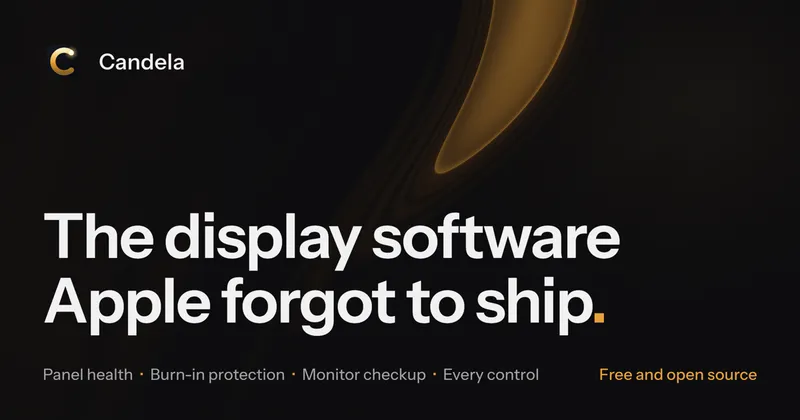
Free, open-source OLED burn-in protection and display health monitoring for Apple Silicon Macs with adaptive dimming, exposure heat mapping, and unified multi-monitor controls.
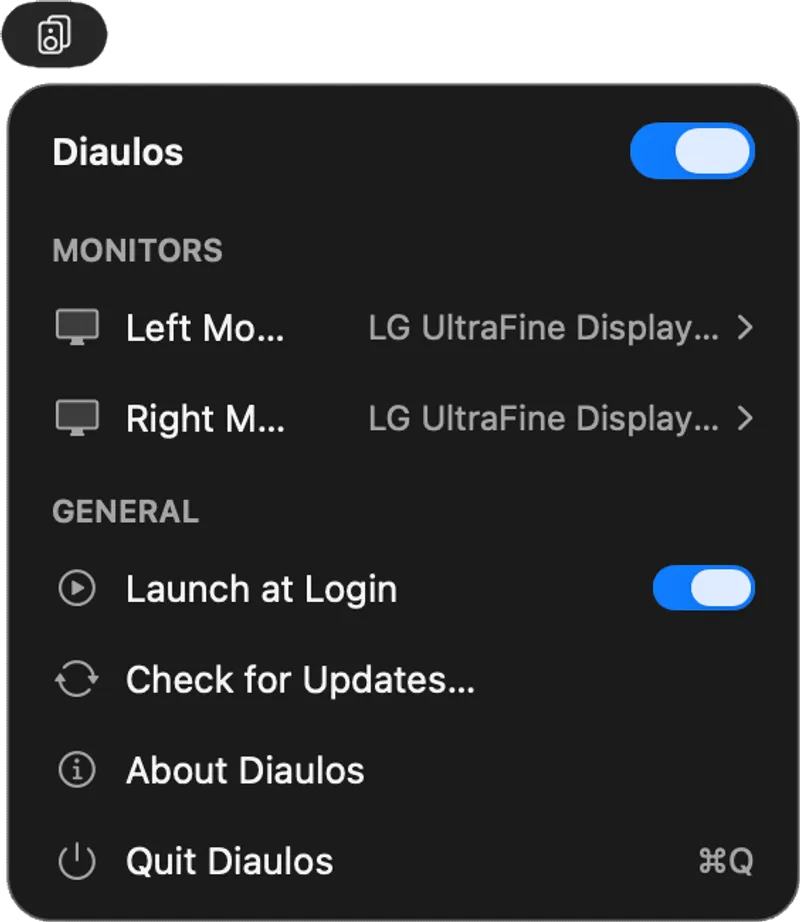
Routes the left stereo channel to the left monitor's speakers and the right channel to the right monitor, creating spatial stereo audio across dual displays from the menu bar.
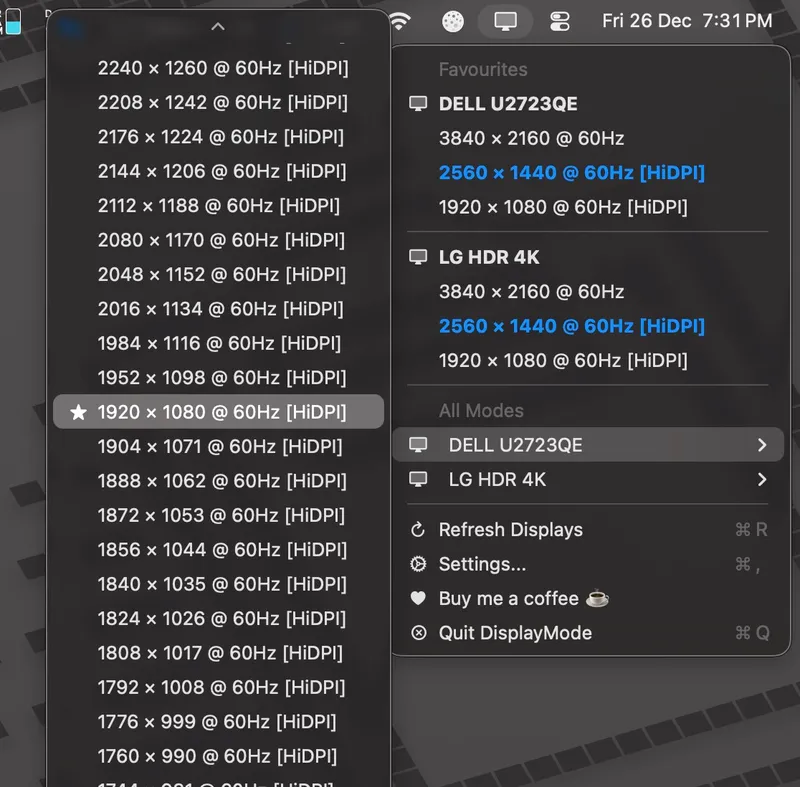
Switch display resolutions from your menu bar with favorites, per-display settings, and Shortcuts integration
System monitoring and Dock customization with network stats, CPU/memory tracking, themes, and animated stickers
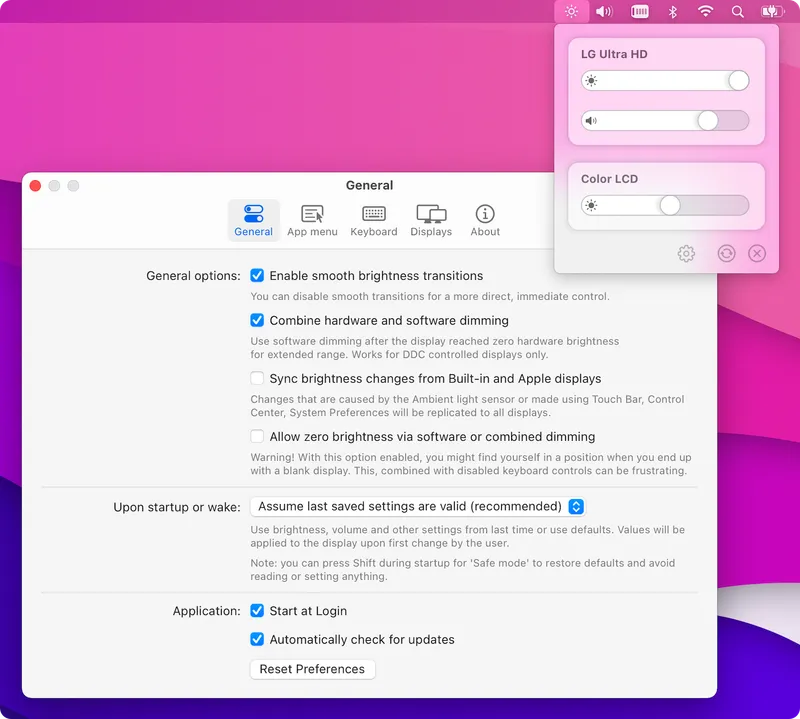
Control external monitor brightness and volume using your Mac keyboard keys. Open-source utility that brings native macOS display controls to third-party monitors.

Reduces screen distractions by blurring everything except your active window with customizable focus modes and multi-display support
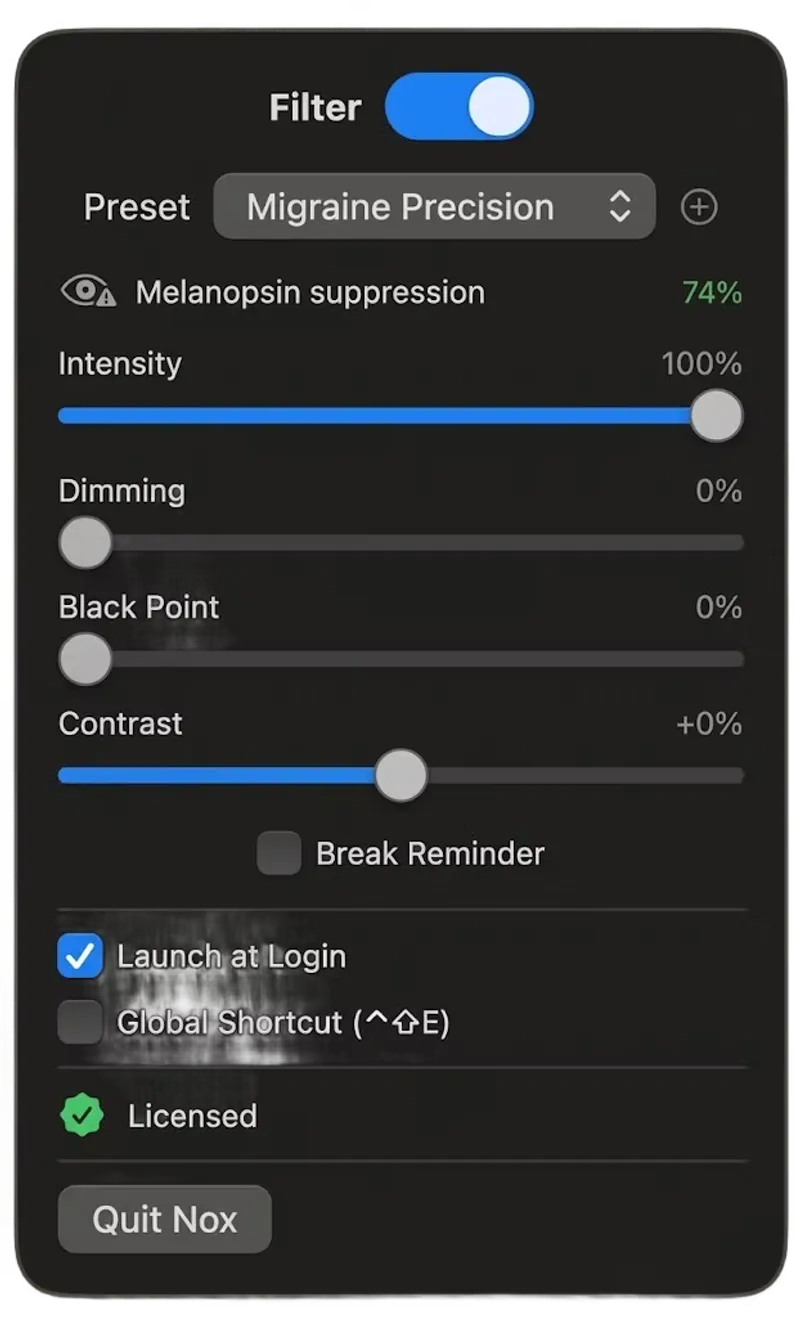
A spectral wavelength screen filter for macOS designed to reduce light sensitivity and migraine discomfort, with 12 research-based presets including FL-41 tint emulation.
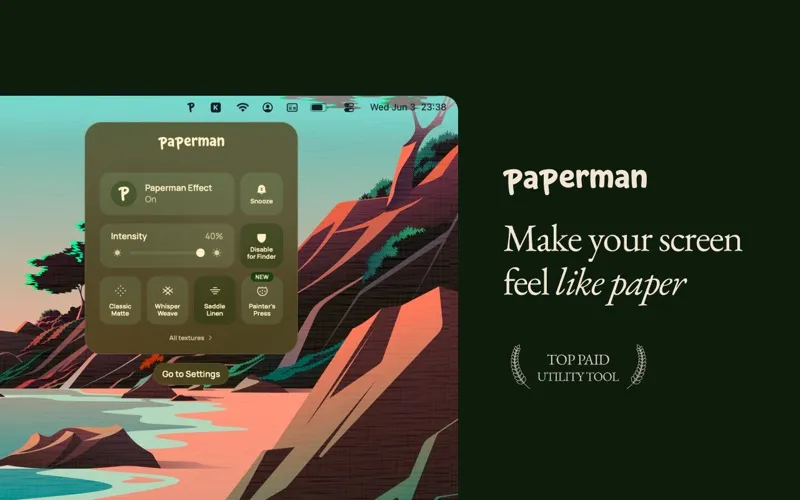
A Mac display utility that applies a digital paper texture overlay to the screen, reducing contrast and glare with nine texture options and app exclusions.
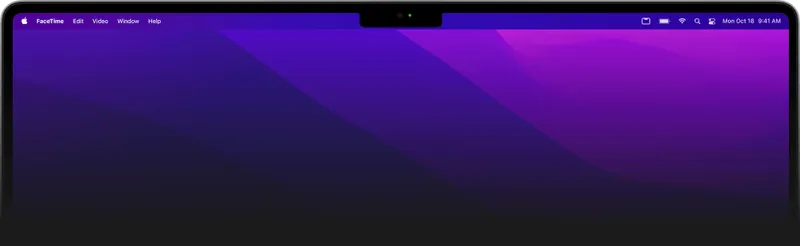
Hide the MacBook notch with elegant black bars that blend seamlessly with your wallpaper. Free utility that makes your display feel more traditional.
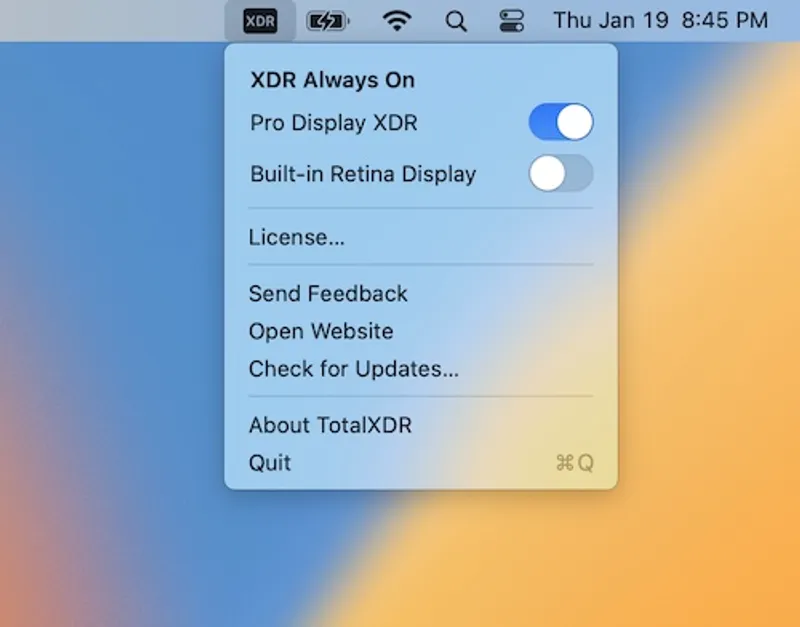
A menu bar app that unlocks the peak XDR brightness limit on MacBook Pro displays, keeping HDR extra brightness always on.
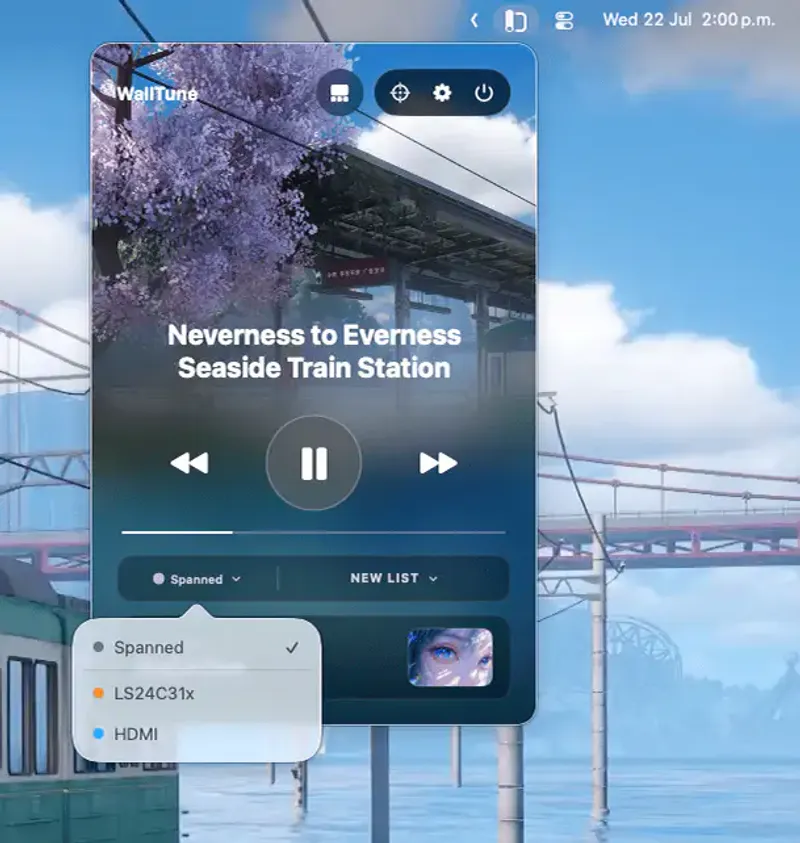
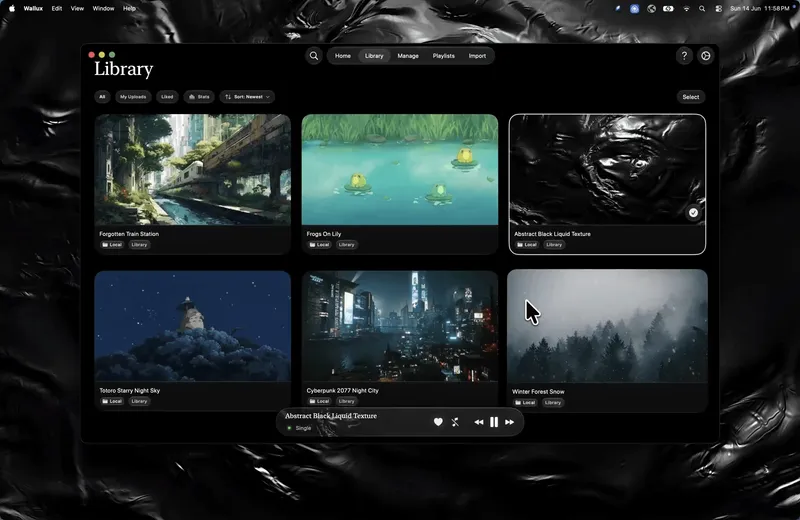
Dynamic multi-monitor wallpaper manager supporting images and videos with per-display scenes, Focus Mode automation, and named monitor profiles.
Live wallpaper app for Mac with 10,000+ animated and video wallpapers, per-display customization, lock screen support, and menu bar control.
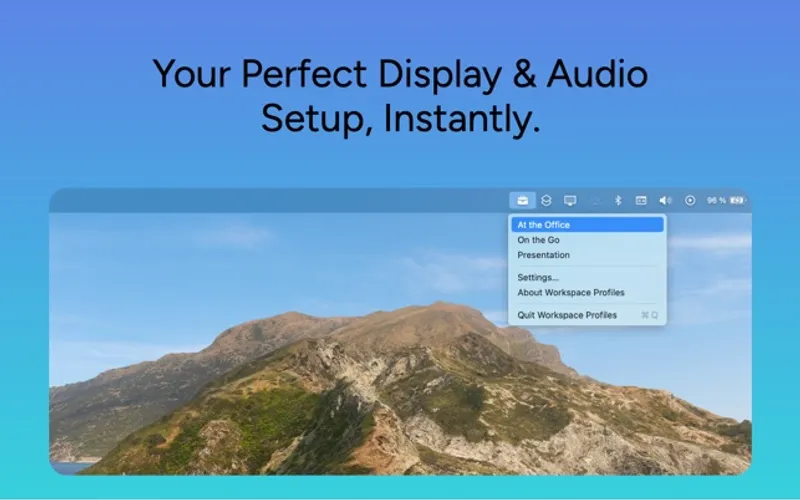
Automate display and audio settings when connecting external monitors. Create custom profiles for different work scenarios with one-click switching.