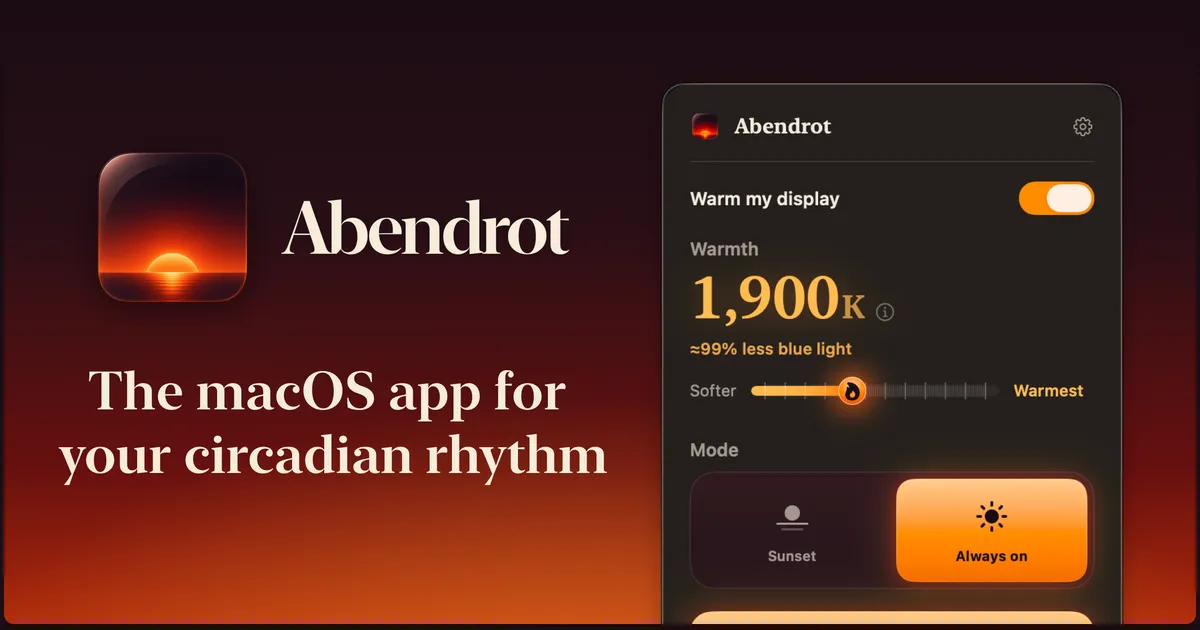
Abendrot is a free, open-source macOS screen warmer that shifts display color temperature toward warmer tones around sunset. It targets melanopic light — the blue-cyan wavelengths that the circadian system uses to detect daylight — rather than just applying a visual orange tint. The app uses your timezone or a selected city to determine local sunset time and adjusts warmth automatically. (Free, open-source, MIT license)
Warmth level is configurable in Kelvin, and a “Cozy mode” pushes warmth beyond the standard range for users who want maximum reduction in evening blue light. A “Reveal True Color” shortcut temporarily disables warming to show unfiltered colors when accurate color work is needed. Per-display settings and hardware color control allow different configurations for each connected monitor.
A command-line interface makes Abendrot scriptable and integrable with automation tools and AI utilities. The app contains no telemetry and no user tracking. Source code is available on GitHub under the MIT license.
System requirements: macOS version listed at https://abendrot.app. Compatible with Apple Silicon and Intel Macs. Multi-monitor support varies by display hardware color control capability.
Pricing: Free. Open-source under the MIT license. Optional donations accepted via Cash App or Bitcoin Lightning.
Limitations: Hardware color control for per-display adjustment depends on the monitor supporting it; some displays may fall back to software-only control. The automatic schedule is sunset-based only; manual time ranges require workarounds via the CLI.
Alternatives: macOS Night Shift (built-in, simpler, no per-display control), Flux (long-established screen warmer with more scheduling options, not open-source), Iris (paid, with blue light and brightness control).
Suitable for users working in the evenings who want finer control over display warmth than Night Shift provides, particularly those on multi-monitor setups or who value open-source software.