
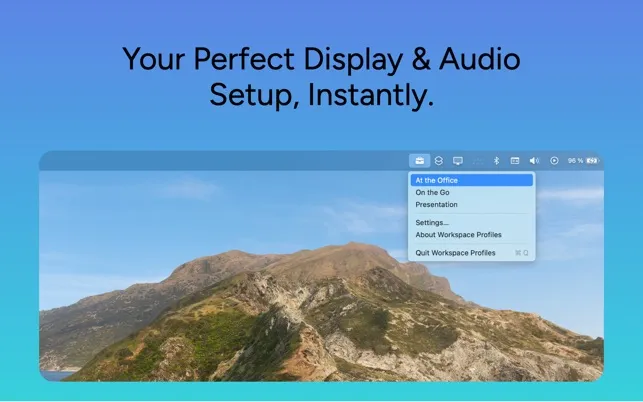
Workspace Profiles automates display arrangement, primary monitor selection, and audio routing when connecting or disconnecting external monitors. The app addresses the friction of manually adjusting settings when switching between docked and mobile work setups.
Users create custom profiles that configure display arrangement, primary monitor selection, and audio input/output routing. For example, an “Office” profile can set an external monitor as primary display, switch audio to USB microphone and headphones, and arrange windows in extended mode. A “Mobile” profile returns settings to laptop defaults when disconnecting.
The app offers both automatic and manual triggering. Automatic mode detects when specific monitors connect or disconnect and applies the appropriate profile, typically within 2-3 seconds. Manual mode provides one-click access through the menu bar dropdown or custom keyboard shortcuts.
Key capabilities beyond basic macOS display preferences include audio automation and granular control. Users can specify exact monitor positioning, designate which display becomes primary, and route audio to specific input/output devices. This is particularly valuable for video calls that require consistent audio routing regardless of physical setup.
Requirements include macOS 15.2 or later. Resource usage is efficient at approximately 0.5% CPU and 30MB memory during operation. Developer Ronan Gaillard emphasizes privacy compliance with no data collection. The interface follows native macOS design patterns with clear profile management and status indicators.
Workspace Profiles costs $2.99 as a one-time purchase from the App Store.
Limitations: The app requires macOS 15.2 or later, excluding users on older systems. Profile configuration requires initial setup time to define monitor and audio routing preferences.
Suitable for users who regularly move between docked and mobile work setups and want automated display and audio configuration rather than manual adjustment.


