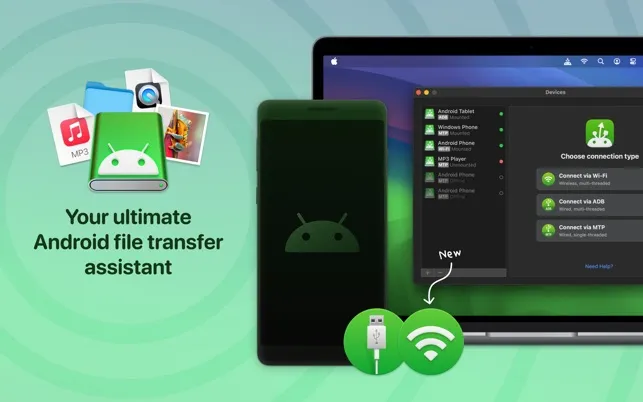
MacDroid provides file transfer between Android devices and Mac computers, addressing the gap left by Google’s limited Android File Transfer utility. Developed by Electronic Team, the app mounts Android devices as standard drives in Finder, enabling native file management operations.
The app supports two connection methods: USB (using ADB or MTP modes) and wireless Wi-Fi connections. USB provides fast, stable transfers while Wi-Fi enables cable-free file access. Both internal storage and SD cards are accessible with full control over file operations including copy, delete, move, and rename.
A notable capability is direct file editing on Android devices from Mac applications without first transferring files locally. This saves storage space and time when making minor modifications to media files or documents.
Device compatibility extends beyond Android phones to include MTP-compatible devices: Meta Quest 2, GoPro cameras, and Amazon Kindle devices. No additional apps are required on the Android device.
Pricing: Free version allows one-directional transfer (Android to Mac). MacDroid PRO ($19.99 annually or lifetime purchase) unlocks bidirectional transfers and advanced editing. A 7-day free trial is available for the annual subscription.
System requirements: macOS 10.15.4 or newer. Installation through direct download or standard Mac installation methods.
Limitations include the subscription pricing model for full functionality and the fact that free alternatives may suffice for occasional basic transfers. Users with infrequent transfer needs might find the free version or alternatives adequate.
Alternatives include Android File Transfer (free, limited), OpenMTP (free, open-source), and AirDroid (wireless-focused, freemium).
Suitable for users who regularly transfer files between Android and Mac, photographers and content creators managing media across ecosystems, or anyone frustrated with Google’s native Android File Transfer limitations.