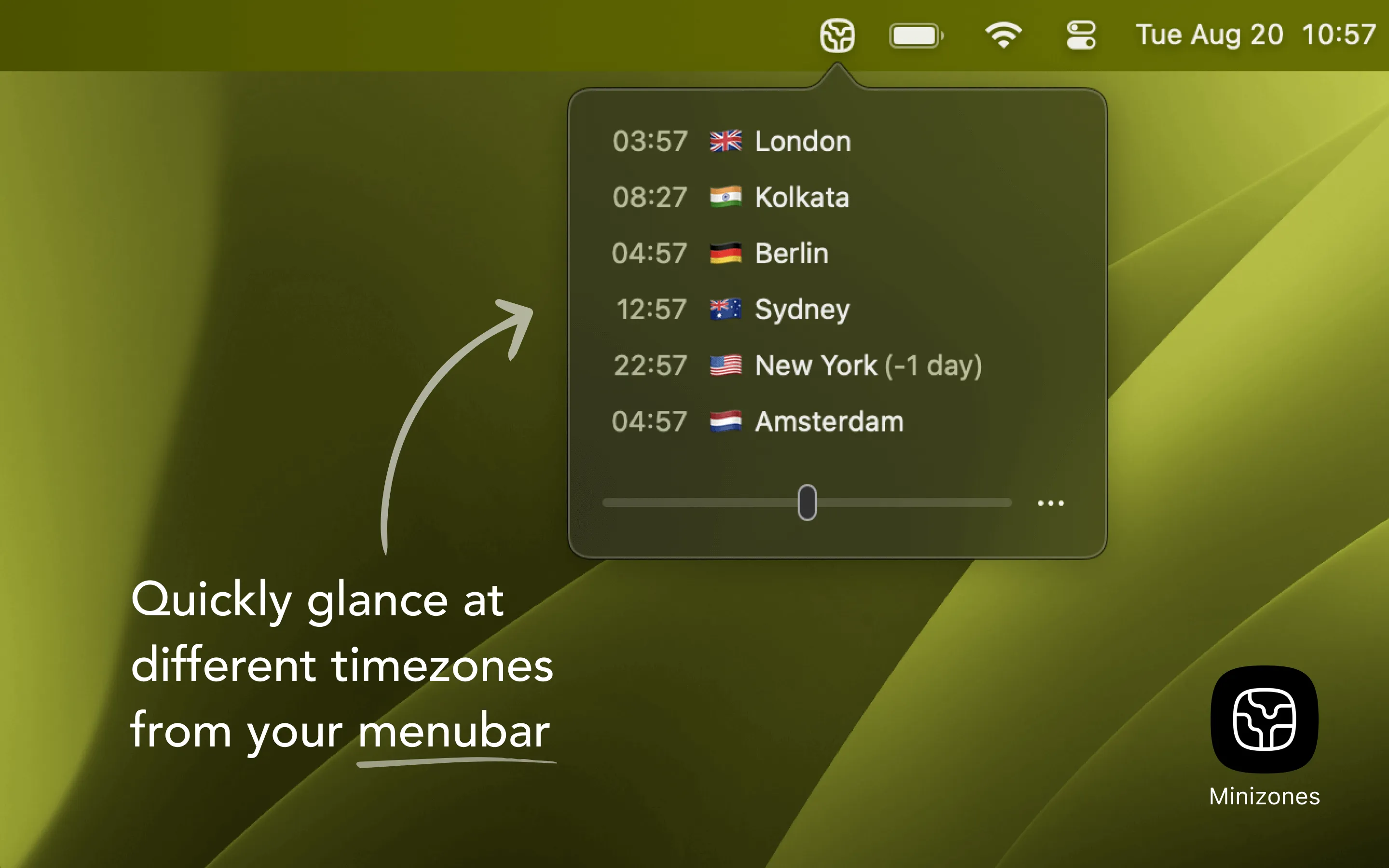
MiniZones is a menu bar timezone tracker that provides instant access to multiple time zones through a clean dropdown interface. The app includes over 500 timezone options searchable by city, country, or timezone abbreviation.
A notable feature is the time slider, which enables users to drag through time and see corresponding times across all tracked locations simultaneously. This simplifies finding suitable meeting times across multiple regions without manual calculation.
Personalization features allow custom names and emojis for each timezone entry, transforming generic timezone displays into more memorable identifiers (e.g., “Sarah Berlin” or “Tokyo Office”). This aids quick identification when scheduling calls or checking colleague availability.
The app follows a one-time purchase model with no recurring costs, account creation, or data collection. Nearly 950 user ratings appear on the App Store, with coverage from 9to5Mac and other tech publications. The app has gained recognition among distributed teams at companies including Apple, Shopify, and Amazon.
System requirements: macOS 13.0 or newer. Works on both Intel and Apple Silicon Macs. Available exclusively through the Mac App Store.
Limitations: The interface can feel crowded when tracking more than 6-7 time zones simultaneously. The emoji personalization feature may not appeal to users preferring minimal interfaces. Advanced features like meeting scheduler integration or calendar sync are not currently available.
Alternatives include Dato (calendar integration, more features), World Clock Pro (traditional clock display), and Menu World Time (free, basic functionality).
Suitable for users who regularly coordinate across multiple time zones, including remote workers, international teams, students with overseas connections, or anyone maintaining relationships across different continents who prefer a simple, subscription-free solution.