
Plume
A lightweight, free Mac menu bar app for instant note-taking with smart text completion, tab management, and optional iCloud sync.
- Price
- Free · in-app purchases
- Requires
- macOS 12.4 or later
- Runs on
- Apple Silicon / Intel
- Size
- Not Listed
- Around Since
- 2020
- Open Source
- No
- Last Checked
- 2026-10-31
Free on the Mac App Store; Plume Premium iCloud Sync is $1.99/month or $24.99 lifetime as an in-app purchase.

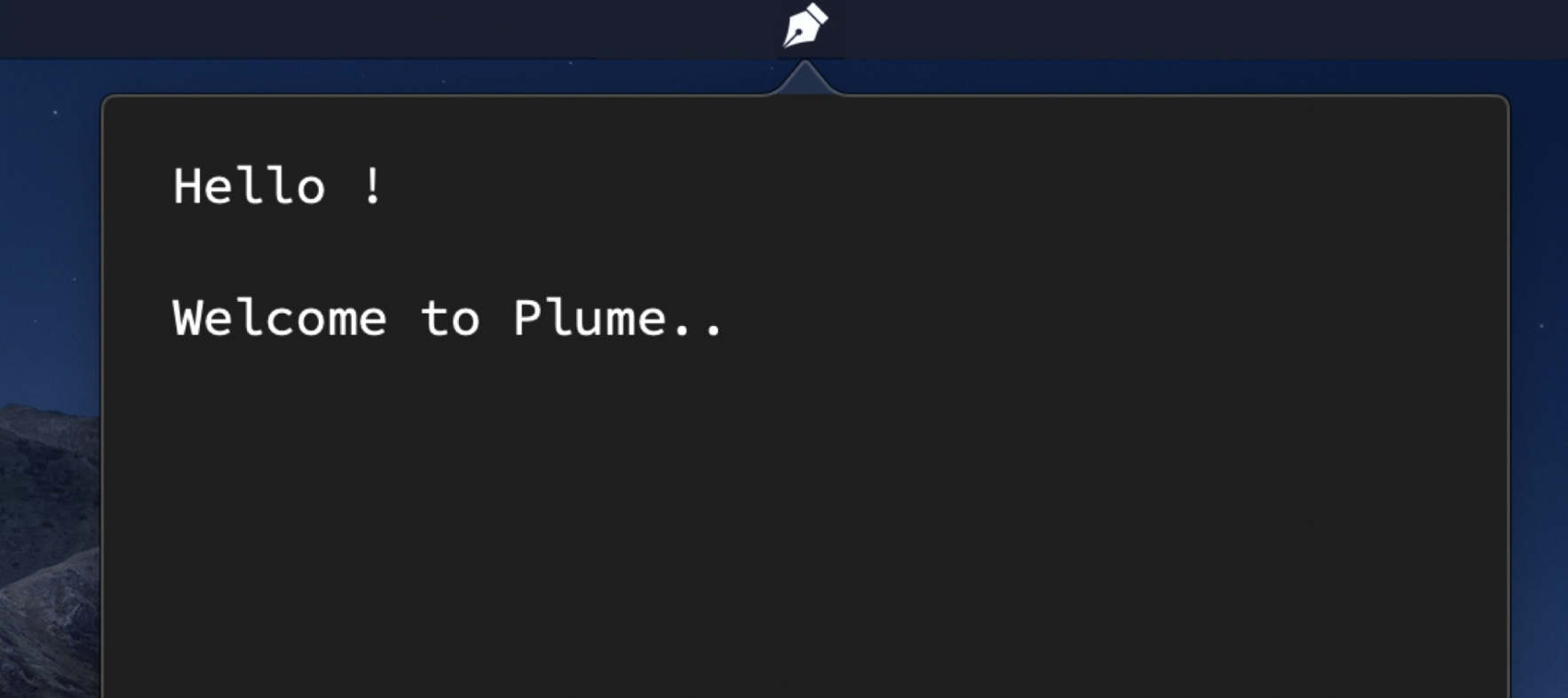 1 screenshot
At a Glance
Best For
Jotting quick tabbed notes in a menu bar popover.
The Catch
iCloud sync and backups need Plume Premium, at $1.99 a month or $24.99 for life.
About Plume
Plume provides instant note capture from the menu bar for quick thoughts, meeting notes, and temporary information that requires immediate recording. A click on the menu bar icon opens a text popover without window switching or app launching.
The Magic Mode feature offers smart text completion that learns from typing patterns, suggesting completions for common phrases over time. This assists with repetitive content like meeting attendees or standard action items without requiring advanced AI integration.
Notes organize into tabs accessible from the popover, searchable with Command+F. Users can create tabs for different projects, scratch pads for temporary content, or reference information needed throughout the day. The interface maintains minimalism with plain text only, avoiding formatting complexity.
Resource usage stays under 50MB of memory with essentially zero CPU when idle. The popover size is customizable (small, regular, large, xlarge), and keyboard shortcuts are configurable for integration with existing hotkey systems.
The base app is free from the Mac App Store with no limitations on note-taking functionality. Plume Premium adds iCloud synchronization and backups, available as a $1.99 monthly subscription or a $24.99 lifetime in-app purchase.
Limitations include intentional design constraints: no markdown rendering, rich text formatting, or attachment support. The app functions as a quick-capture tool rather than a comprehensive note-taking system. Users needing full note management should consider alternatives like Obsidian or Bear.
System requirements are macOS 12.4 or later with standard permissions.
Suitable for users who need instant text capture from anywhere on their Mac, prefer plain text over rich formatting, and want a lightweight companion to their primary note-taking system.
FAQ
What does Plume do?+
Plume captures notes from the menu bar in a popover that opens with a single click. Notes organize into tabs, are searchable with Command+F, and Magic Mode learns from typing patterns to suggest completions for repetitive content like meeting attendees or action items.
Is Plume free?+
Yes. The base Plume app is free from the Mac App Store with no limitations on note-taking. Plume Premium adds iCloud sync and backups as an in-app purchase: $1.99 a month or $24.99 for life.
How do I install Plume on macOS?+
Download Plume from the Mac App Store via https://plumenote.app, then drag the .app into your Applications folder.
Does Plume run on Apple Silicon?+
Yes. Plume runs on Apple Silicon (M1, M2, M3, M4) and Intel Macs. Resource usage stays under 50MB of memory with essentially zero CPU when idle.
Can I resize the Plume popover window?+
Yes. The popover offers four size presets (small, regular, large, xlarge) and configurable keyboard shortcuts to integrate with existing hotkey systems.
Does Plume support Markdown rendering?+
No. Plume is plain text only — no Markdown rendering, rich text formatting, or attachment support. It is intentionally a quick-capture companion to fuller note systems like Obsidian or Bear.