Scratchpad provides a single, persistent plain-text note that syncs instantly across Mac, iPhone, iPad, Apple Watch, and Vision Pro via iCloud. Unlike traditional note-taking apps with folders, tags, and formatting options, Scratchpad focuses on capturing temporary thoughts without organizational overhead.
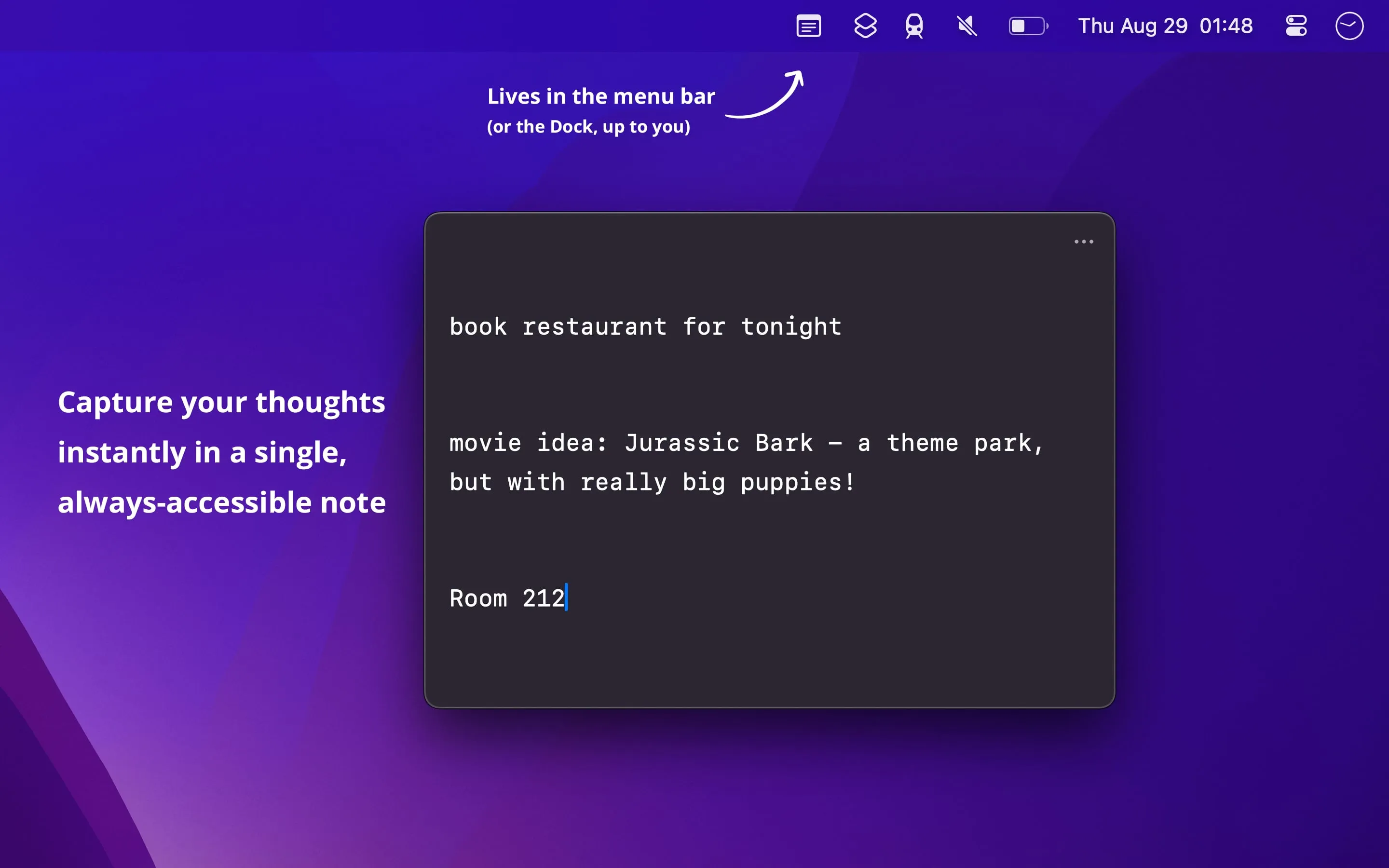
The Mac version lives in the menu bar and dock, accessible via customizable hotkey. The interface displays a minimal text field on a translucent background with word and character count at the bottom. No formatting buttons or feature distractions exist—just a space for quick text capture.
Key features include instant iCloud sync across all Apple devices, Control Center and Lock Screen widget integration on iPhone, Apple Watch voice dictation support, and Shortcuts app integration for programmatic text input and output. The app displays a subtle menu bar indicator when content exists, serving as a reminder to clear or act on temporary notes.
Resource usage remains minimal at approximately 1% CPU and 50MB memory. The app respects user privacy by using only iCloud for sync without collecting analytics or requiring third-party account creation. Developer Sindre Sorhus maintains a consistent privacy-conscious approach across his app portfolio.
Limitations include plain text only—no images, formatting, or attachments. System requirements are macOS 14+, iOS 17+, and compatible watchOS/visionOS versions. Users requiring rich content capture should consider alternative note-taking solutions.
Pricing follows a universal purchase model at approximately $4.99 (varies by region), providing access across all Apple platforms with a single purchase. No subscription or premium tiers exist.
Suitable for users who need quick capture of temporary thoughts, fleeting ideas, or transitional content that requires cross-device availability without permanent organization—developers, writers, students, or anyone who thinks in fragments before deciding what to do with their ideas.