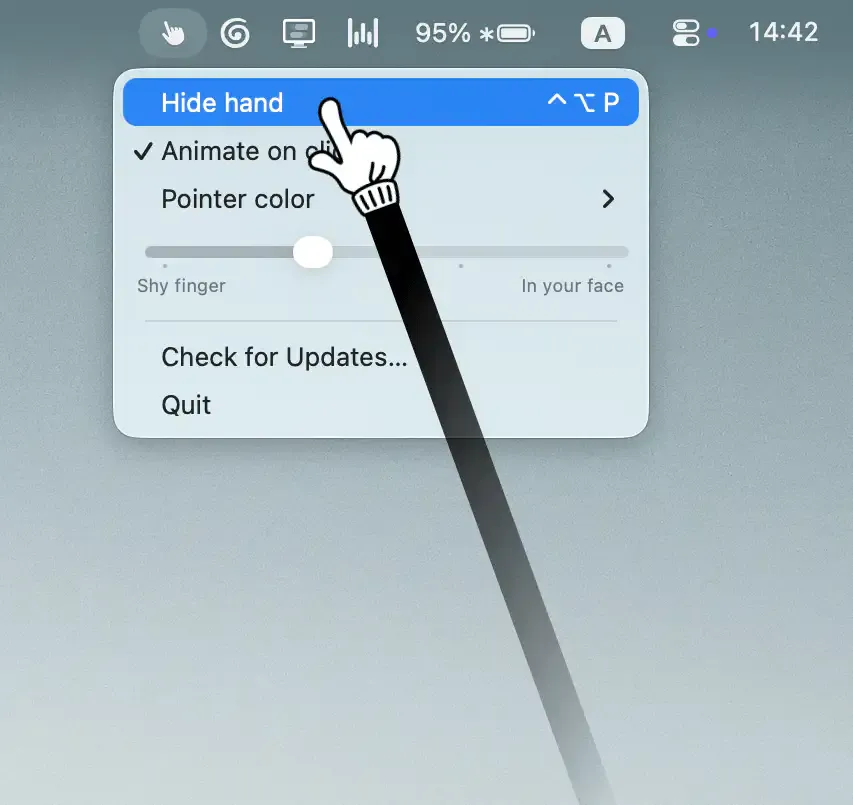
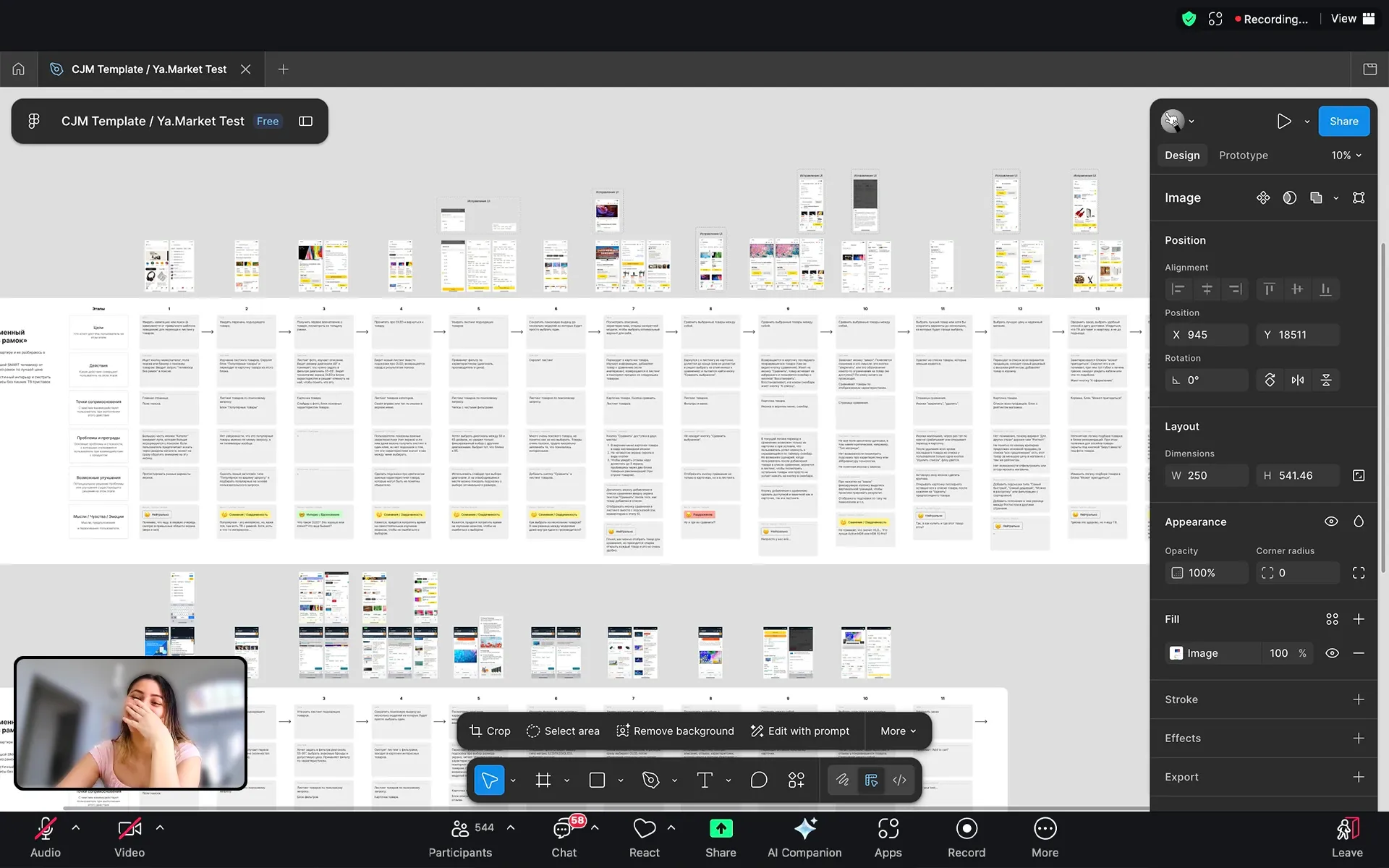
Pokey replaces the standard macOS cursor with an animated hand pointer that visually reacts to clicks during screen shares and recordings. The hand taps the screen on each click, making it easier for viewers to track the presenter’s focus in Zoom calls, Google Meet sessions, Loom recordings, or OBS streams. (Free with watermark; $9.99 one-time to remove)
The hand pointer maintains full functional parity with the standard cursor — clicking, selecting text, and navigating windows all work normally. Four expression modes range from subtle to emphatic, and the animation intensity scales with click speed: faster clicking produces more pronounced movements. Multi-monitor setups are supported with seamless cursor switching across displays.
Users toggle the hand pointer via a keyboard hotkey or the menu bar icon, switching between the standard and animated cursor on demand without interrupting the current presentation or recording.
System requirements: macOS 26 or later.
Pricing: Free version includes a watermark on the hand pointer. $9.99 one-time purchase removes the watermark.
Limitations: Requires full-screen sharing — window-capture mode will not show the custom cursor to remote participants. The hand pointer does not appear in collaborative canvas tools (Miro, Figma, Canva) when viewing shared files. Corporate Macs with MDM restrictions may block accessibility-dependent cursor replacement.
Alternatives: Mouseposé highlights and tracks cursor movement with a spotlight effect without replacing it. Keystroke Pro and similar tools display keyboard shortcuts on screen. KeyShade provides keyboard shortcut visualization during presentations.
Suitable for users who regularly present, record tutorials, or conduct video calls and want viewers to track cursor movement more easily during demonstrations.


