
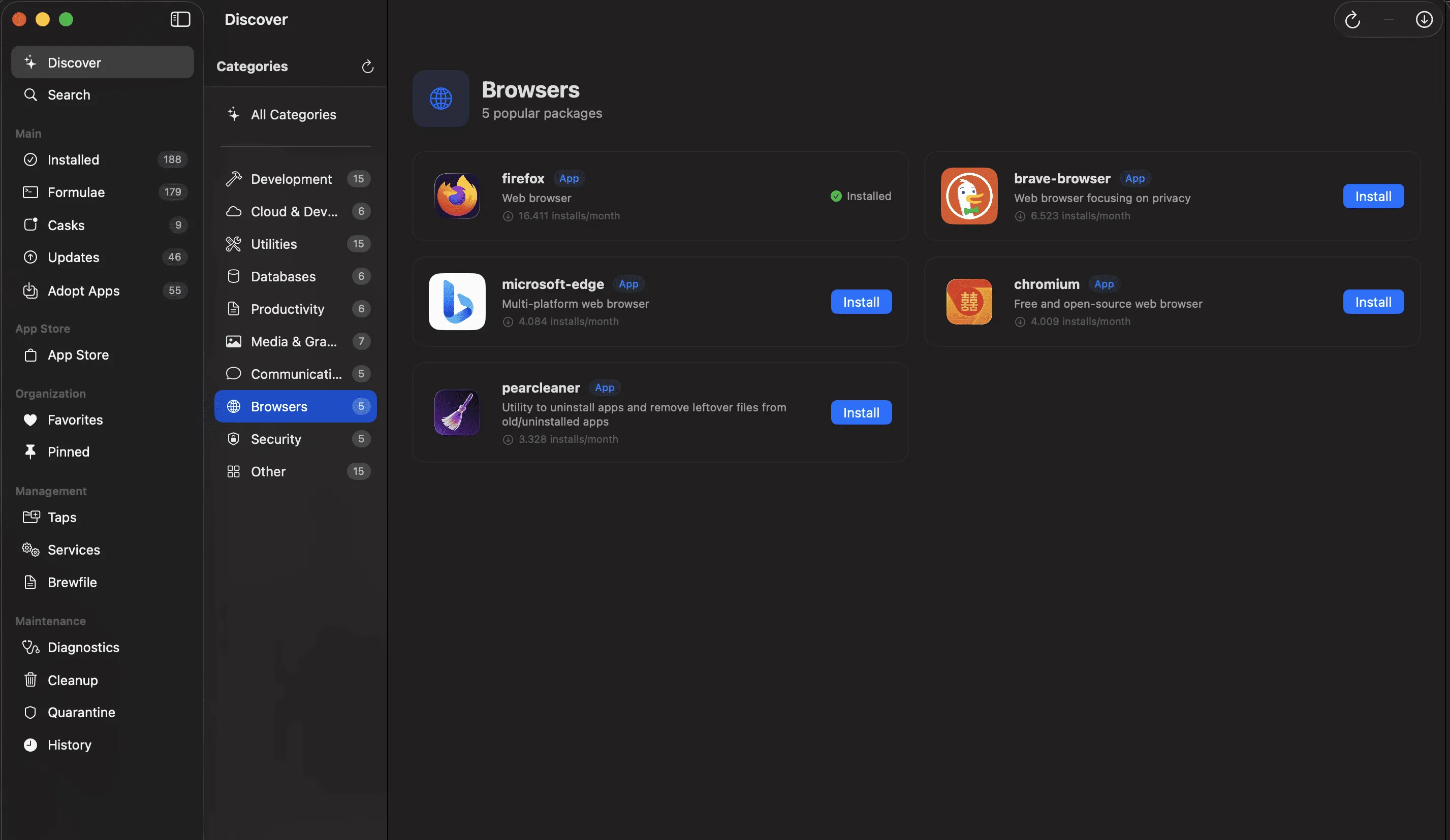
Taphouse provides a native macOS graphical interface for Homebrew package management, replacing terminal commands with visual browsing and one-click operations. The app displays installed packages in a searchable grid with icons, descriptions, and version numbers, while update notifications appear as menu bar badges.
The application handles the full Homebrew ecosystem through its interface:
- Browse and install from the complete Homebrew catalog visually
- Manage taps (third-party repositories) without terminal commands
- Control background services with start/stop/restart buttons
- Import and export Brewfiles for reproducible system setups
- Visualize dependency trees to understand package relationships
The “Adopt Apps” feature scans the /Applications folder and matches manually installed applications to their Homebrew casks, enabling management through Homebrew without reinstallation. Through the mas command-line interface integration, Taphouse also handles Mac App Store apps alongside Homebrew packages, including batch upgrades.
System requirements include macOS 14 Sonoma or later. Resource usage remains light at approximately 1% CPU and around 100MB memory. The app supports dark mode and uses native UI elements.
Pricing follows a freemium model: core features remain free permanently, while power-user features (bulk operations, favorites management, enhanced installation history) unlock with a one-time $4.99 purchase. A 14-day Pro trial allows evaluation before purchasing.
Limitations include a potentially cluttered interface when managing hundreds of packages, and limited filtering options beyond basic search and category tags. Users with optimized terminal workflows may find GUI operations slower for some tasks.
Alternatives include Cakebrew for simpler Homebrew visualization, or direct terminal usage with custom aliases for users preferring command-line efficiency.
Suitable for users who want Homebrew’s package management flexibility through a visual interface, particularly developers and power users who prefer GUI-based discovery and service management over memorizing terminal commands.


