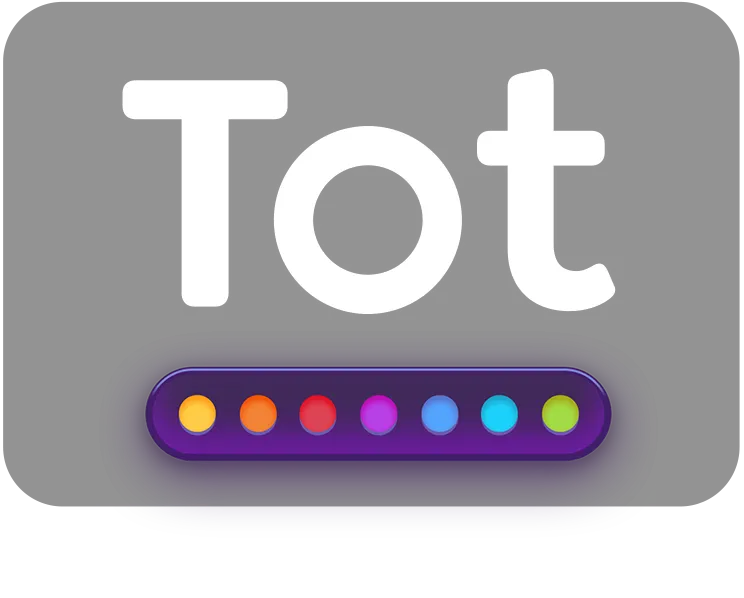
Tot from The Iconfactory provides quick note-taking functionality from the macOS menu bar with seven color-coded text dots for temporary notes, snippets, and ideas. The interface is minimal by design: click the menu bar icon, pick a dot, and start typing. No folders, tags, or complicated organization systems exist, just seven spaces for text.
The key advantage is iCloud sync across macOS, iOS, iPadOS, and watchOS. Notes started on Mac continue seamlessly on iPhone and can be referenced on Apple Watch. The app supports both rich text with Markdown formatting and plain text depending on user preference.
Tot includes Shortcuts app integration for automation workflows. The enhanced keyboard on iOS provides quick access to text operations like character counts and word counts, useful for drafting social media posts or tracking text length limits. Customizable smart bullets and dividers help organize quick lists and to-dos without requiring a dedicated task manager.
The single-window design with seven dots covers most temporary text needs. Common usage patterns include daily scratchpad notes, URL collection, draft messages, and rotating project-specific notes. When notes grow beyond temporary status, content moves to a proper note-taking app.
Performance is excellent with minimal system resource usage. The Liquid Glass design adapts to both light and dark modes. The app backs up text automatically, protecting against accidental loss.
Tot is free on the Mac App Store, App Store for iOS, and watchOS. The Iconfactory offers it without subscriptions or in-app purchases. The app requires macOS 11.0 or later on Mac, iOS 14.0 or later on iPhone, and watchOS 7.0 or later on Apple Watch.
Limitations include the fixed seven-dot structure with no option to add more spaces. Users needing extensive note-taking features with nested folders, advanced search, or unlimited notes should look elsewhere.
Alternatives include Apple Notes for more comprehensive note-taking, Drafts for text processing automation, or Obsidian for knowledge management. Suitable for users who need quick text collection syncing reliably across Apple devices without the complexity of full-featured note-taking applications.


