
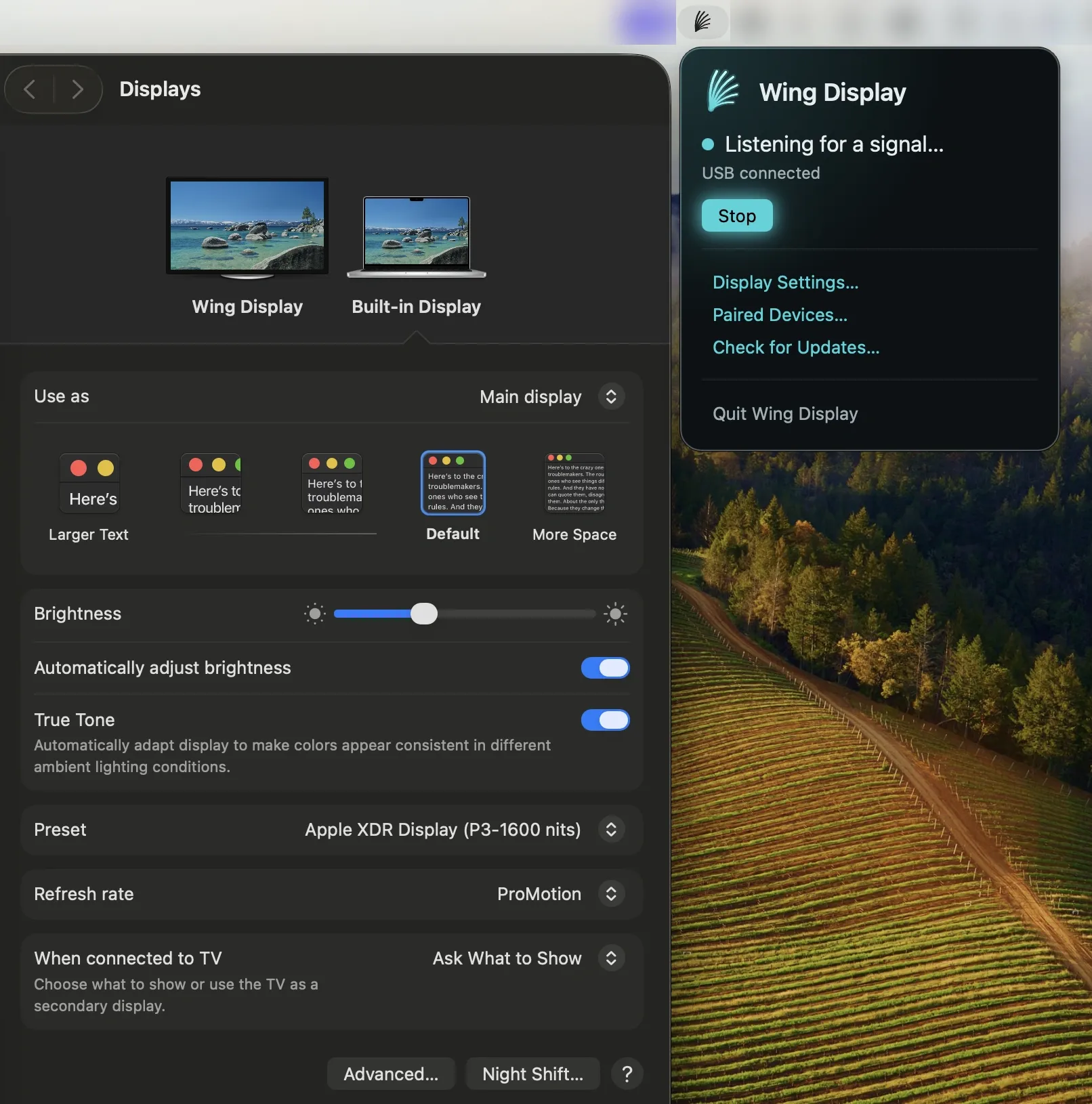
Wing Display is a Mac menu bar app that turns an Android tablet into a second display, extending the desktop wirelessly at up to 60 frames per second. The Mac app is free, with optional Pro features available through a subscription on the Android side. (Free Mac app; Pro features $2.99/month or $24.99/year via Google Play)
The connection runs directly between the Mac and the tablet—encrypted, with no account, cloud relay, or server required. Over Wi-Fi, the tablet hotspot or a shared network can be used. For environments with restricted or congested Wi-Fi, a USB connection is available as a Pro feature, providing the most stable frame rate.
Pro features on the tablet expand beyond display mirroring: touch input enables tap, drag, scroll, and pinch gestures on the tablet screen to control the Mac, and S Pen support adds pressure sensitivity, tilt, and hover detection with palm rejection. These features are activated through the Android companion app purchased via Google Play. The free wireless display functionality remains permanently available after cancelling a Pro subscription.
The app supports up to 60 fps. USB mode provides the steadiest connection for latency-sensitive workflows. The Mac app is notarized by Apple and requires no additional driver installation.
System requirements: Mac running macOS 15 Sequoia or later (Apple Silicon or Intel). Android tablet running Android 11 or later. iPad is not supported.
Pricing: Mac app is free with no paid tier. Pro features (touch, S Pen, USB): $2.99/month or $24.99/year via Google Play, with a 14-day free trial for first-time subscribers.
Limitations: iPad is not supported; Android tablets only. macOS 15 requirement excludes Macs on Monterey, Ventura, or Sonoma. A Windows host version is in development but unavailable. Pro features require an ongoing Google Play subscription.
Alternatives: Sidecar (free, built into macOS) extends the desktop to an iPad wirelessly or via USB. Luna Display (hardware dongle, $79.99) enables iPad or PC as a second screen. Deskreen (free, open-source) streams to any device with a browser but without touch input.
Suitable for users with an Android tablet who want a free, account-free wireless second screen, with an upgrade path for touch and stylus interaction.