
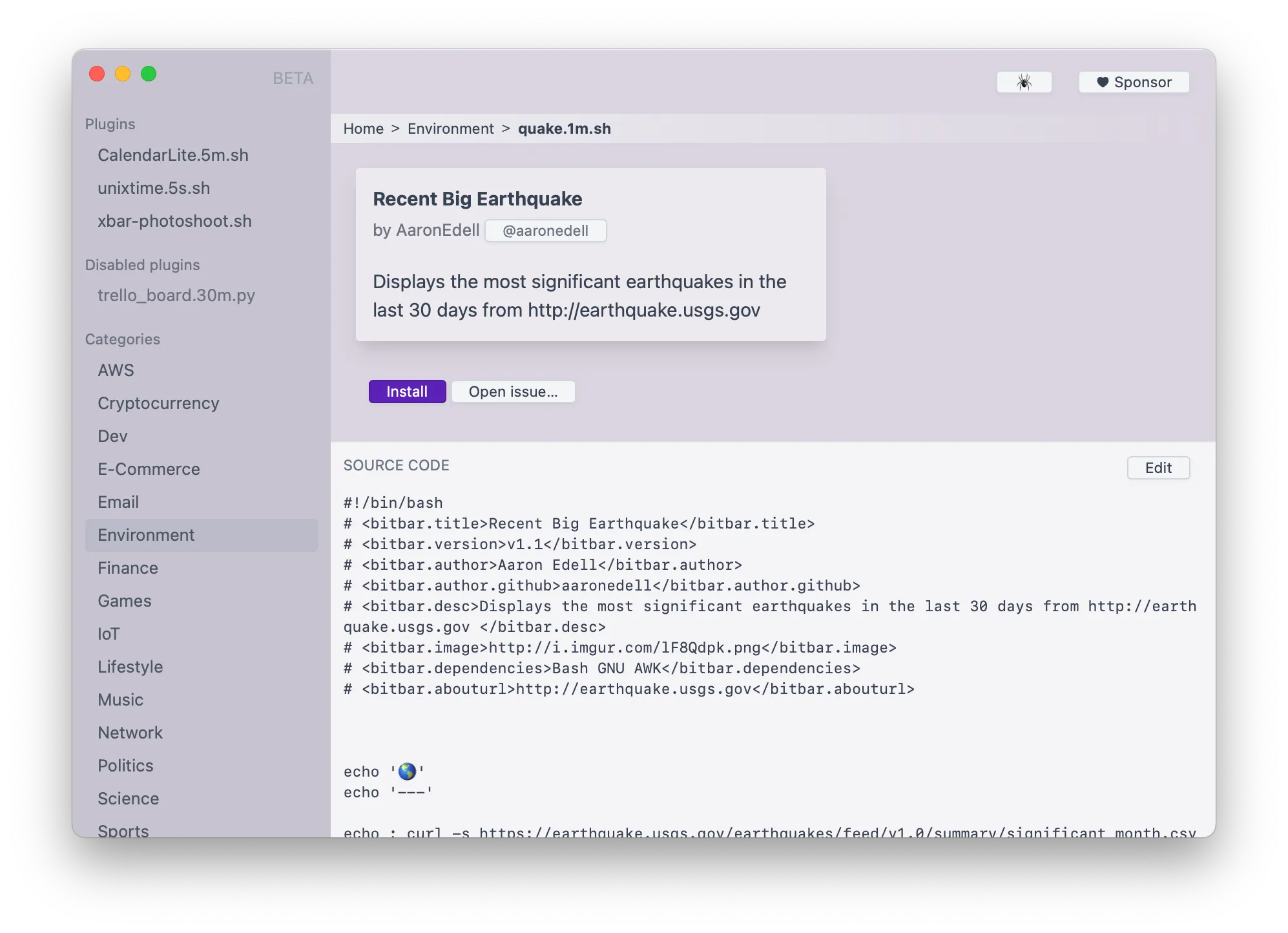
xbar (formerly BitBar) transforms the Mac menu bar into a customizable dashboard by displaying output from scripts written in any programming language. If a script can print to stdout, xbar can display it in the menu bar.
The concept is straightforward: write a script in Python, Bash, JavaScript, Ruby, Go, or any other language that outputs text, and xbar displays the result. The plugin format supports rich text, colors, submenus, click actions, and embedded images, enabling interactive interfaces beyond simple text display.
The official plugin repository includes over 300 community-contributed plugins covering cryptocurrency prices, Docker container status, AWS service monitoring, Spotify playback status, website uptime, and more. Users can browse and install plugins directly from the built-in plugin browser.
Refresh intervals are configurable per plugin, from seconds for rapidly changing data to hours for static information. The plugin architecture means users only run what they need, avoiding bloat from unused features. Resource usage remains minimal with negligible CPU overhead.
Installation options include direct download from xbarapp.com or Homebrew with brew install xbar. Creating custom plugins requires basic scripting knowledge. The app supports accessibility permissions for menu bar manipulation, standard for any menu bar modification tool.
xbar is open source under the MIT license. Mat Ryer and the community maintain active development with regular updates. The transparent development process enables code auditing for security-conscious users.
Requirements: xbar runs on macOS and requires system permissions including accessibility access.
Limitations: Custom plugin creation requires scripting knowledge. Enterprise environments with strict permission policies may need to evaluate accessibility permission requirements.
Alternatives for menu bar customization include SwiftBar (Swift-based BitBar alternative) and Hammerspoon (broader automation capabilities).
Suitable for users who want to display custom information in the menu bar, particularly developers and system administrators comfortable with scripting.


