
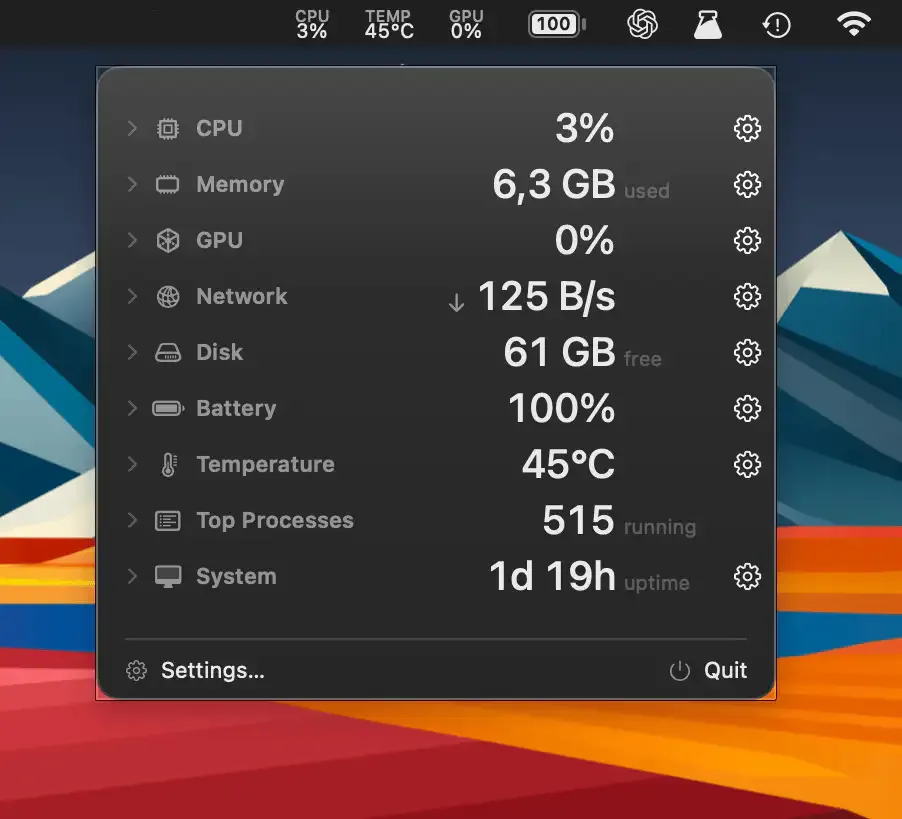
Free and Open Source
AirStats
Choosing from 16 menu bar metrics, including CPU, GPU, network and temperature.
The Catch It runs only on Apple Silicon Macs.
iStat Menus alternatives for Mac: AirStats and MacMonitor are free and open source, Vitals groups usage by app, and Sensei adds cleanup tools at a higher price.
iStat Menus covers many metrics and offers detailed customization. These picks narrow the scope or combine monitoring with a different job.
iStat Menus costs from $18, and its weather feature needs a separate subscription. Consider a smaller monitor if you use only a few metrics. Choose app-level history for troubleshooting, or a broader utility if cleaning and maintenance belong in the same workflow.
Free and Open Source
Choosing from 16 menu bar metrics, including CPU, GPU, network and temperature.
The Catch It runs only on Apple Silicon Macs.
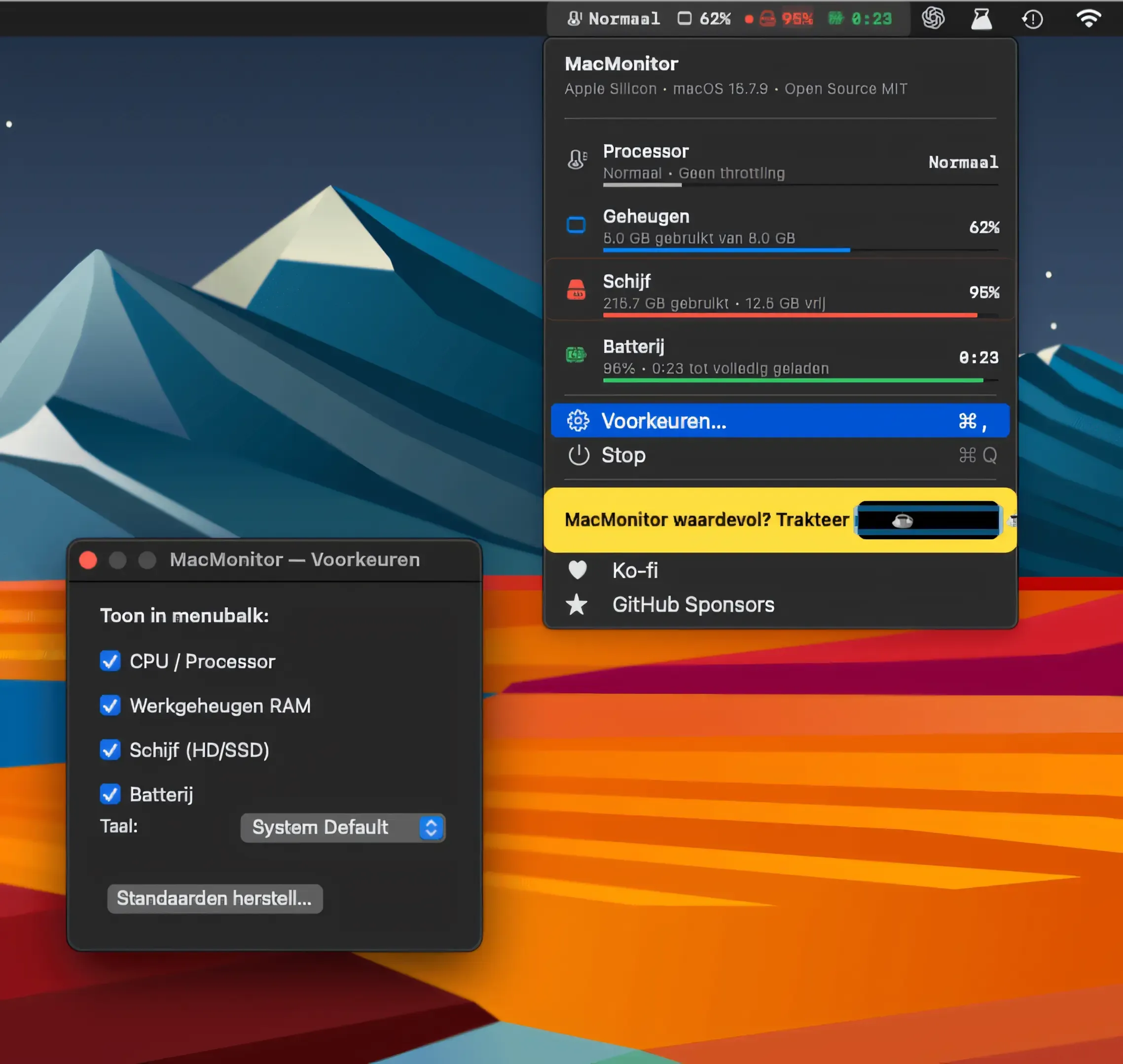
Free Essentials
Checking CPU thermal state, RAM, disk and battery from the menu bar.
The Catch It shows thermal state levels rather than temperatures, and there are no GPU or network metrics.
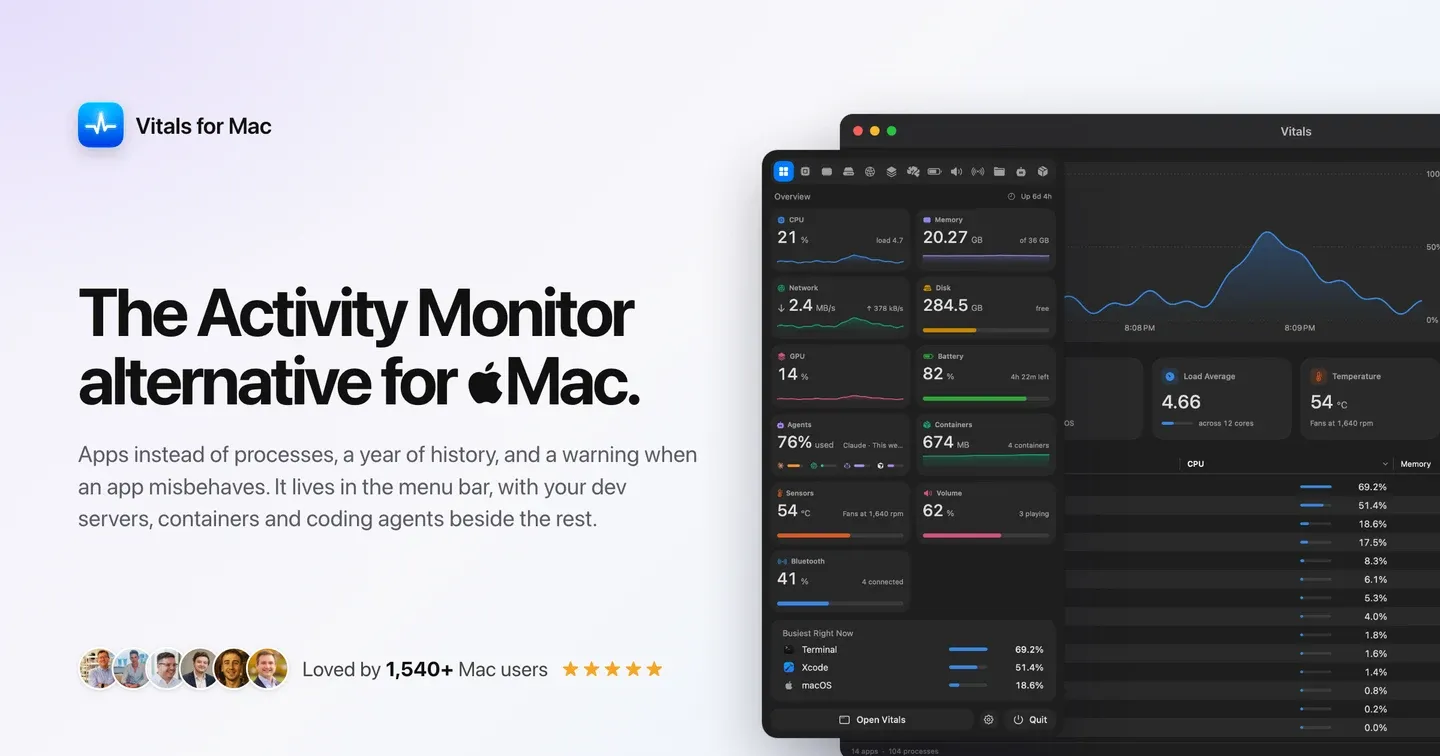
App-Level History
Seeing resource use grouped by app, with 30-day history.
The Catch The free trial lasts three days, and app-level grouping hides some process detail.
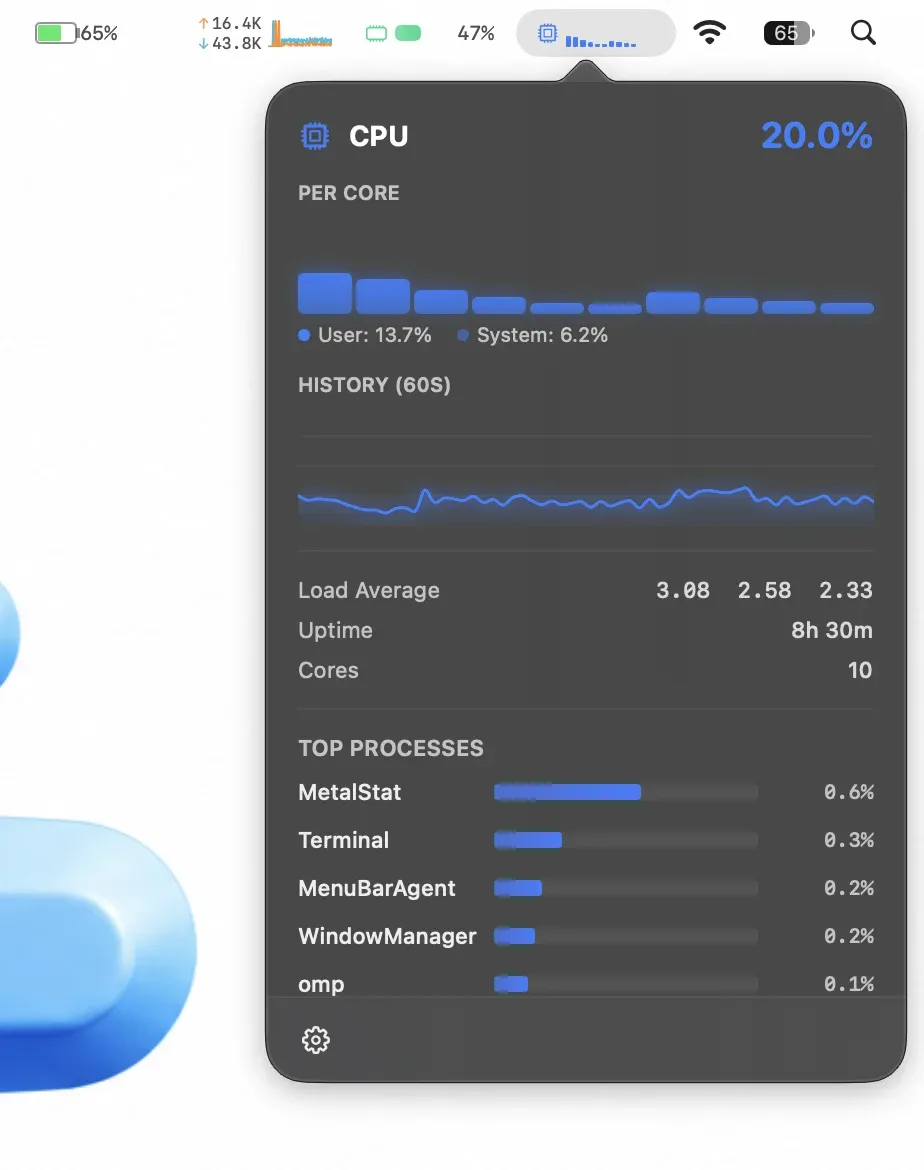
Charts for Less
Watching CPU, memory, disk, network and temperature with live charts.
The Catch It runs only on Apple Silicon, and it locks after a 3-day trial until a $7.99 licence is activated.

Maintenance Included
Combining performance monitoring with disk cleanup and app removal.
The Catch It costs $59 one-time or $29 a year, and it may duplicate tools you already use.
| App | Best For | Price | The Catch |
|---|---|---|---|
| AirStats | Choosing from 16 menu bar metrics, including CPU, GPU, network and temperature. | Free | It runs only on Apple Silicon Macs. |
| MacMonitor | Checking CPU thermal state, RAM, disk and battery from the menu bar. | Free | It shows thermal state levels rather than temperatures, and there are no GPU or network metrics. |
| Vitals | Seeing resource use grouped by app, with 30-day history. | Paid | The free trial lasts three days, and app-level grouping hides some process detail. |
| MetalStat | Watching CPU, memory, disk, network and temperature with live charts. | Paid | It runs only on Apple Silicon, and it locks after a 3-day trial until a $7.99 licence is activated. |
| Sensei | Combining performance monitoring with disk cleanup and app removal. | $59 one-time / $29 yearly | It costs $59 one-time or $29 a year, and it may duplicate tools you already use. |
These comparisons use the linked directory entries, not a new hands-on test. Confirm current pricing, requirements and release status with each developer. Missing facts are marked “Not Listed.”
AirStats and MacMonitor are free and open source. Vitals, MetalStat and Sensei are paid; review the linked entries before purchasing.
No. Compare the metrics you actually use, especially sensors, weather and history, before switching.
AirStats and MetalStat run only on Apple Silicon. MacMonitor is a universal binary. Check the other entries before installing on an Intel Mac.