
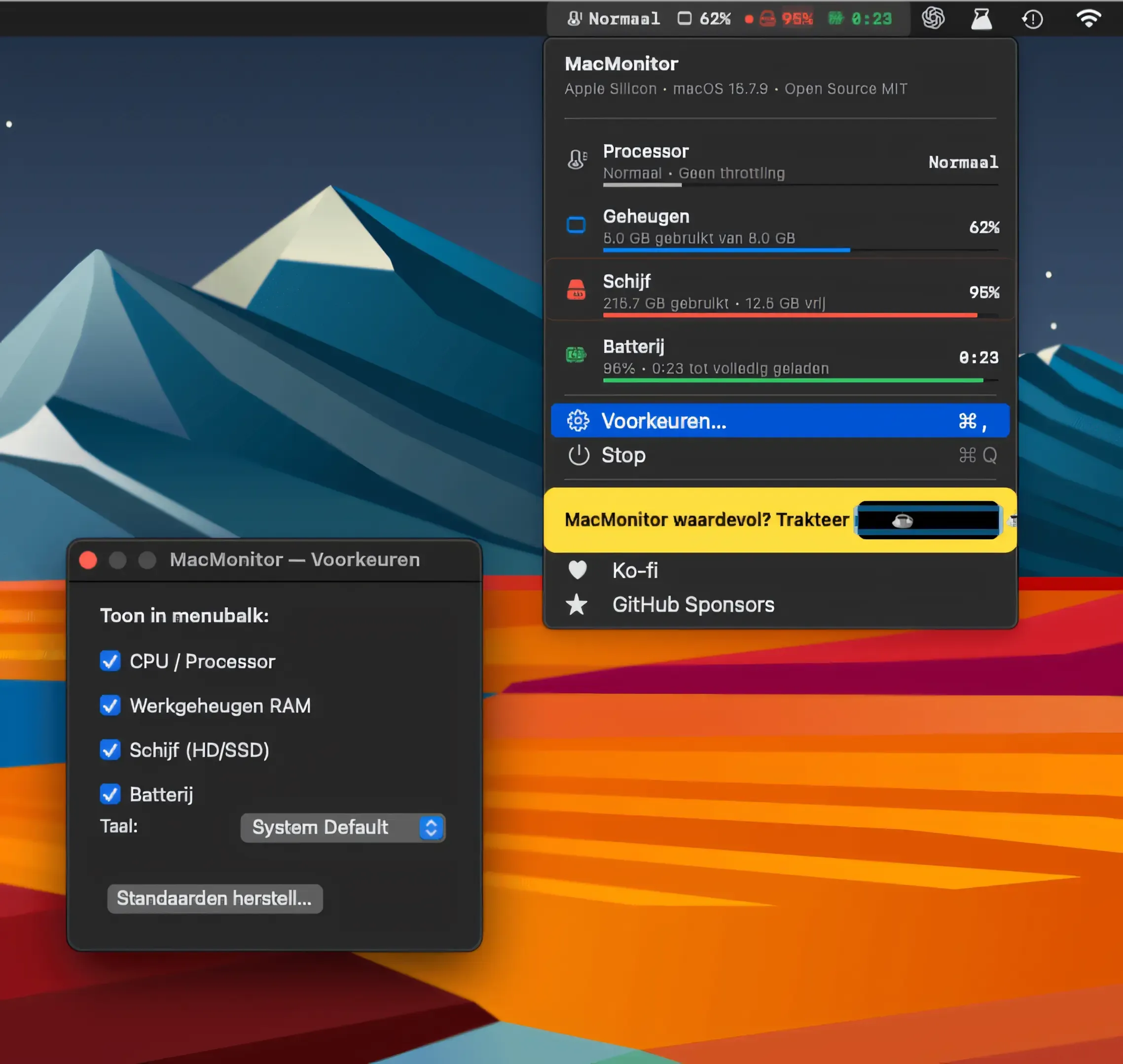
A Quiet Overview
MacMonitor
Checking CPU thermal state, RAM, disk and battery from the menu bar.
The Catch It shows thermal state levels rather than temperatures, and there are no GPU or network metrics.
RunCat alternatives for Mac swap the running cat for real metrics: MacMonitor and AirStats are free and open source, and iStat Menus goes deeper for a price.
RunCat turns CPU activity into an animation. If the next step is understanding why the Mac is busy, choose a monitor that exposes the metrics you need.
The developer states that support for the original RunCat ends at the end of 2026, and its successor, RunCat Neo, needs macOS 26. RunCat shows how busy the Mac is, not which app is responsible. These picks focus on explicit metrics rather than animated runners.
A Quiet Overview
Checking CPU thermal state, RAM, disk and battery from the menu bar.
The Catch It shows thermal state levels rather than temperatures, and there are no GPU or network metrics.
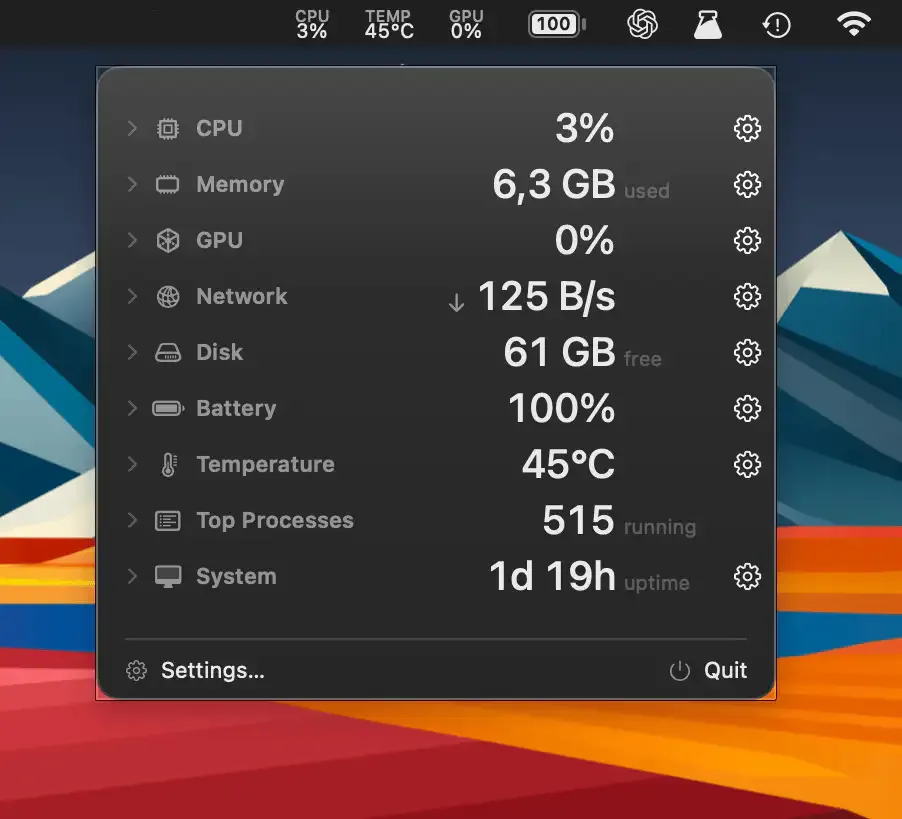
Free and Configurable
Choosing from 16 menu bar metrics, including CPU, GPU, network and temperature.
The Catch It runs only on Apple Silicon Macs.

One Compact Line
Seeing whichever of CPU, GPU, RAM or network is spiking in a single line.
The Catch The free trial lasts 24 hours, then a $14 licence is needed.
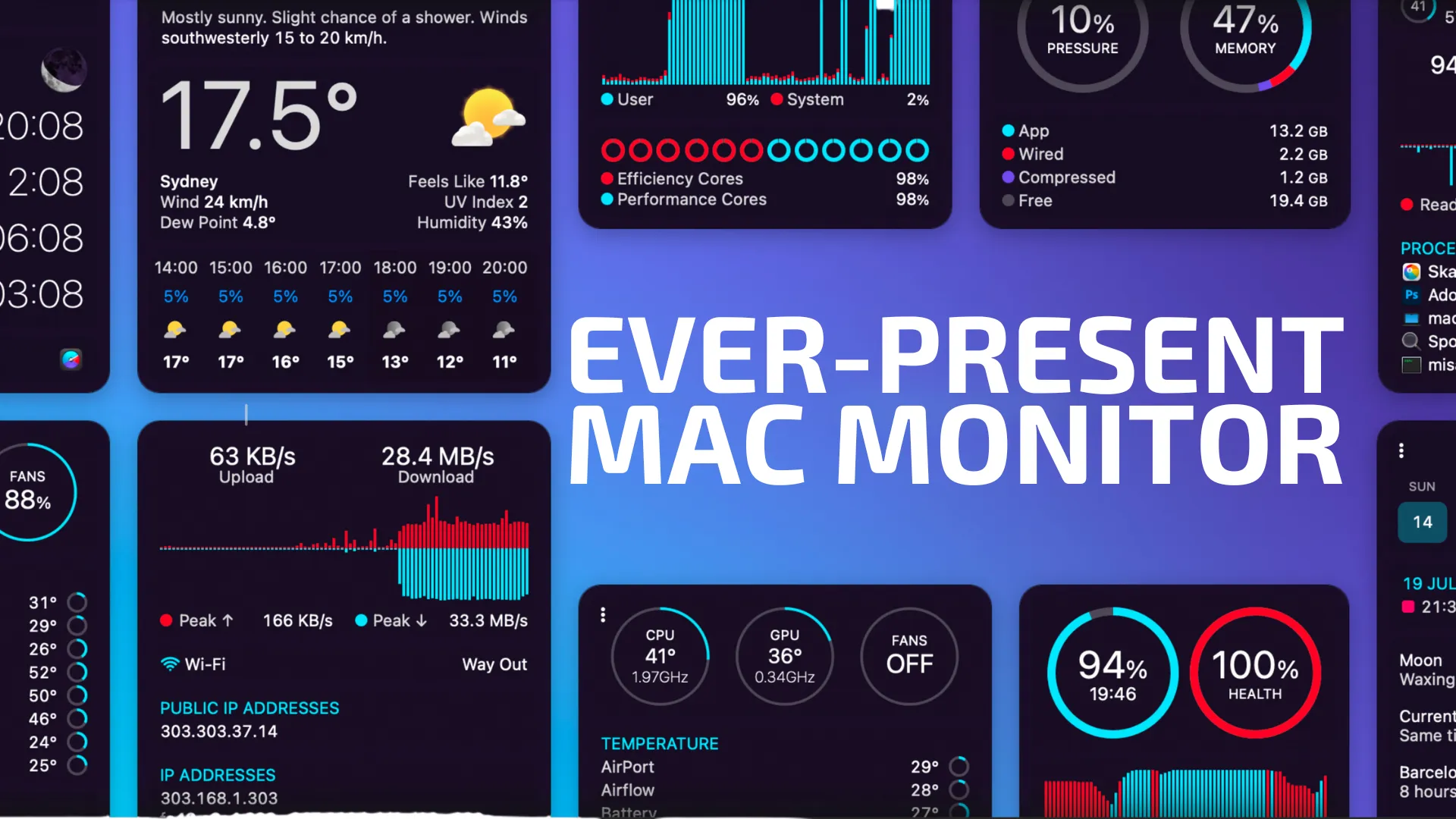
Detailed Monitoring
Watching CPU, GPU, memory, network, disk and battery in detail.
The Catch It costs from $18, and weather needs a separate subscription.
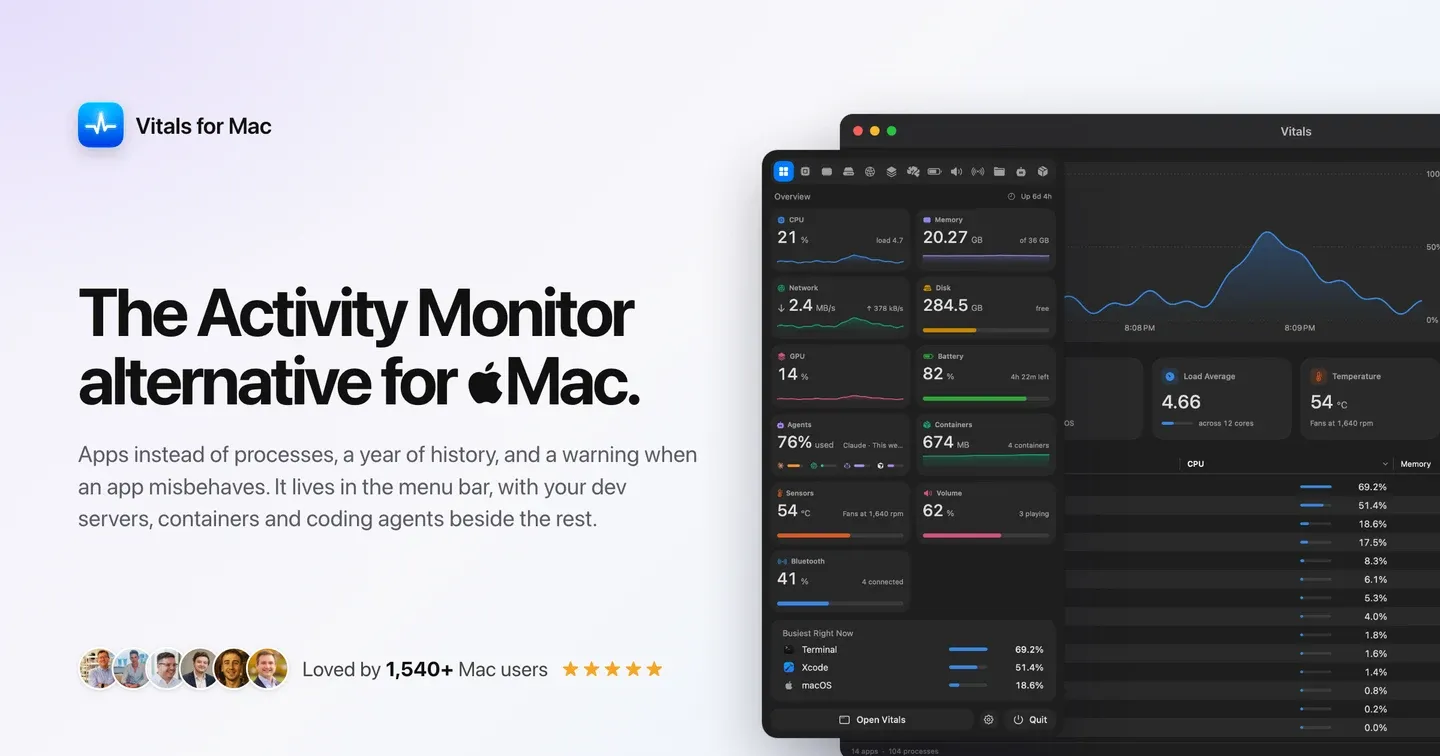
Find the Busy App
Seeing resource use grouped by app, with 30-day history.
The Catch The free trial lasts three days, and app-level grouping hides some process detail.
| App | Best For | Price | The Catch |
|---|---|---|---|
| MacMonitor | Checking CPU thermal state, RAM, disk and battery from the menu bar. | Free | It shows thermal state levels rather than temperatures, and there are no GPU or network metrics. |
| AirStats | Choosing from 16 menu bar metrics, including CPU, GPU, network and temperature. | Free | It runs only on Apple Silicon Macs. |
| ActivityLine | Seeing whichever of CPU, GPU, RAM or network is spiking in a single line. | Paid | The free trial lasts 24 hours, then a $14 licence is needed. |
| iStat Menus | Watching CPU, GPU, memory, network, disk and battery in detail. | From $18 | It costs from $18, and weather needs a separate subscription. |
| Vitals | Seeing resource use grouped by app, with 30-day history. | Paid | The free trial lasts three days, and app-level grouping hides some process detail. |
These comparisons use the linked directory entries, not a new hands-on test. Confirm current pricing, requirements and release status with each developer. Missing facts are marked “Not Listed.”
No. These picks trade RunCat’s animated feedback for explicit resource metrics. RunCat’s entry links to the developer’s successor information.
The developer’s successor is RunCat Neo, which requires macOS 26 or later. On older systems, a monitor from this list is the practical replacement.
MacMonitor and AirStats are free and open source. ActivityLine, iStat Menus and Vitals are paid; review the linked entries before purchasing.
MacMonitor has no configuration and covers four system metrics. Choose it when that smaller scope is enough.