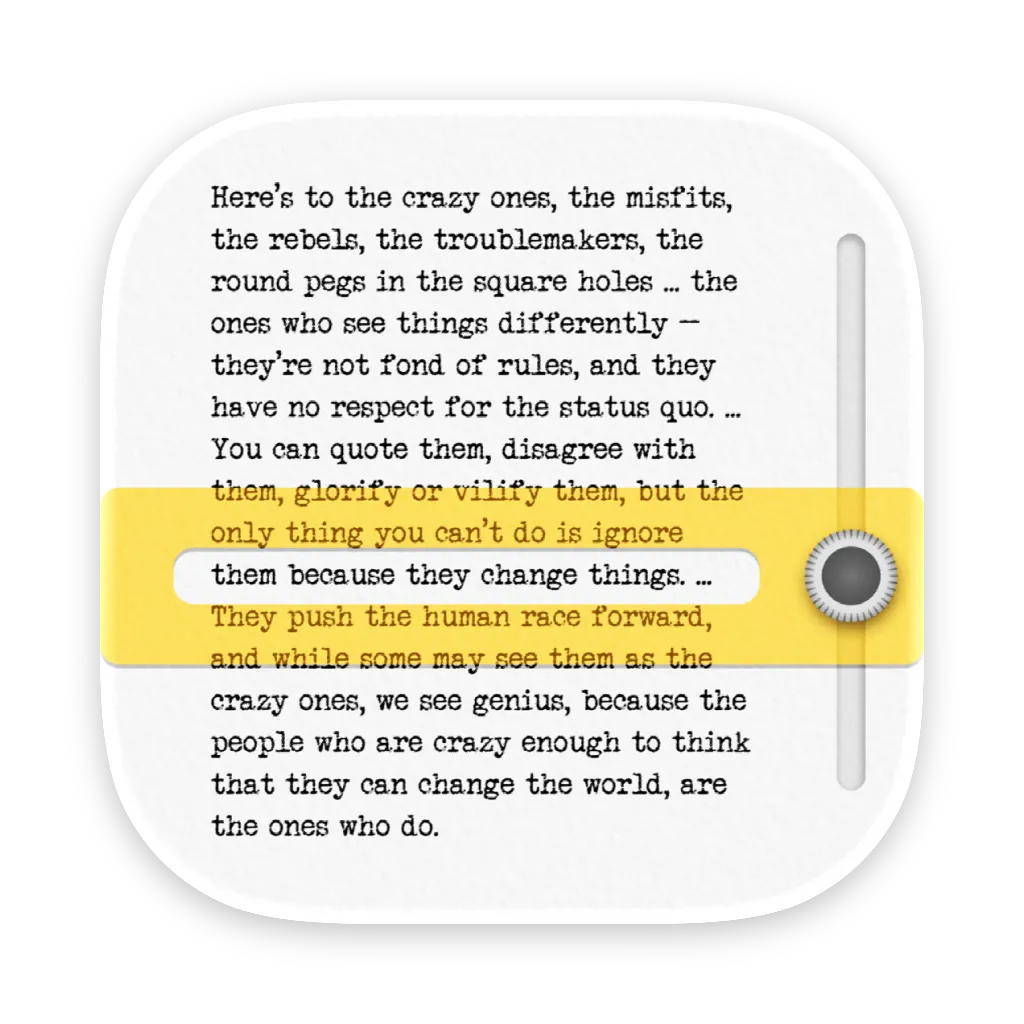
Glide creates a spotlight effect around the cursor, dimming the rest of the screen to reduce visual distractions during reading and focused work. The app maintains full screen interactivity while the dimming overlay is active, allowing users to click and interact with any screen element.
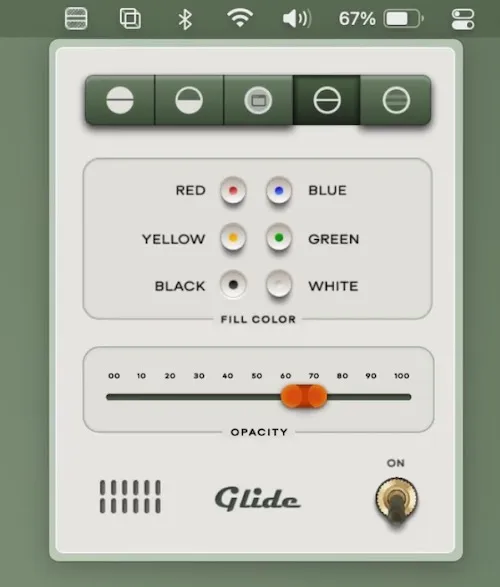
The focus area follows cursor movement, creating a guided reading experience as users scroll through documents or web pages. Customization options include adjustable focus area size and shape, variable dimming intensity, configurable reading zone height, and multiple indicator styles. A keyboard shortcut enables freezing the overlay position for referencing specific screen areas.
Key features include cursor-following spotlight, adjustable dimming intensity, customizable focus area dimensions, multiple indicator styles, and overlay freeze functionality. The app operates from the menu bar with quick activation and minimal resource usage at 9.6 MB installed size.
According to App Store privacy details, Glide collects no user data. The app uses a one-time purchase model without subscriptions or in-app purchases.
System requirements
- macOS 10.15 (Catalina) or higher
- Compatible with Apple Silicon and Intel Macs
- Available on Mac App Store ($6.99, one-time)
Limitations
The tool is optimized for reading and document-focused work. Design work, video editing, or tasks requiring full peripheral screen awareness may be hindered by the dimming effect. The app addresses a specific use case rather than serving as a general productivity tool.
Alternatives
- Hazeover: Dims background windows while keeping the active window highlighted
- macOS Focus modes: Built-in distraction reduction without visual dimming
- Reading mode extensions: Browser-specific solutions for web content focus
Users with ADHD, dyslexia, or difficulty maintaining focus during extended screen reading may find particular value in the visual isolation approach. Suitable for users who need to reduce on-screen visual noise during reading sessions and prefer cursor-guided focus tools over window-based dimming solutions.


