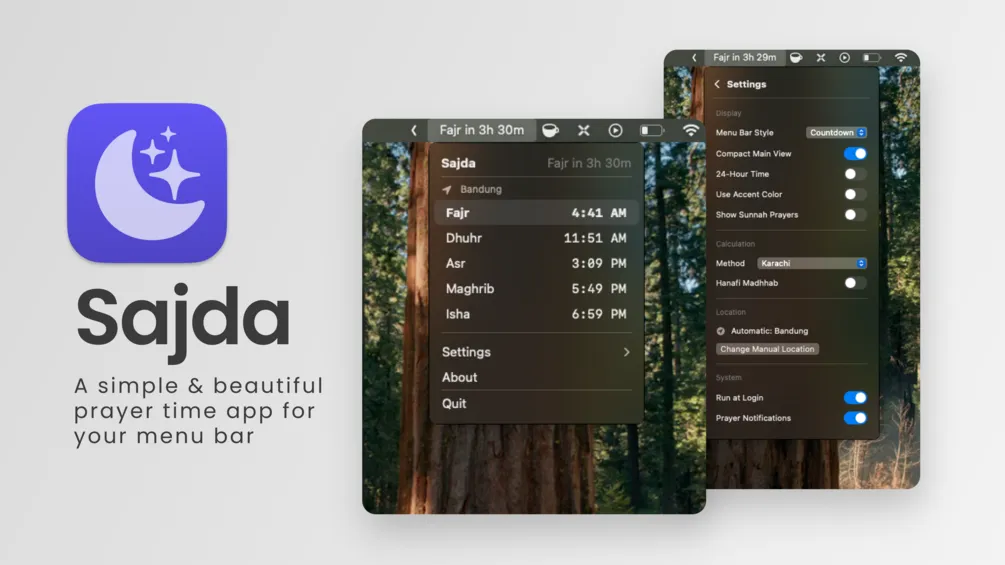
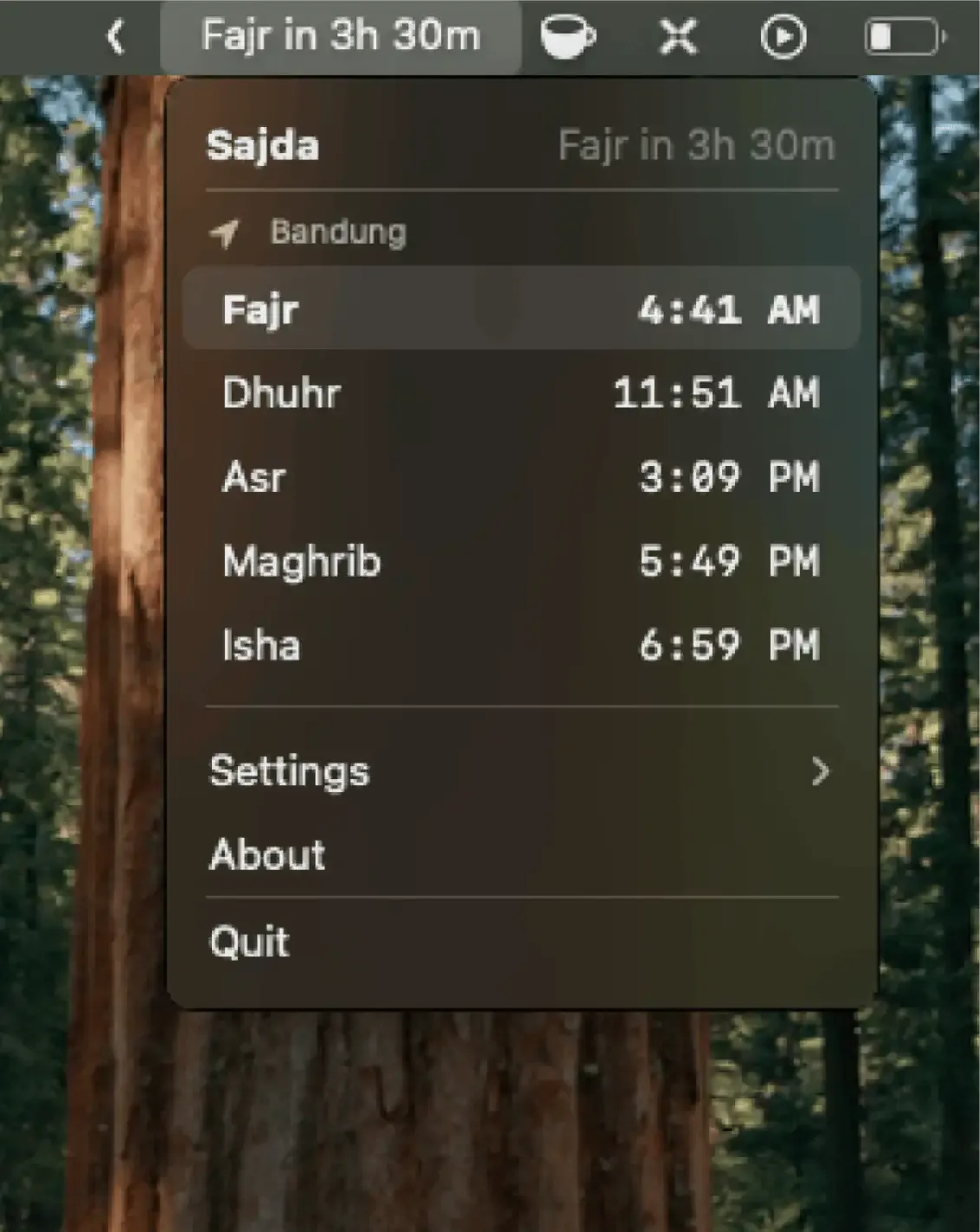
Sajda displays Islamic prayer times in the Mac menu bar with automatic location detection and customizable calculation methods. The app provides a native macOS solution for prayer time tracking without requiring browser tabs or phone apps.
The app supports multiple calculation methods including Muslim World League, Islamic Society of North America, Umm al-Qura, and others. A dedicated toggle accommodates Hanafi school Asr time calculations, and manual corrections of up to 60 minutes per prayer allow alignment with local mosque timing or regional preferences.
Display options include icon-only, countdown to next prayer, or exact time of upcoming prayer. The Pro version adds a minimal text-only style and turns the icon red when a prayer is less than 10 minutes away. Notifications integrate with macOS native alerts, with Pro offering customizable notification sounds.
The free Legacy version provides core functionality: accurate prayer times, location detection, calculation method selection, and basic notifications. The Pro version ($3.99, name-your-price option) adds coordinate-based location settings, smart timezone detection, live time display, customizable sounds, and multi-language interface supporting English, Arabic, and Indonesian with proper right-to-left text support.
System requirements include macOS Ventura 13.0 or later, with compatibility for both Apple Silicon and Intel Macs. The app runs with minimal resource usage. Being open-source allows technically inclined users to verify calculation methods and contribute improvements.
Limitations include an intentionally minimal interface that lacks features some users may expect, such as widgets or Qibla direction. Users seeking feature-rich prayer apps may find the focused approach too bare.
Alternatives include Athan Pro and Islamic Finder, which offer broader feature sets including Qibla compass and Islamic calendar integration.
Suitable for users who need reliable prayer time tracking on Mac, prefer native apps over web-based solutions, or value open-source transparency in religious software.


