
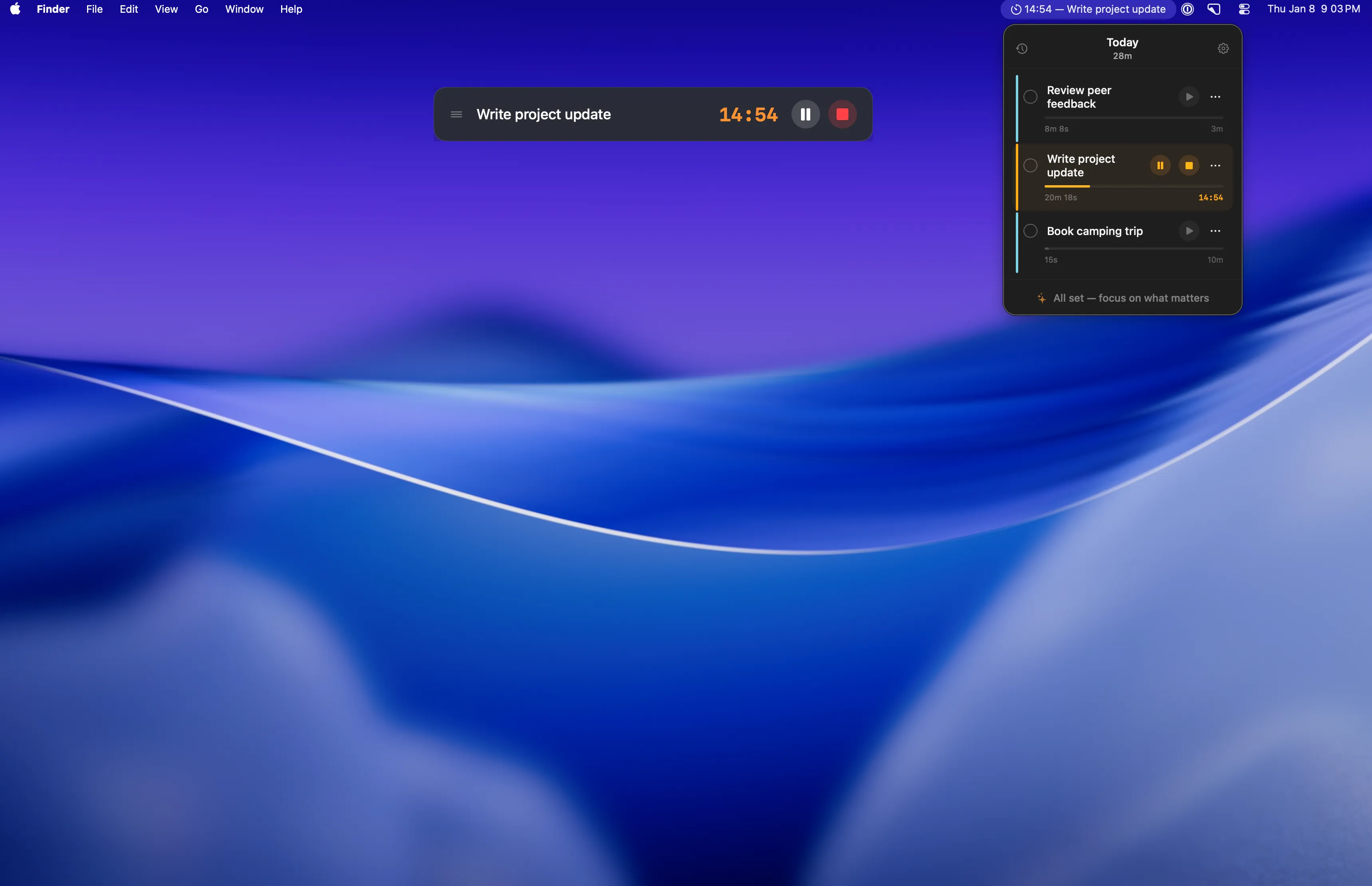
GoTrio is a constraint-based task manager that enforces a strict limit of three concurrent tasks. The app lives in the menu bar and displays current priorities, forcing users to make deliberate choices about what deserves attention rather than accumulating endless to-do items.
The interface provides core task management functions: marking tasks complete, adding new tasks (only when fewer than three exist), and starting a built-in focus timer. The timer supports Pomodoro-style work sessions with customizable durations, allowing users to choose traditional intervals or adjust based on task requirements.
A distinctive design choice is the completion flow. When a task is finished, the app immediately prompts users to fill the empty slot, creating a deliberate rhythm of prioritization rather than task accumulation. This approach differs from feature-rich task managers by removing the options for tags, projects, subtasks, or batching—the three-task limit is absolute.
The interface is intentionally minimal with no themes, customization options, or external integrations. All data remains local to the device. Resource usage is efficient, with approximately 80MB memory consumption and negligible CPU impact during background operation.
System requirements
- macOS 14 (Sonoma) or later
- Available on Mac App Store ($4.99, one-time purchase)
Limitations
- No cross-device sync or cloud backup
- No calendar integration or due date support
- Cannot create subtasks or group related items
- Strictly local storage with no export functionality
- No customization for interface appearance
Alternatives
- Things 3 - Full-featured task manager with projects and areas
- Focused Work - Timer-focused productivity app with task integration
- Due - Reminder app with persistent notifications
Suitable for users who struggle with task list overwhelm and need external constraints to force daily prioritization decisions.


